Shopping Cart



Phishing Prevention Strategies Every IT Manager Needs in 2026
Discover the most effective phishing prevention strategies for 2026, including phishing-resistant MFA, AI-powered email security, employee training, and zero-trust security.
By Blue Edge Team | Jun 04, 2026
Phishing Prevention Strategies Every IT Manager Needs in 2026
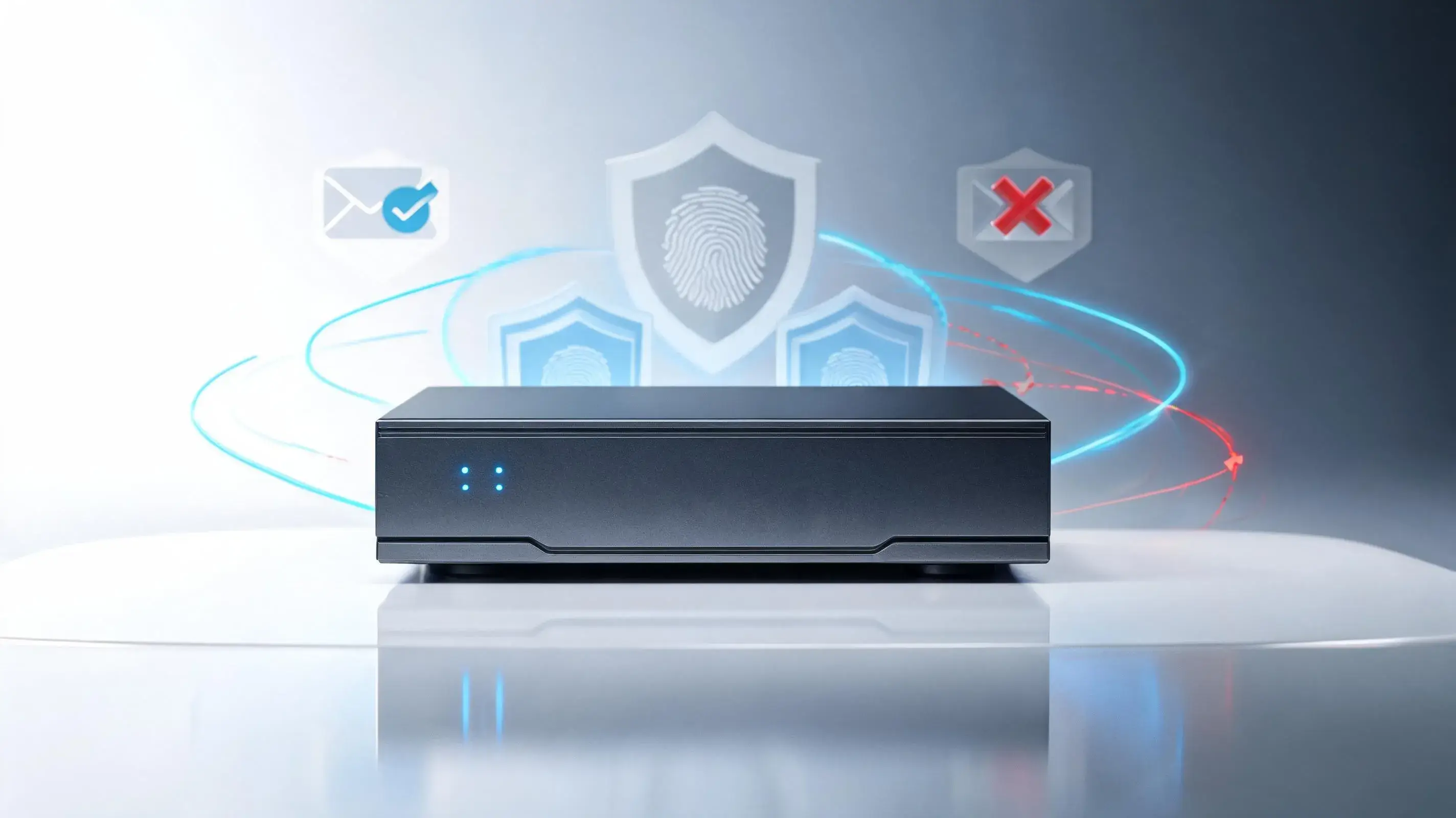
Quick answer: The most effective phishing prevention strategies for 2026 combine technical controls and human defenses: enforce phishing-resistant MFA, deploy AI-powered email filtering, run continuous security awareness training, adopt a zero-trust architecture, and maintain a tested incident response plan. No single tool stops phishing—layered defense does.
Phishing remains the most common entry point for cyberattacks, and the threat is growing more sophisticated. Attackers now use generative AI to craft flawless emails, clone voices, and personalize messages at scale. For IT managers, the stakes have never been higher: a single compromised credential can expose an entire organization.
This guide outlines the phishing prevention strategies that matter most in 2026. Each section delivers practical, actionable steps you can implement to strengthen your defenses—both at the technical layer and the human one.
Why is phishing still the top cyber threat in 2026?
Phishing succeeds because it targets people, not just systems. According to the Verizon 2024 Data Breach Investigations Report, the human element is involved in roughly 68% of breaches, with phishing among the leading attack vectors.
Three factors make phishing more dangerous in 2026:
- AI-generated content: Attackers use large language models to write grammatically perfect, contextually relevant emails that bypass traditional red flags.
- Deepfake voice and video: Vishing (voice phishing) and video impersonation now support convincing executive fraud and wire-transfer scams.
- Multi-channel attacks: Phishing has expanded beyond email to SMS (smishing), collaboration tools, and QR codes (quishing).
The takeaway is clear: defenses built only around spotting bad grammar or suspicious links are no longer enough.
What technical controls stop phishing attacks?
Technical defenses form your first line of protection. They reduce the number of malicious messages that ever reach a user.
Deploy phishing-resistant multi-factor authentication (MFA)
Standard MFA is good, but not all methods are equal. SMS and push-based codes can be intercepted or bypassed through fatigue attacks.
- Adopt FIDO2 security keys or passkeys, which resist credential phishing by binding authentication to the legitimate domain.
- Prioritize high-value accounts—administrators, finance, and executives—for the strongest protection.
Use AI-powered email security
Legacy filters catch known threats but miss novel, AI-written attacks.
- Implement email security that uses behavioral analysis to detect anomalies in sender patterns and message intent.
- Enforce DMARC, SPF, and DKIM to prevent domain spoofing and protect your brand from impersonation.
Filter links and attachments
- Enable URL rewriting and sandboxing to inspect links and files in a safe environment before users interact with them.
- Block or quarantine high-risk file types by default.
How do you build a human firewall against phishing?
Technology cannot catch everything. Your employees are the final line of defense, and they need ongoing support.
Run continuous security awareness training
One annual session is not enough. Threats evolve weekly.
- Deliver short, frequent training that reflects current attack trends, including AI-driven and multi-channel phishing.
- Tailor content by role, since finance and HR teams face different lures than engineering teams.
Conduct realistic phishing simulations
- Send regular simulated phishing tests to measure click rates and improvement over time.
- Use simulations to coach, not punish. The goal is to build confidence and reporting habits, not fear.
Make reporting easy
- Add a one-click "Report Phishing" button in your email client.
- Acknowledge every report, even false alarms, to reinforce the behavior.
What is a zero-trust approach to phishing prevention?
Zero trust assumes no user or device is automatically trustworthy. This limits the damage if credentials are stolen.
- Apply least-privilege access so users only reach the systems they need.
- Segment your network to contain lateral movement after a breach.
- Verify continuously using device health, location, and behavior signals before granting access.
For IT managers, zero trust matters most when phishing succeeds despite other defenses. It turns a potential full breach into a contained incident.
How should IT managers respond to a successful phishing attack?
Even strong defenses fail occasionally. A tested response plan determines how much damage an attack causes.
- Document an incident response plan with clear roles, escalation paths, and communication steps.
- Reset compromised credentials immediately and revoke active sessions.
- Run tabletop exercises at least twice a year to keep the team prepared.
- Review every incident to identify gaps and update your defenses.
Building a layered phishing defense for 2026
No single control will stop every phishing attempt. The strongest defense combines phishing-resistant MFA, AI-powered email security, continuous training, zero-trust access, and a tested response plan. Together, these layers reduce both the likelihood and the impact of an attack.
Start by assessing your current gaps. If you lack phishing-resistant MFA, begin there. If your training is annual, move to a continuous model. Each improvement compounds the protection of the others.
For further guidance, review the CISA phishing guidance and the NIST Cybersecurity Framework, both of which offer free, authoritative resources for building a resilient security program.
Frequently Asked Questions
-
What is the most effective phishing prevention strategy?
There is no single best strategy. The most effective approach is layered defense, combining phishing-resistant MFA, AI-powered email filtering, continuous employee training, and zero-trust access controls. This reduces both the number of attacks that reach users and the damage when one succeeds.
-
How much does phishing prevention cost?
Costs vary by organization size and toolset. Many high-impact measures—such as enforcing DMARC, enabling passkeys, and deploying a report-phishing button—are low-cost or built into existing platforms. Larger investments include AI-powered email security and dedicated training programs.
-
How often should employees receive phishing training?
Annual training is no longer sufficient. Deliver short, frequent training—ideally monthly or quarterly—supported by regular phishing simulations. This keeps employees aware of evolving threats, including AI-generated and multi-channel attacks.
-
What is phishing-resistant MFA?
Phishing-resistant MFA uses authentication methods that cannot be easily intercepted or replayed, such as FIDO2 security keys and passkeys. Unlike SMS codes or push notifications, these methods bind authentication to the legitimate website, blocking credential theft.
-
Who is most at risk from phishing in an organization?
High-value targets include executives, finance and HR staff, and IT administrators. These roles have access to sensitive data, funds, or systems, making them frequent targets for spear-phishing and business email compromise (BEC).