Shopping Cart



How to Run Effective Hybrid Meetings With the Right Technology
Learn how to run effective hybrid meetings using the right video conferencing tools, collaboration platforms, audio systems, and meeting room technology.
By Blue Edge Team | Jun 10, 2026
How to Run Effective Hybrid Meetings With the Right Technology
TL;DR: Effective hybrid meetings require the right combination of video conferencing tools, audio equipment, collaboration platforms, and structured meeting practices. Organizations that invest in purpose-built hybrid meeting technology report higher engagement, fewer technical disruptions, and more equitable participation between remote and in-office attendees.
Hybrid meetings are now a permanent fixture of modern work—yet most organizations still struggle to run them well. Remote participants feel like an afterthought. In-room audio cuts out. Side conversations exclude half the team. The result? Disengagement, miscommunication, and wasted time.
The good news: these problems are largely solvable. With the right technology stack and a disciplined meeting structure, hybrid meetings can be just as productive—often more so—than fully in-person sessions. This guide breaks down exactly what it takes to make that happen.
What Makes Hybrid Meetings Fail—and Why Technology Is the Fix
Most hybrid meeting failures trace back to one of three causes: poor audio quality, unequal participation, and lack of shared collaboration tools.
A 2023 report by Owl Labs found that 70% of hybrid workers say they feel excluded from in-room conversations during meetings. That's not a people problem—it's a technology and setup problem.
When remote attendees can't hear clearly, can't see the whiteboard, or can't access shared documents in real time, they disengage. Addressing these gaps with purpose-built tools transforms the hybrid meeting experience.
What Are the Essential Technologies for Hybrid Meetings?
- 1. Professional-Grade Video Conferencing Platforms
The foundation of any hybrid meeting is a reliable video conferencing platform. Leading solutions include:
- Microsoft Teams — Best for organizations already using Microsoft 365, with deep integration across calendar, file sharing, and chat.
- Zoom Meetings — Known for stability, ease of use, and broad device compatibility.
- Cisco Webex — Preferred in enterprise environments for its advanced security and AI-powered noise cancellation.
Choose a platform based on your organization's existing infrastructure, security requirements, and the size of your typical meetings.
- 2. High-Quality Audio and Camera Equipment
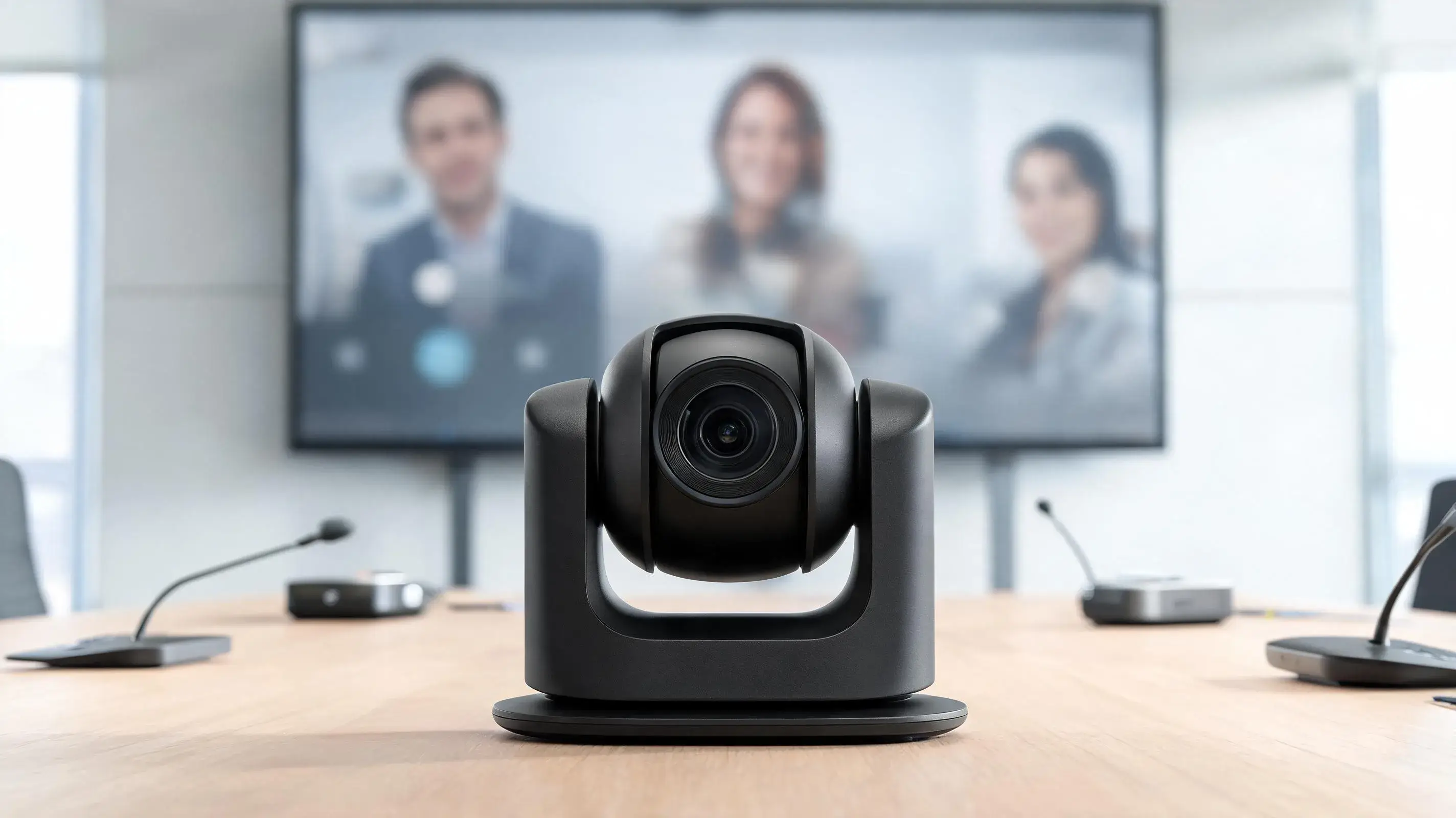
Standard laptop microphones and webcams are insufficient for professional hybrid meetings. Key hardware investments include:
- Speakerphone systems (e.g., Poly Sync, Jabra Speak) — Provide 360-degree audio pickup for conference rooms, ensuring remote participants hear every voice clearly.
- PTZ (pan-tilt-zoom) cameras — Track speakers automatically and provide high-definition video coverage of the entire room.
- Noise-canceling headsets — Essential for remote participants in open or noisy environments.
Audio quality has a greater impact on meeting effectiveness than video quality. Prioritize it accordingly.
- 3. Real-Time Collaboration and Whiteboarding Tools
Hybrid meetings require shared digital workspaces that give every participant equal access to content—regardless of location.
- Miro and MURAL — Digital whiteboards that support brainstorming, diagramming, and visual collaboration in real time.
- Google Workspace and Microsoft 365 — Enable simultaneous document editing, reducing the reliance on screen sharing alone.
- Slido and Mentimeter — Live polling and Q&A tools that encourage engagement from all participants, especially those joining remotely.
- 4. Meeting Room Management and Scheduling Systems
Coordinating hybrid meetings across time zones and room availability adds operational complexity. Room booking platforms such as Robin, Condeco, and Microsoft Places help teams:
- View real-time room availability and capacity.
- Automatically configure AV equipment for scheduled meetings.
- Track room utilization to inform future technology investments.
How Should You Structure a Hybrid Meeting for Maximum Effectiveness?
Technology alone does not guarantee a productive meeting. Structure and facilitation are equally important.
Before the meeting:
- Share the agenda at least 24 hours in advance.
- Test all AV equipment and confirm platform access for remote participants.
- Assign a dedicated meeting facilitator responsible for managing both in-room and remote attendees.
During the meeting:
- Open every meeting by acknowledging remote participants directly.
- Use a "camera-on" policy where feasible to maintain visual engagement.
- Leverage polling or chat features to give remote attendees equal opportunity to contribute.
- Designate someone to monitor the chat feed and surface remote questions in real time.
After the meeting:
- Record the session and share it with attendees who could not join live.
- Distribute meeting notes and action items within 24 hours using a shared collaboration platform.
- Solicit feedback on meeting effectiveness to continuously improve the format.
What Hybrid Meeting Setup Is Right for Your Organization?
The right configuration depends on your team size, meeting frequency, and budget.
- Small teams (under 10 people): A professional webcam, a quality speakerphone, and a standard video conferencing platform is sufficient.
- Mid-size teams (10–50 people): Invest in dedicated meeting room hardware—PTZ cameras, ceiling microphone arrays, and a room management system.
- Enterprise organizations (50+ people): Purpose-built hybrid meeting rooms with integrated AV systems, managed by IT, and connected to enterprise collaboration platforms are the appropriate standard.
Whichever configuration you adopt, consistency across meeting rooms matters. Teams perform better when every room uses the same equipment and platform, reducing the learning curve and minimizing technical issues.
Frequently Asked Questions
-
What is the most important technology for a hybrid meeting?
Audio quality is the single most critical factor. Participants who cannot hear clearly disengage quickly. A dedicated speakerphone or ceiling microphone system should be the first hardware investment for any hybrid meeting room.
-
How can I make remote participants feel more included in hybrid meetings?
Use engagement tools such as live polling, shared digital whiteboards, and dedicated chat monitors. Begin every meeting by directly addressing remote attendees, and assign a facilitator to actively draw them into the discussion.
-
What video conferencing platform is best for hybrid meetings?
Microsoft Teams suits organizations using Microsoft 365. Zoom is ideal for cross-platform simplicity. Cisco Webex is preferred for enterprise security requirements. The best choice depends on your existing systems and team size.
-
How do I reduce technical issues in hybrid meetings?
Standardize equipment and platforms across all meeting rooms. Conduct a tech check before every meeting. Designate an IT contact for rapid troubleshooting during sessions.
-
Should hybrid meetings always be recorded?
Recording is strongly recommended. It supports participants in different time zones, provides a reference for action items, and ensures nothing critical is lost if technical issues occur during the live session.
Build a Hybrid Meeting Environment That Performs
Effective hybrid meetings do not happen by accident. They are the result of deliberate technology choices, structured facilitation, and consistent practices across your organization.
Start by auditing your current setup—identify where audio, video, or collaboration gaps exist. Then build incrementally: upgrade your most-used meeting rooms first, standardize your platform, and train your facilitators.
Ready to upgrade your hybrid meeting infrastructure? Contact our technology solutions team today to schedule a consultation and find the right configuration for your organization.