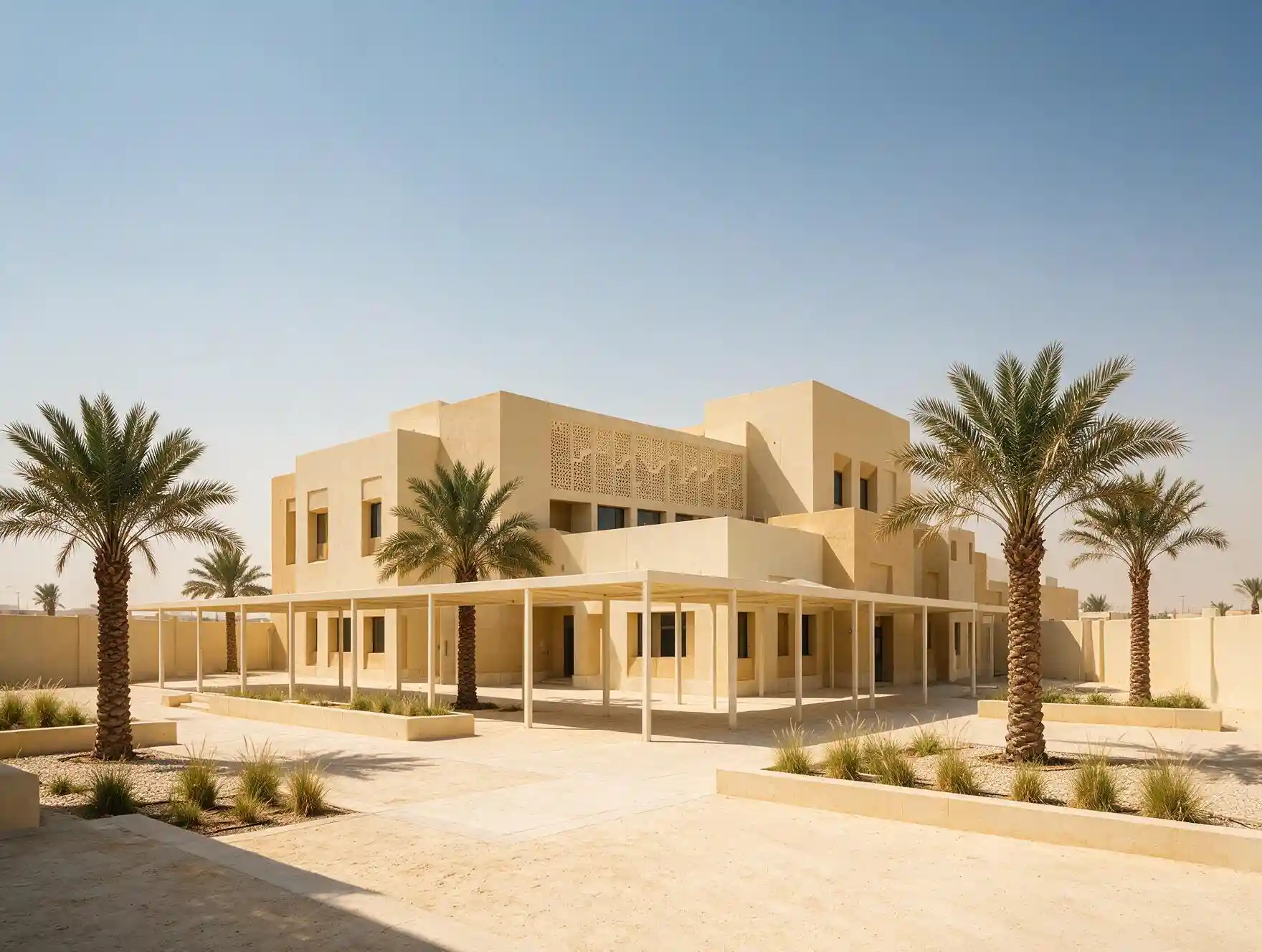
Smart Campus & School Building Solutions in Saudi Arabia
Classroom displays teachers keep using, gate and building access control, and the network underneath both — specified, supplied and supported across the Kingdom by Blue Edge.


 Government, private & international schools
School technology does not usually fail. It gets abandoned.
A campus buys forty interactive displays. Eighteen months later a third of them are being used as ordinary whiteboards and a few are switched off at the wall. Nothing is broken. Nobody logged a fault. The teachers simply stopped.
That is the failure mode nobody specifies against, and it is the one that actually decides whether the money was worth spending. Everything on this page is chosen to prevent it rather than to win a specification comparison.
Every decision you make once gets multiplied by forty
An office has six meeting rooms and specifies each one to its size. A school has forty classrooms that are all the same size, all used the same way, six periods a day, by staff who move between them constantly.
That inverts the advice. In an office, varying the specification room by room is good practice. On a campus it is the mistake — because the constraint is not budget, it is support capacity and teacher familiarity, and both of those reward one identical setup everywhere.
The same multiplication applies to friction. A delay that would be a shrug in a meeting room becomes a structural loss when it happens in every room, every period, every day.
This is an illustration rather than a measurement — put your own numbers in and the shape does not change. Three minutes is a conservative figure for finding a cable, waking a screen and getting a laptop to connect. Nobody logs it anywhere, which is exactly why it never gets fixed, and why it is worth more than any feature on a specification sheet.
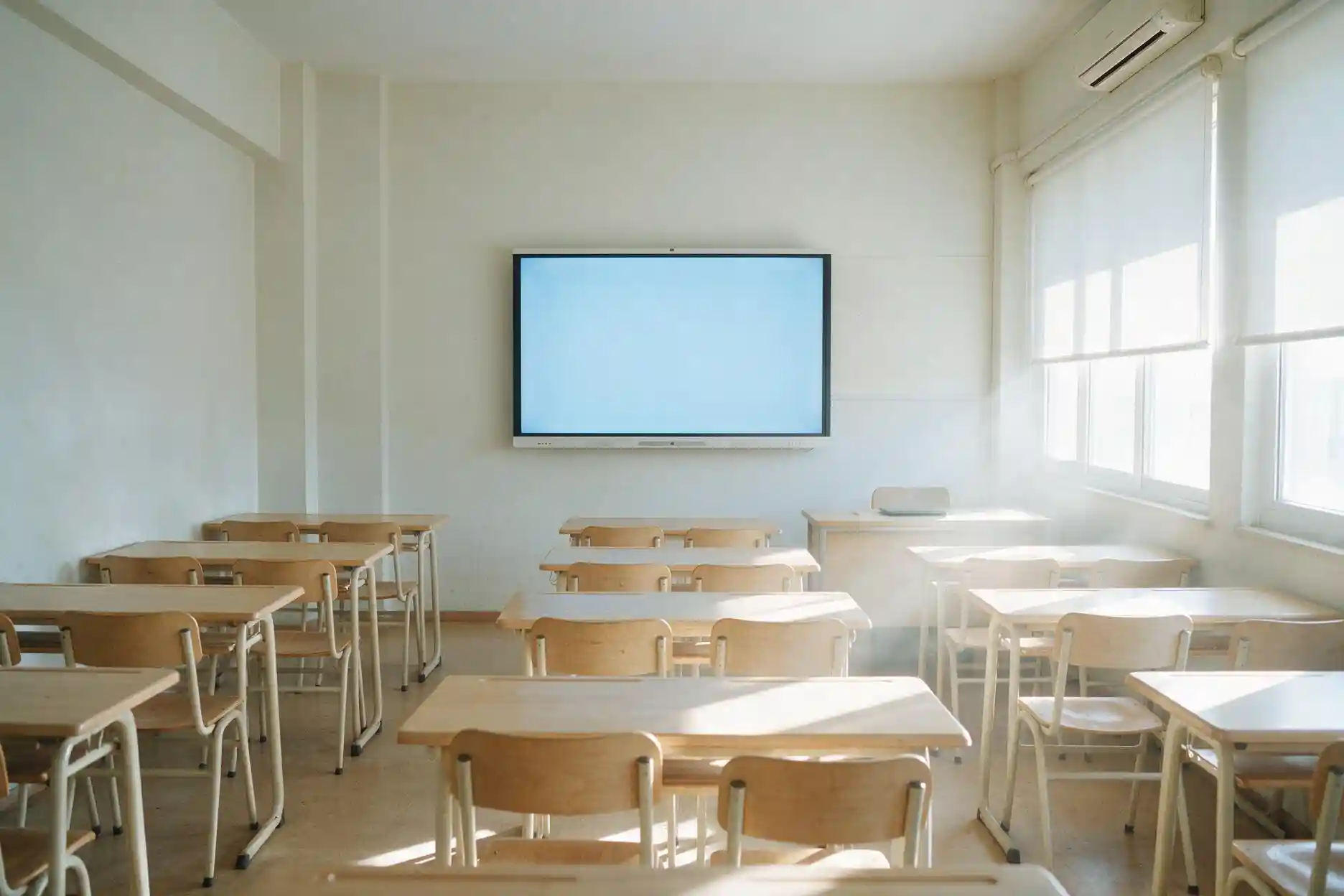
Specify for writing, not for the demonstration
Classroom displays get chosen at a demonstration, where somebody shows video playback and a video call. Neither is what the screen does for six hours a day. It gets written on.
So the two specifications that actually matter in a classroom are touch accuracy and writing latency — whether the ink appears under the pen or trails behind it. A teacher who has to write slowly to keep up with the screen will go back to a marker within a month, and no amount of processing power or camera resolution changes that.
The second decision is the wake-and-share path. One tap from a phone, laptop or tablet, no client install, no cable hunt. Everything else — the camera, the microphone array, the meeting software — matters in a university lecture theatre or a training room, and matters very little in a standard classroom.
Displays we supply for Saudi classrooms and lecture theatres
Dahua interactive displays, held in stock and supported in-Kingdom. Note the selection logic here is deliberately different from an office fit-out — touch and writing first, camera second.
75 inch DeepHub Ultimate
High-precision infrared touch and a 4K DLED panel on an eight-core CPU with Android 14. The writing-first option, and the size that suits most standard classrooms. This is the volume choice on a school campus.
View the 75 inch ST470-L-S286 inch DeepHub Ultimate
Same platform and the same interface at a larger size, for classrooms where the back row sits beyond about five metres. Standardising on one platform across both sizes is what keeps cover teachers able to walk into any room.
View the 86 inch ST470-L-S265 inch DeepHub Ultimate
For small group rooms, resource rooms, early years and specialist spaces. Worth keeping on the same series rather than dropping to a different platform to save on three rooms.
View the 65 inch ST470-L-S275 inch Smart Interactive Whiteboard
4K display with a 4K interface, 40 W two-channel audio and one-click sharing from phone, laptop or tablet. Suited to staff rooms, departmental meeting rooms and administration areas rather than teaching spaces.
View the 75 inch MC470-C86 inch with AI camera & mic array
Android 14, 20 GB RAM, an AI camera with auto-framing and voice tracking, and a 16-array microphone with 8 to 12 metre pickup. This is where the camera earns its cost — recorded or remote lectures, not a standard classroom.
View the 86 inch MC470-P98 inch with AI camera & mic array
The largest panel in the range, for auditoriums, assembly halls and large training rooms where the furthest seat is well beyond classroom distance. Usually one or two per campus, not a fleet purchase.
View the 98 inch MC470-PBrowse the range
Dahua also produces a dedicated Education Series. Ask us for the current line-up and pricing — get in touch and we will send the schedule against your room count.
Two of everything, and a boundary between them that has to hold
Schools in the Kingdom are gender-segregated, and on many sites that means two separate buildings or two separate schools sharing a plot, an administration and a boundary wall. A specification written for a single campus will be wrong twice over.
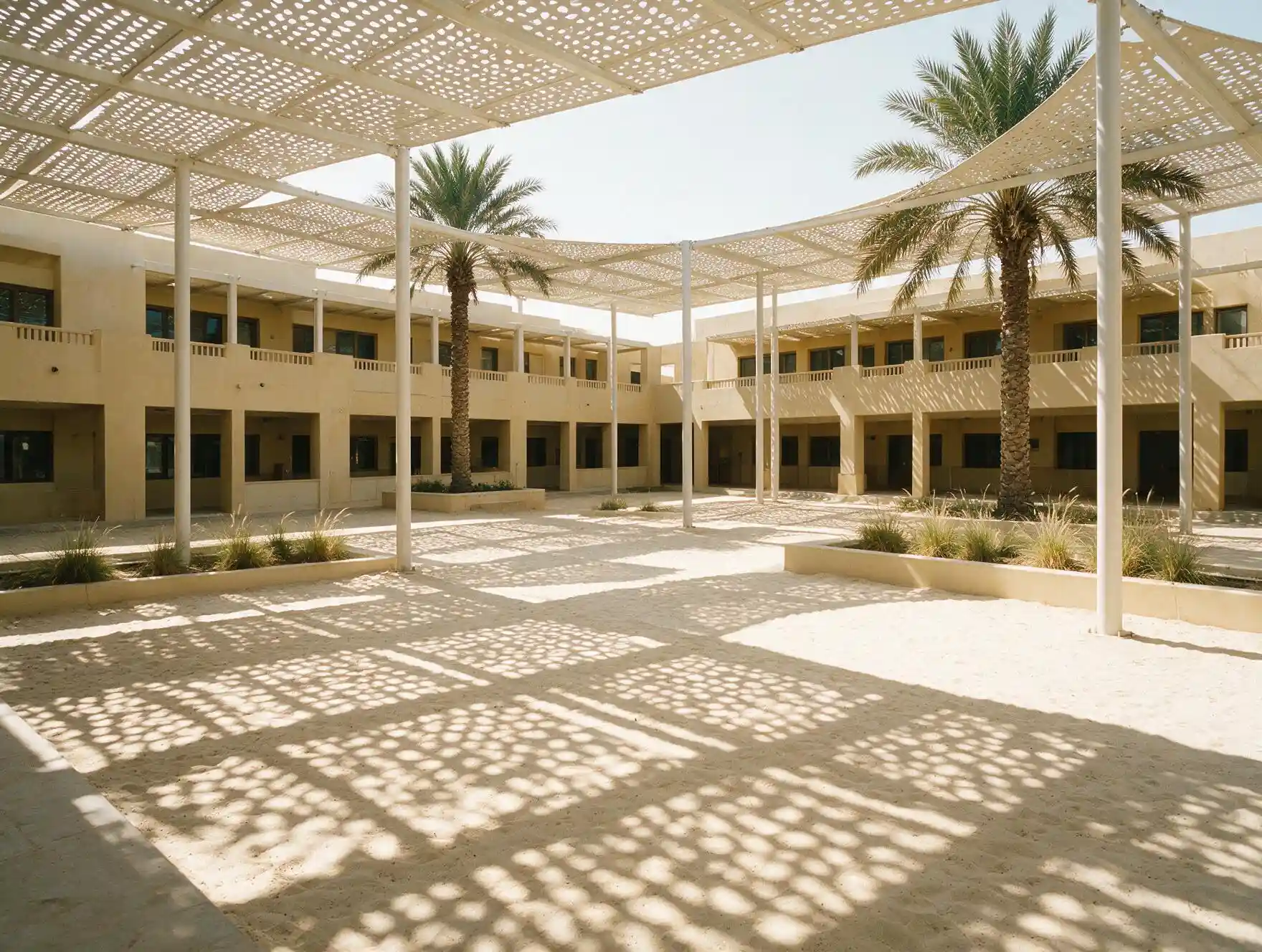
Duplicate the whole system, not the hardware count
Each side needs its own gate, its own access administration and its own network segment, not one system with the devices doubled.
A controlled boundary between the two
Connecting doors and shared service routes need proper access control, and they are the doors most often left on a padlock.
Separate administration
Each side's credential list held by its own administration, with a defined route for shared staff and maintenance.
Shared plant, split services
The network core, comms room and internet connection are usually shared, and the segmentation across them has to be designed rather than assumed.
None of this is difficult. It is just consistently missed by suppliers who quote from a floor plan without asking how the campus actually operates.
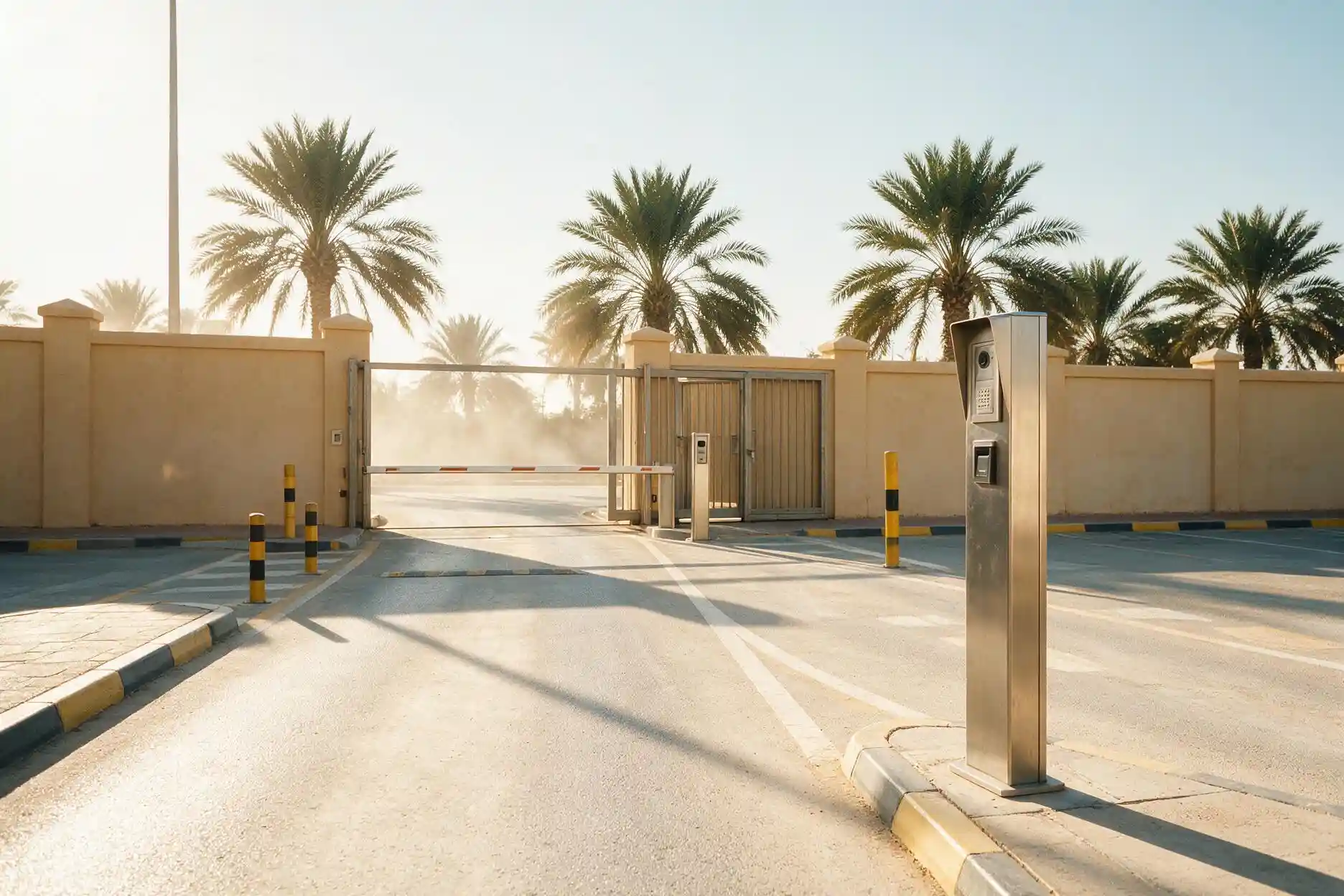
The hardest fifteen minutes of the school day
Dismissal concentrates the entire parent body into one quarter of an hour at one gate, almost all of it by car, much of it with drivers rather than parents collecting. It is the moment a campus is least able to verify who is taking whom, and the moment it matters most.
Access control does not solve dismissal on its own — process does. What it can do is make the process workable: a credential for the authorised collector rather than a name on a list at a gate house, an intercom at the gate that reaches the school office instead of a guard's personal phone, and vehicle recognition for registered staff so the lane keeps moving.
The rest of the day the same gate has a different job: contractors, deliveries and visitors arriving one at a time, each of whom should be on a credential that expires by itself rather than a signature in a book nobody reads.
Akuvox intercom at every gate
Routed to the school office, not to whoever is standing nearest.
Time-bound contractor and visitor credentials
Issued for the visit, expiring on their own.
Staff and building access by role
Teaching staff, administration, facilities and cleaning on separate scopes.
Controlled entry to the rooms that need it
Laboratories, chemical and equipment stores, plant rooms, records, and the server room.
What changes between a school, a college and a university campus
| Institution | Display priority | Access priority | Where it usually goes wrong |
|---|---|---|---|
| Government school | One identical model across every classroom, writing-first | Gate, perimeter, laboratories and stores | Procured by lowest price per unit, with no allowance for training or support after handover |
| Private & international school | Same, plus recording capability in a hall or theatre | Gate, dismissal process, visitor management, staff areas | Parent-facing expectations drive the specification ahead of what teachers will actually use daily |
| Kindergarten & early years | Smaller panels, mounted low, robustness over specification | The tightest entry control on any campus type, and collection verification | Screens mounted at adult height and specified like a classroom for older students |
| University campus | Lecture theatres with camera and microphone, seminar rooms without | Buildings, labs, research areas and out-of-hours access by faculty | Each faculty buys separately and the campus ends up supporting five different platforms |
| Technical & vocational | Workshop-grade mounting and content shared to multiple screens | Workshops, machinery areas, tool and material stores | Consumer-grade equipment specified for a workshop environment it will not survive |
Key takeaway: the failure is the same shape at every institution type — the specification is written for the purchase rather than for the second year of use. A campus that standardises on one platform and budgets for repeat training will get more out of forty mid-range displays than out of forty premium ones bought piecemeal.
Cameras on a school campus: where, and where not
Where surveillance is in scope we supply Axis network cameras, quoted separately from the work described here.
This is a position rather than a default setting and it holds even where a client asks otherwise. If interior classroom surveillance is a requirement, another supplier is a better fit for that part of the scope.
What sits outside our scope
We do not supply learning management systems, student information systems, examination software or classroom management software. Those are education software categories with their own procurement, and the display is a screen they run on rather than a replacement for them.
We also do not run the training programme beyond handover. We will tell you at design stage that repeat training is the difference between forty used screens and forty ignored ones — but delivering it termly is a school responsibility, and it should be in someone's job description before the equipment is ordered.
What we do supply
Dahua interactive displays
Classroom, lecture theatre, staff room and hall, from the range above. Browse all Dahua displays or interactive screens.
Akuvox
Gate and building intercom, access control for laboratories, stores, plant and records, and vandal-resistant stations for exposed entrances. See the Akuvox partner page for the wider range.
Networking
Cisco switching, wireless and PoE distribution, with classroom wireless sized for a full class of devices rather than for staff headcount.
Send the room count and the term dates
Number of classrooms, number of halls and lecture theatres, whether the campus is gender-segregated, and when your holiday windows fall. That last one decides the whole programme — a campus can be fitted out properly in a summer break or badly across a term. We will come back with a room-by-room display schedule, an access scope and a priced bill of quantities in Saudi Riyals.
Campus questions we get asked
01 What size interactive display does a classroom need?
75 inch suits most standard classrooms, 86 inch where the back row sits beyond about five metres, and 65 inch for small group and specialist rooms. The more important decision is to keep every room on the same series and interface, so a teacher covering another class does not face something unfamiliar. Send us a room schedule and we will size it room by room.
02 Should classroom screens have a built-in camera and microphone?
Usually not. In a standard classroom the camera and microphone array add cost for capability that is rarely used, and touch accuracy and writing latency matter far more. Specify camera and microphone models for lecture theatres, halls and any room that records or hosts remote participants, and leave them out of ordinary teaching rooms.
03 Can a campus be fitted out during a term?
It can, but a holiday window is much better. Display installation and access control phase room by room, and network cabling does not — so the cabling survey happens first and determines the sequence. Tell us your term dates at the start and the programme will be built around them rather than colliding with them.
04 Our wireless already struggles. Will screen sharing make it worse?
Almost certainly, and this is the single most common reason classroom technology gets blamed unfairly. School wireless is frequently sized for staff headcount rather than for thirty student devices in one room at the same time. We survey the wireless before quoting displays, because installing forty screens onto a network that cannot carry them produces forty abandoned screens.
05 How do you handle a gender-segregated campus?
As two systems sharing a core, not one system with double the devices. Each side gets its own gate, its own access administration and its own network segment, with a properly controlled boundary between them and a defined route for shared staff and maintenance. The connecting doors are the ones most often left on a padlock, so they are specified explicitly.
06 Where will you put cameras, and where will you not?
Perimeter, gates, car parks, main entrances, corridors and public circulation. Not classrooms, changing areas, prayer rooms, toilets, medical rooms or counselling rooms. This holds even where a client asks otherwise, and surveillance is quoted separately from the display and access work in any case.
07 Do you supply learning management or classroom management software?
No. Learning management systems, student information systems, examination platforms and classroom management software are separate education software categories with their own procurement. We supply the displays, access control and network they run on.
08 Who supports it after handover?
Blue Edge, from Dammam, in-Kingdom. Your IT and facilities staff are trained on the admin side at handover and configurations are documented rather than left with the installer, with spares from local stock rather than an overseas RMA queue. Repeat teacher training each term is the part that has to sit with the school, and it is worth naming an owner for it before the equipment arrives. Call +966 53 9855 188 to discuss a specific campus.
Talk to Blue Edge about your campus
Blue Edge has always embraced our clients and partners as part of our team. Every project is performed with open communication, and a mutual respect with our clients provides the groundwork for our success.