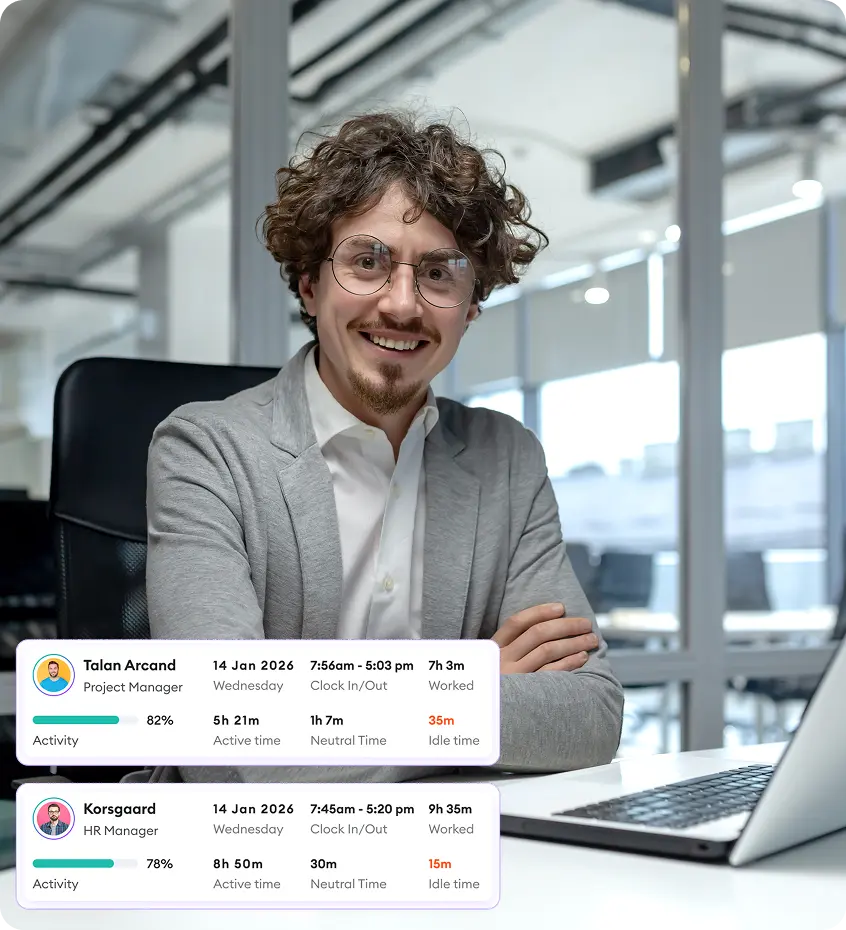

Automated time tracking
Start a timer with one click, or let the desktop app track work time by project and task, online or offline.
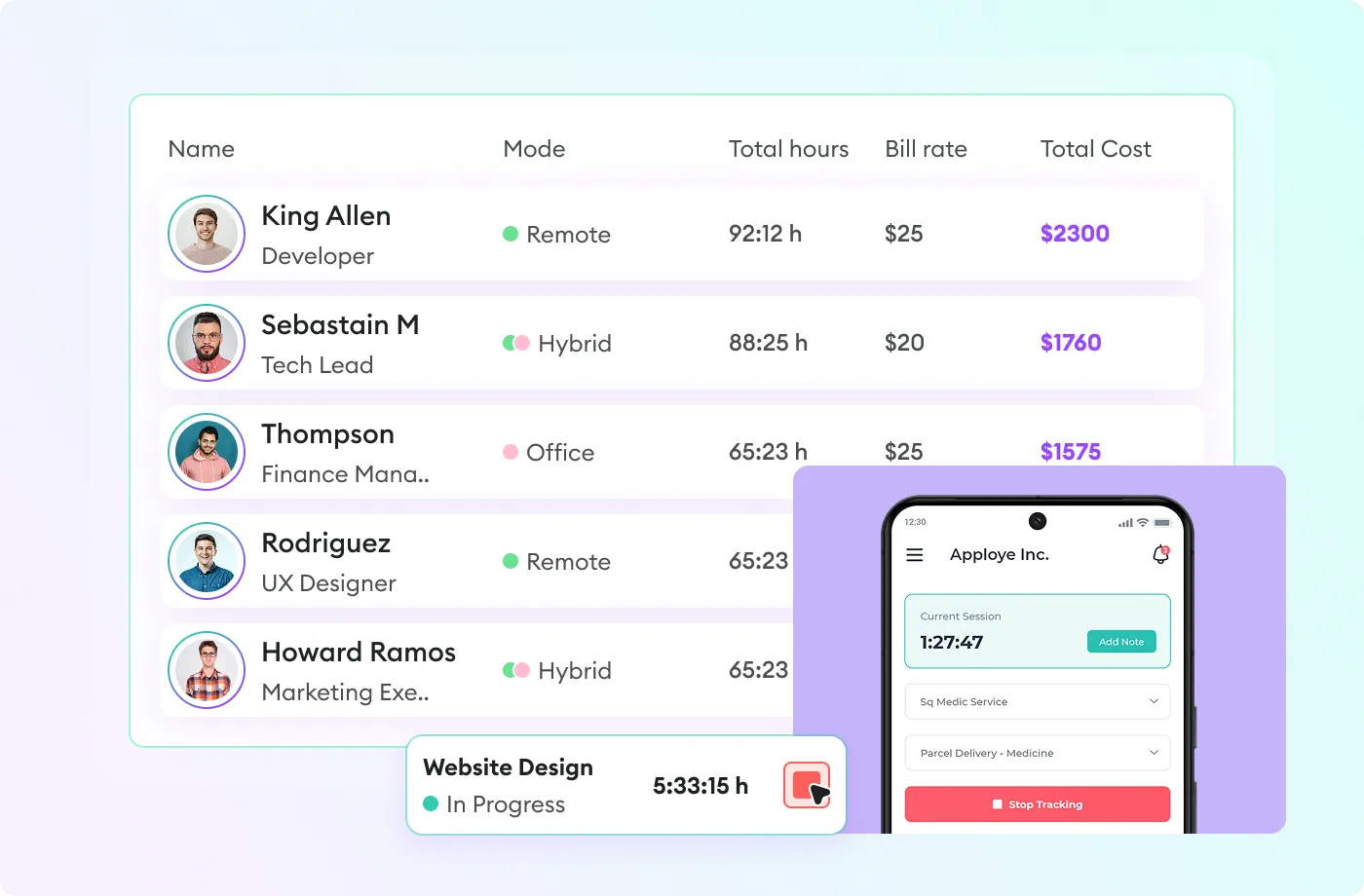


Time tracking, timesheets, payroll and client invoicing for office, remote and field teams, set up and supported in Saudi Arabia by Blue Edge.
Apploye records time as people work, on a desktop, a phone or in the browser, and turns it into timesheets, payroll and client invoices without a spreadsheet in between. Managers see projects and budgets in real time; staff see their own hours and nothing is hidden from them.
Turn on the parts you need. Leave the rest switched off.
Start a timer with one click, or let the desktop app track work time by project and task, online or offline.
Daily, weekly and monthly timesheets built from tracked time, with manager approval.
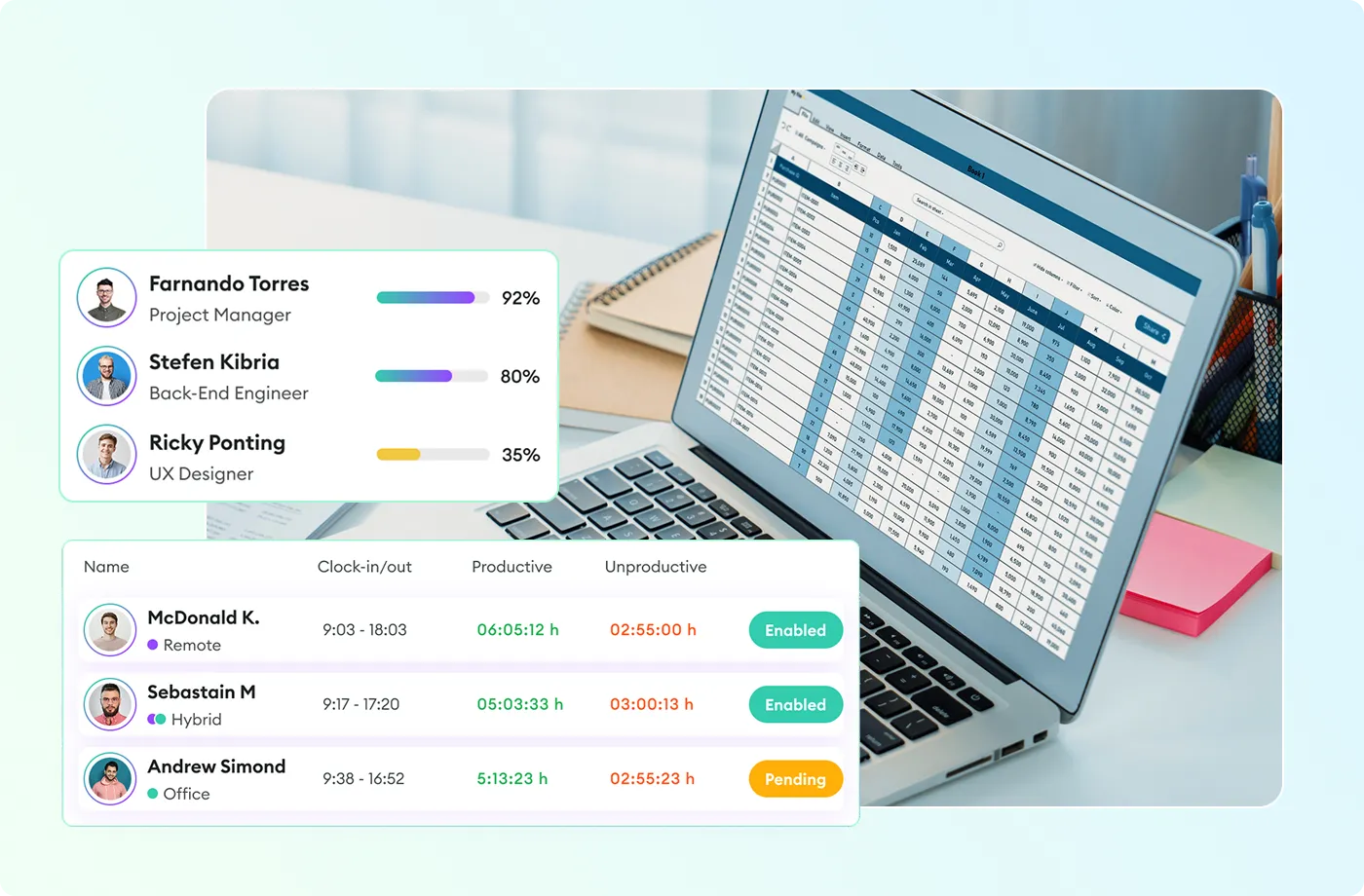
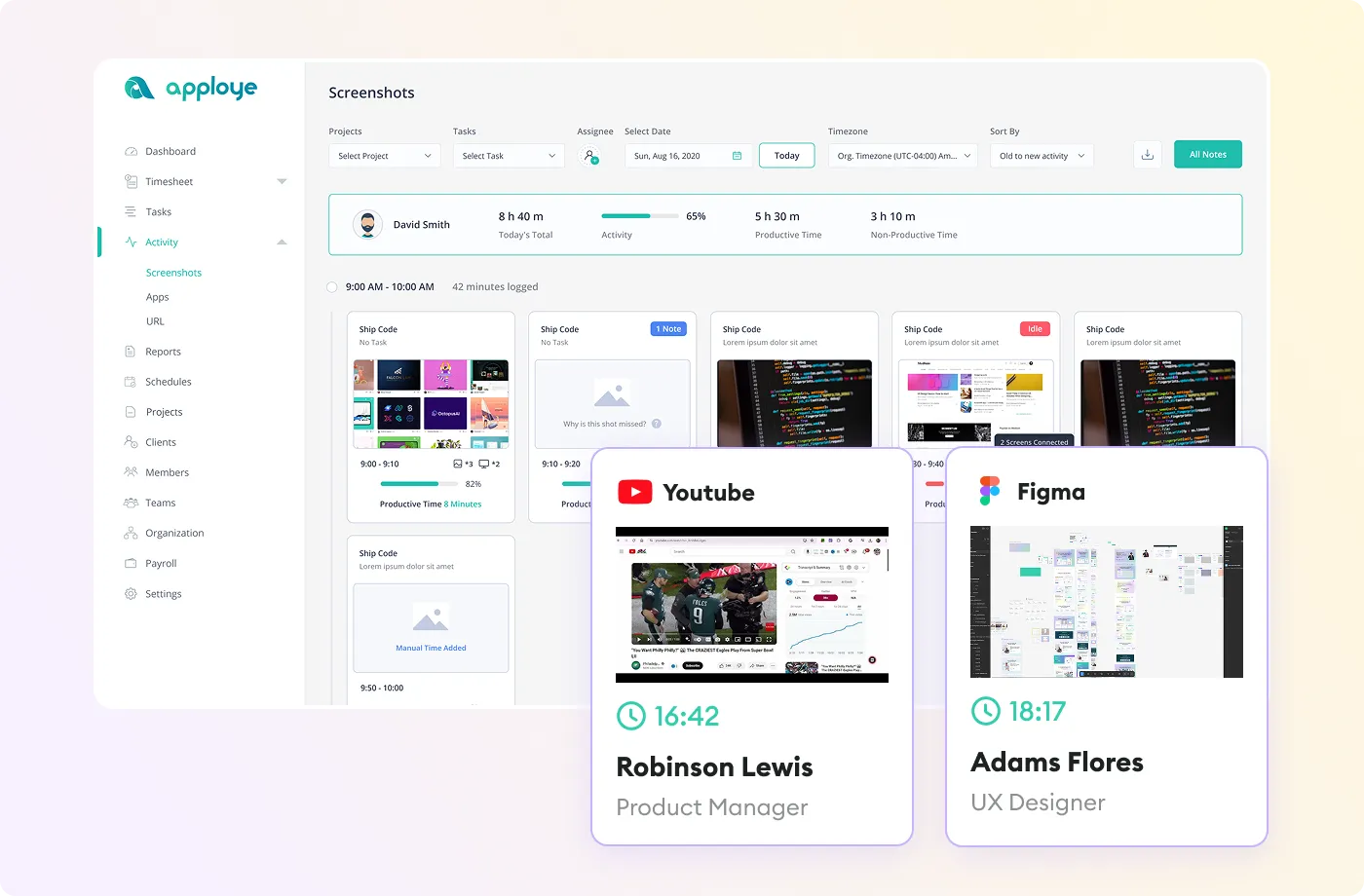
Optional, with blur and a frequency you choose, for teams whose policy calls for it.
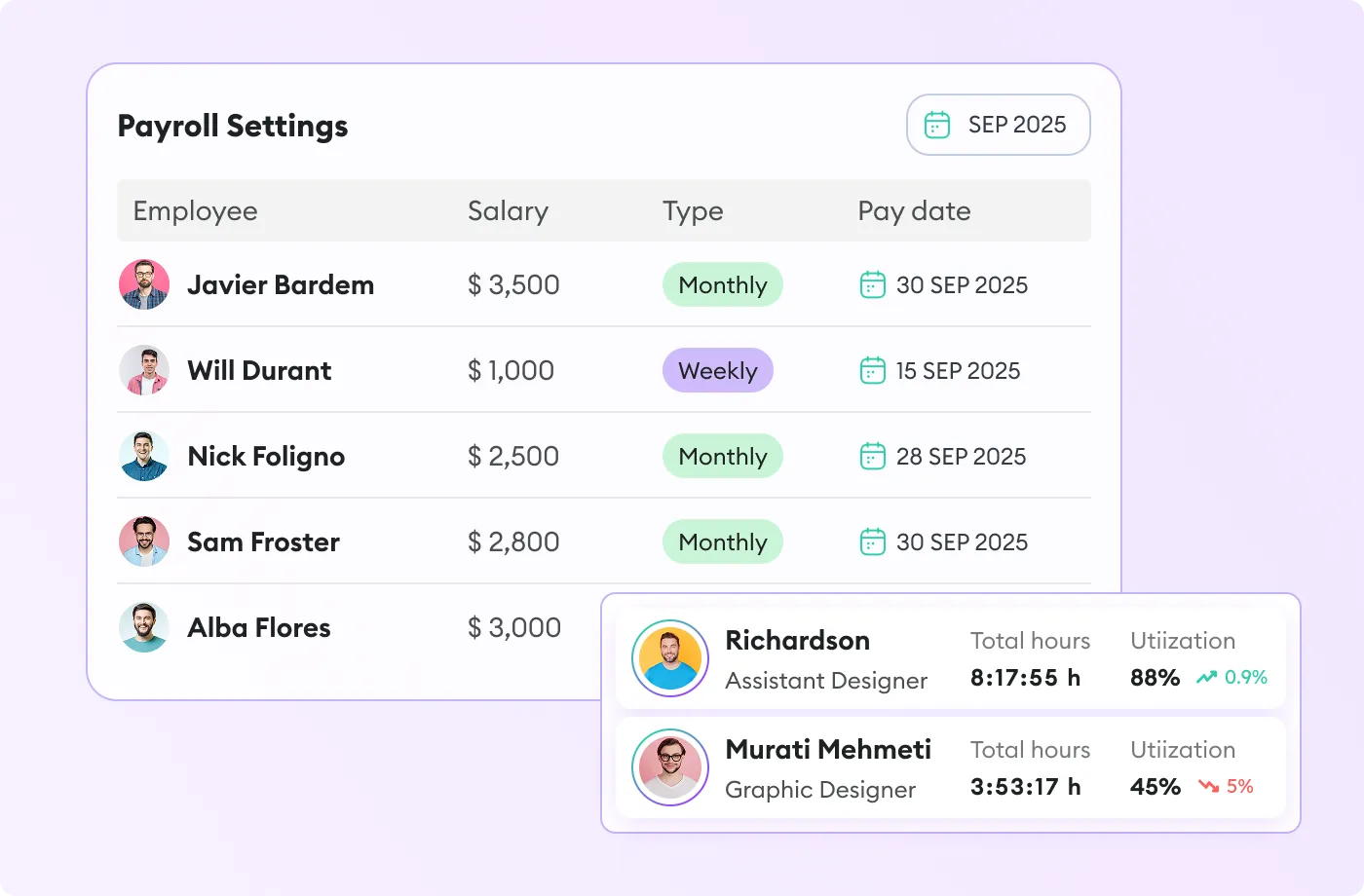
Hourly or fixed pay calculated from approved time, weekly or monthly.
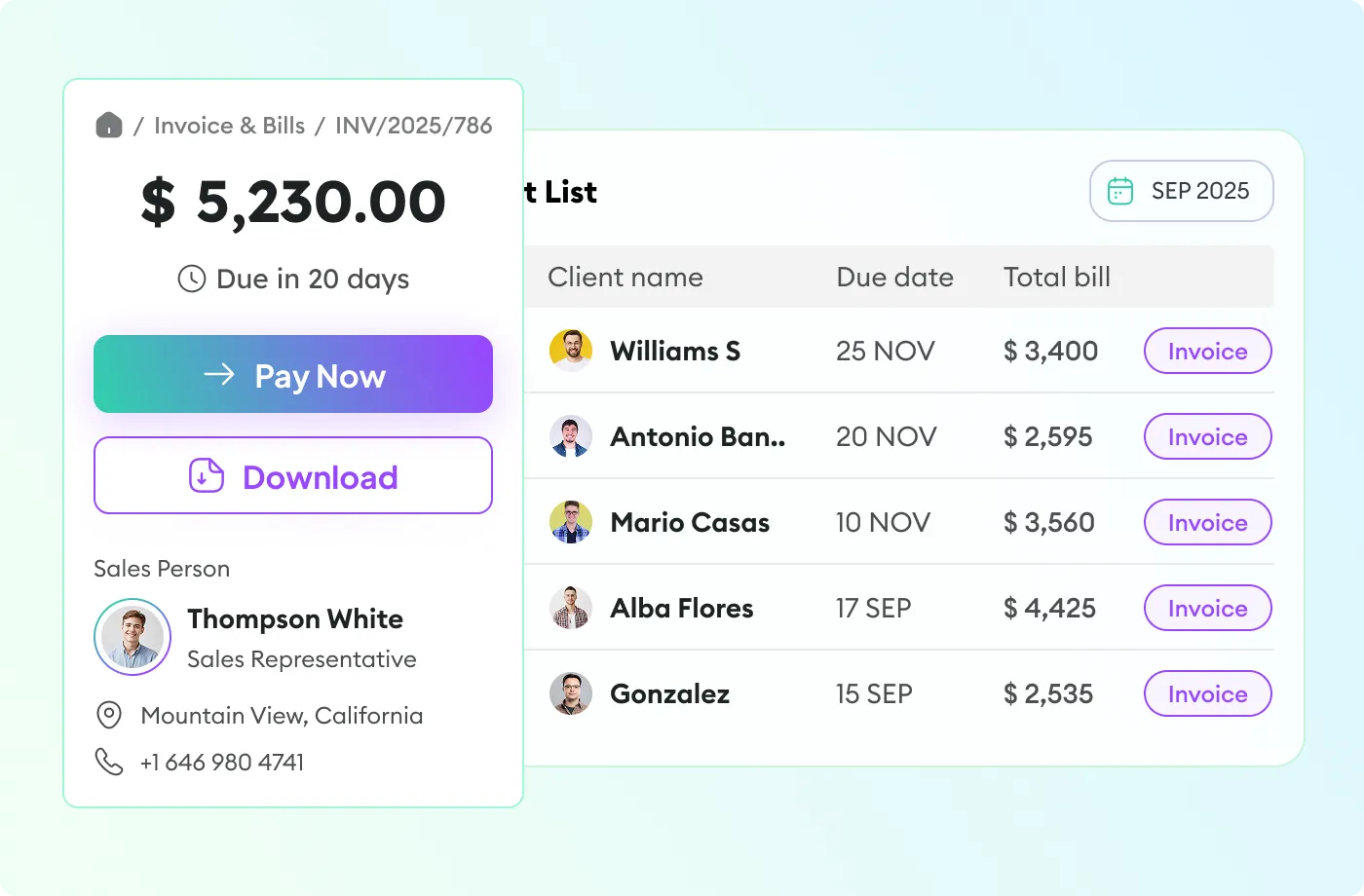
Invoices from billable hours and rates, sent and tracked from the same place.
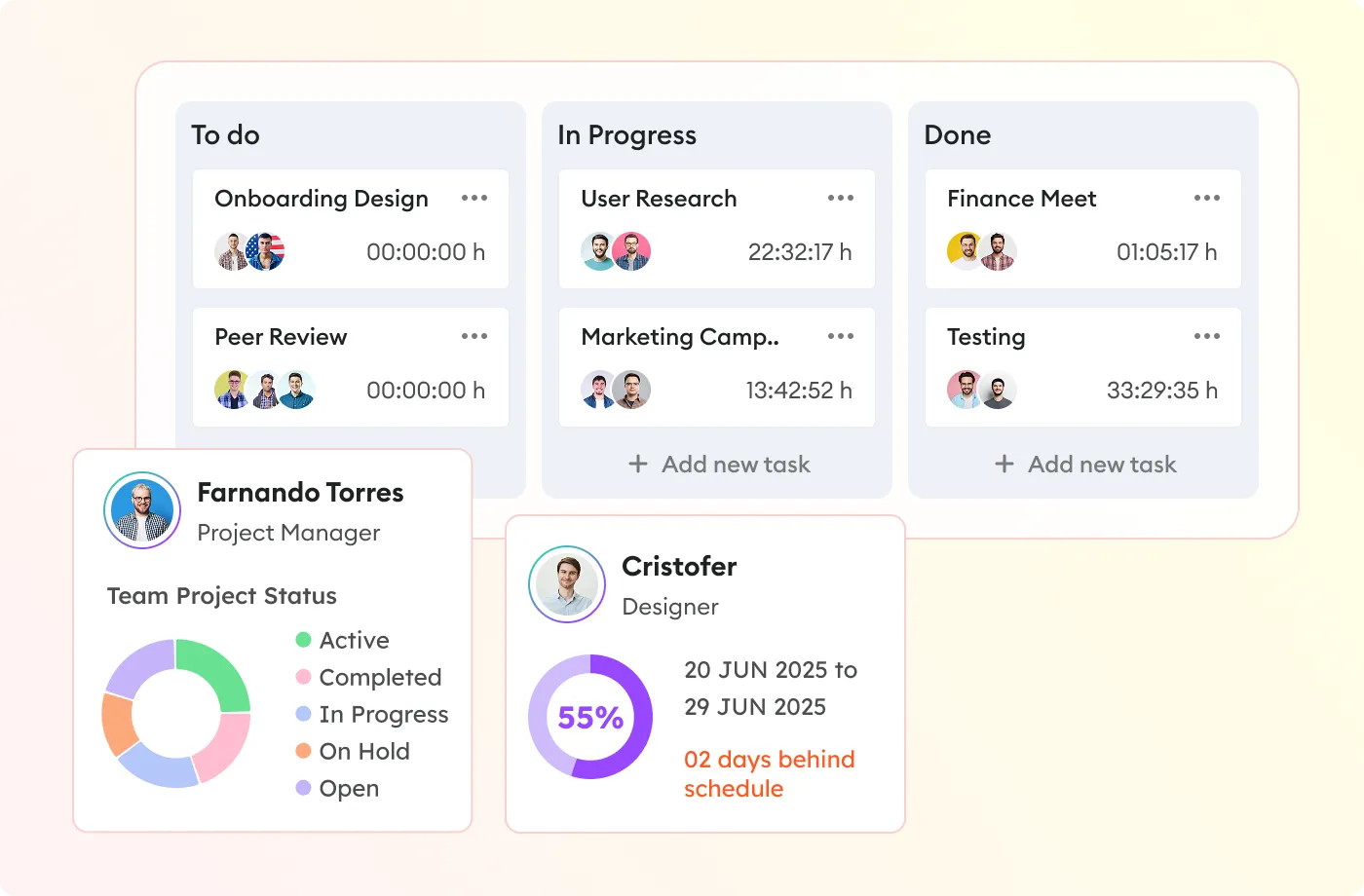
Budgets, task boards and hours per project, so overruns show up early.
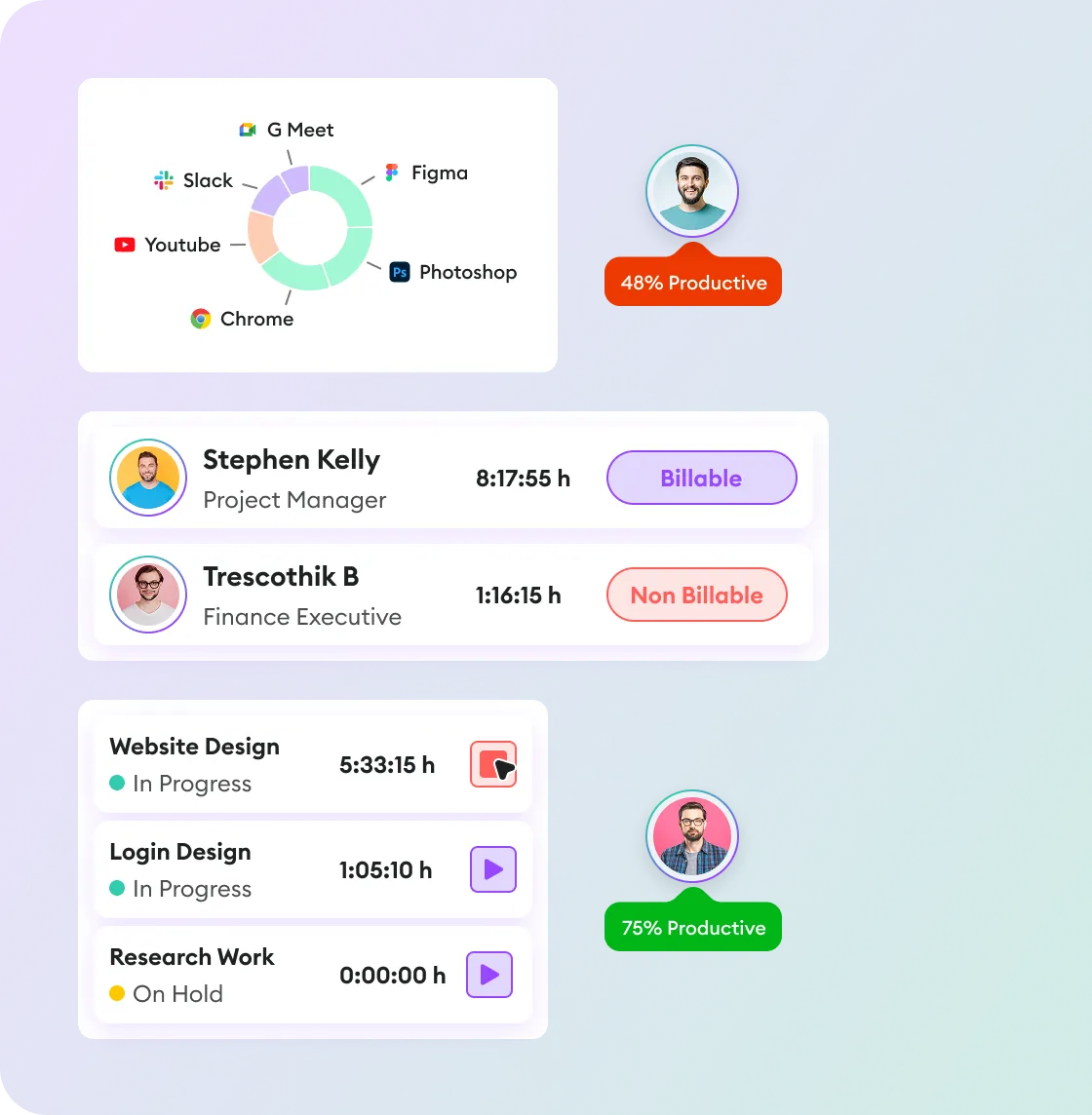
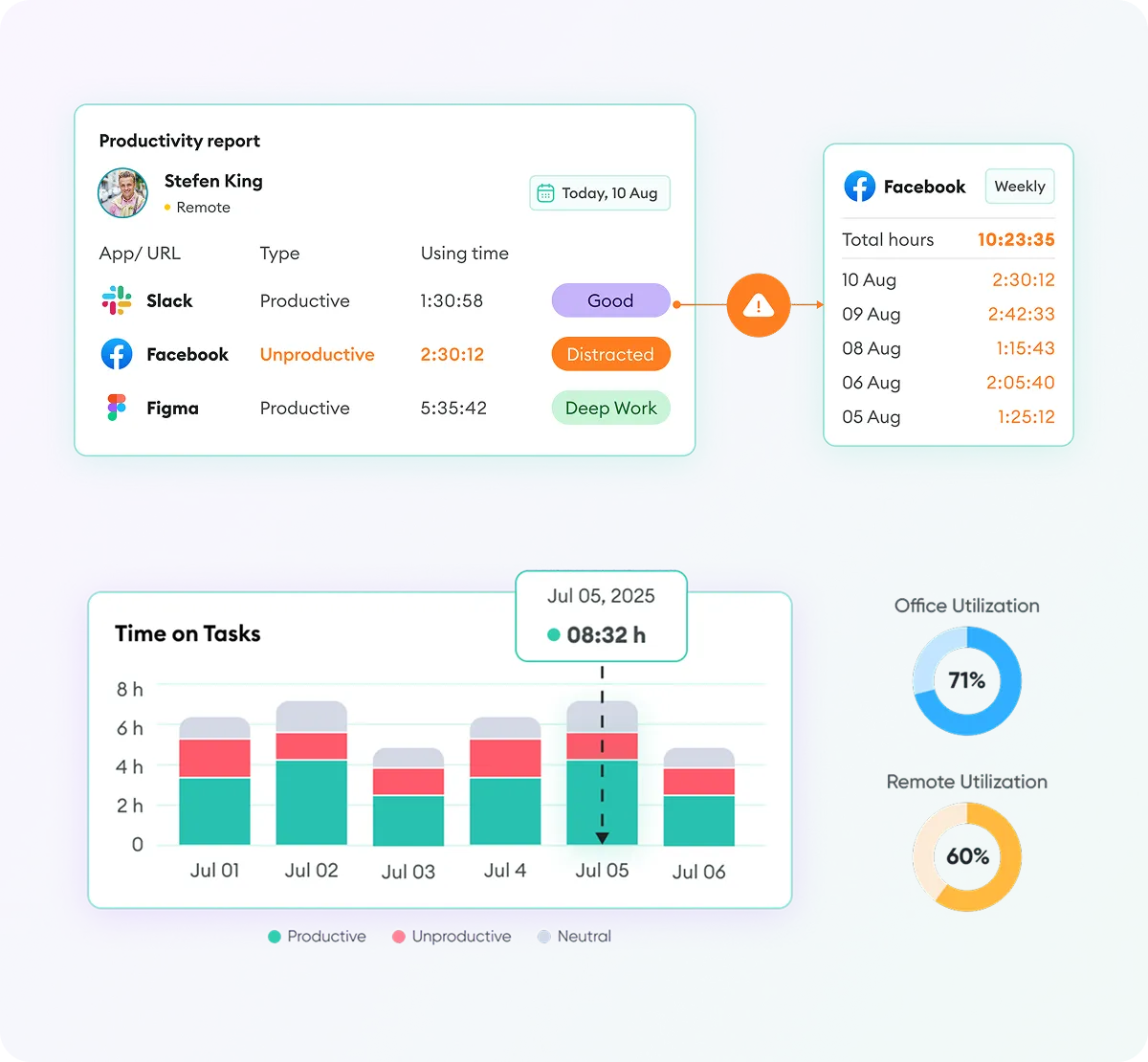
Apps and URLs classed as productive or not, idle time detection and utilisation for remote and office staff.
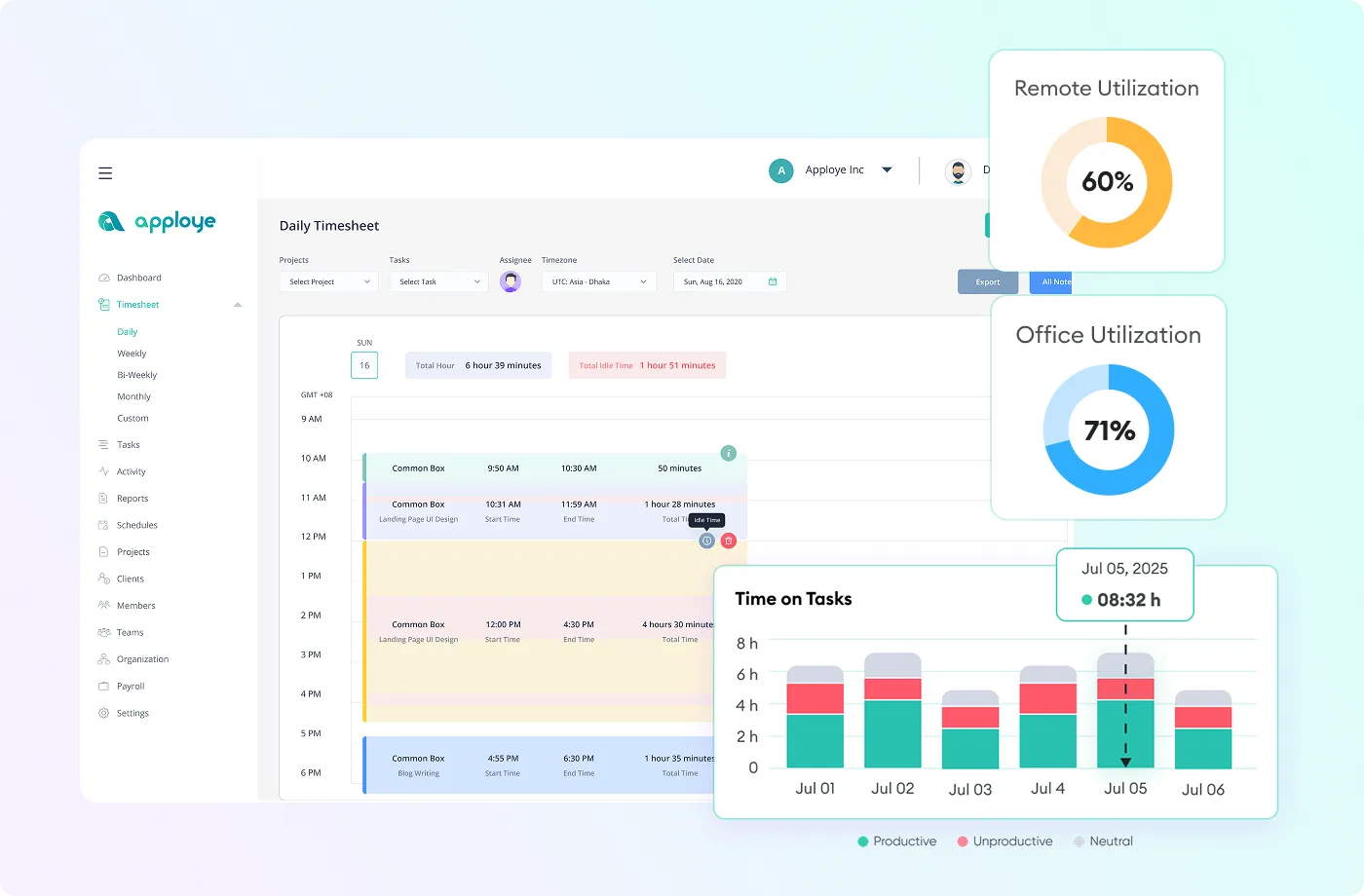
One account covers every way your people work, with the same timesheets and reports whether they sit in Dammam, work from home or spend the day on site.

Hours, activity and output for people you do not see every day, without micromanaging them.

Office and home days in one record, with utilisation for each so planning is based on fact.

Attendance, project hours and billable time from the desk, ready for payroll at month end.
Who is working, on what, and for how long, updated as it happens.
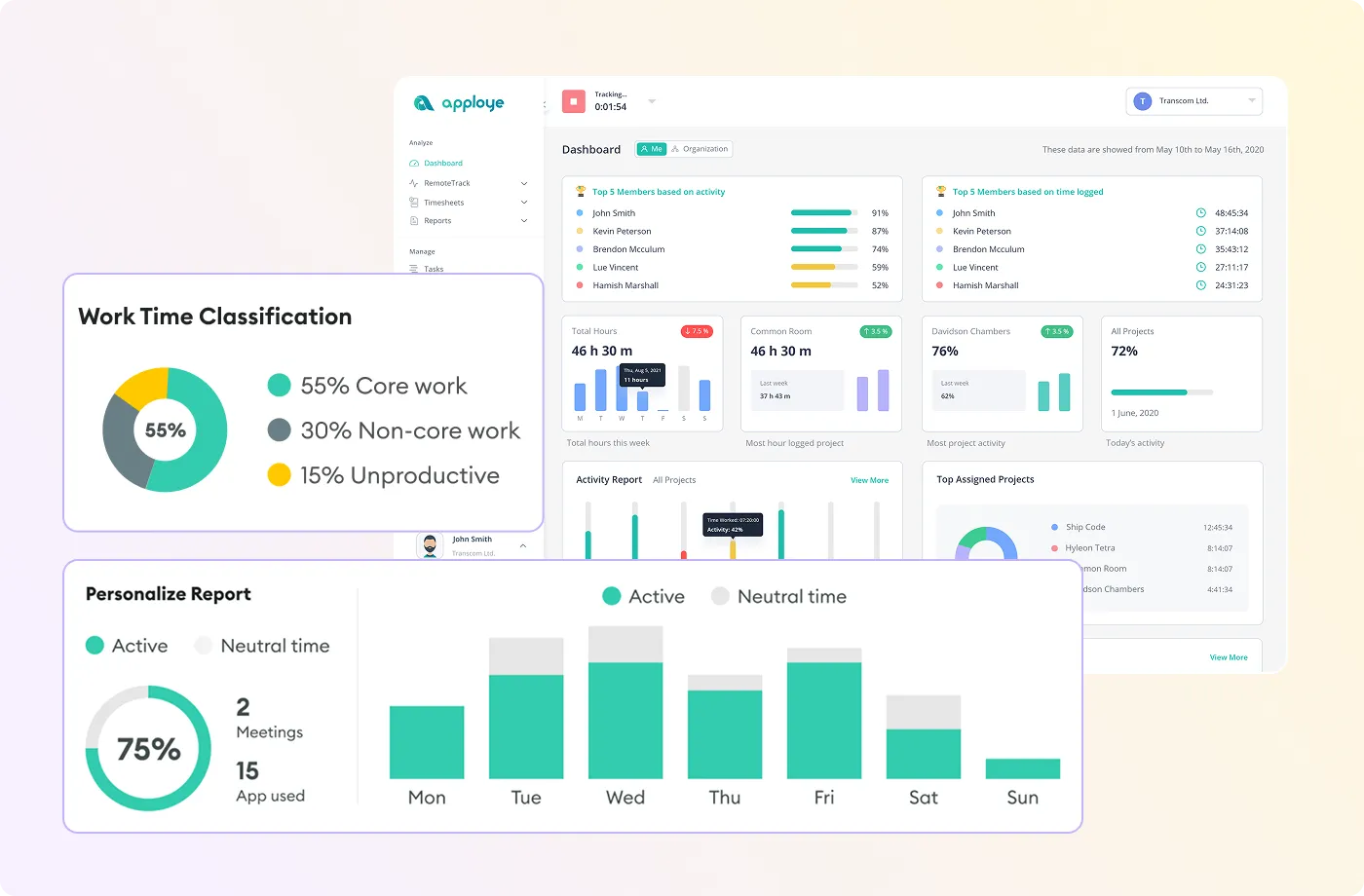
Core work against distractions, per person and per team, over any period.
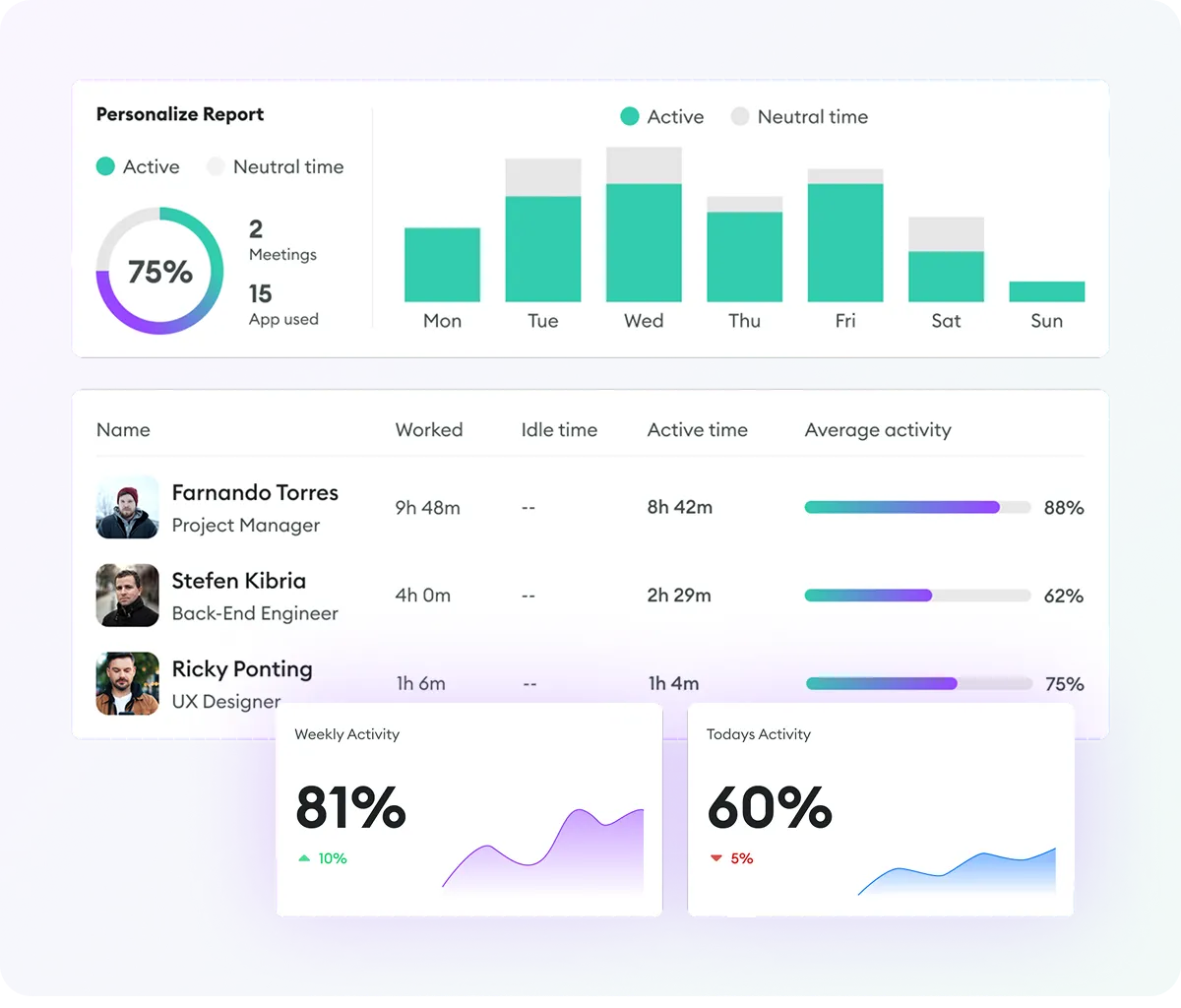
Worked, idle and active time with weekly trends, exported to Excel or PDF.
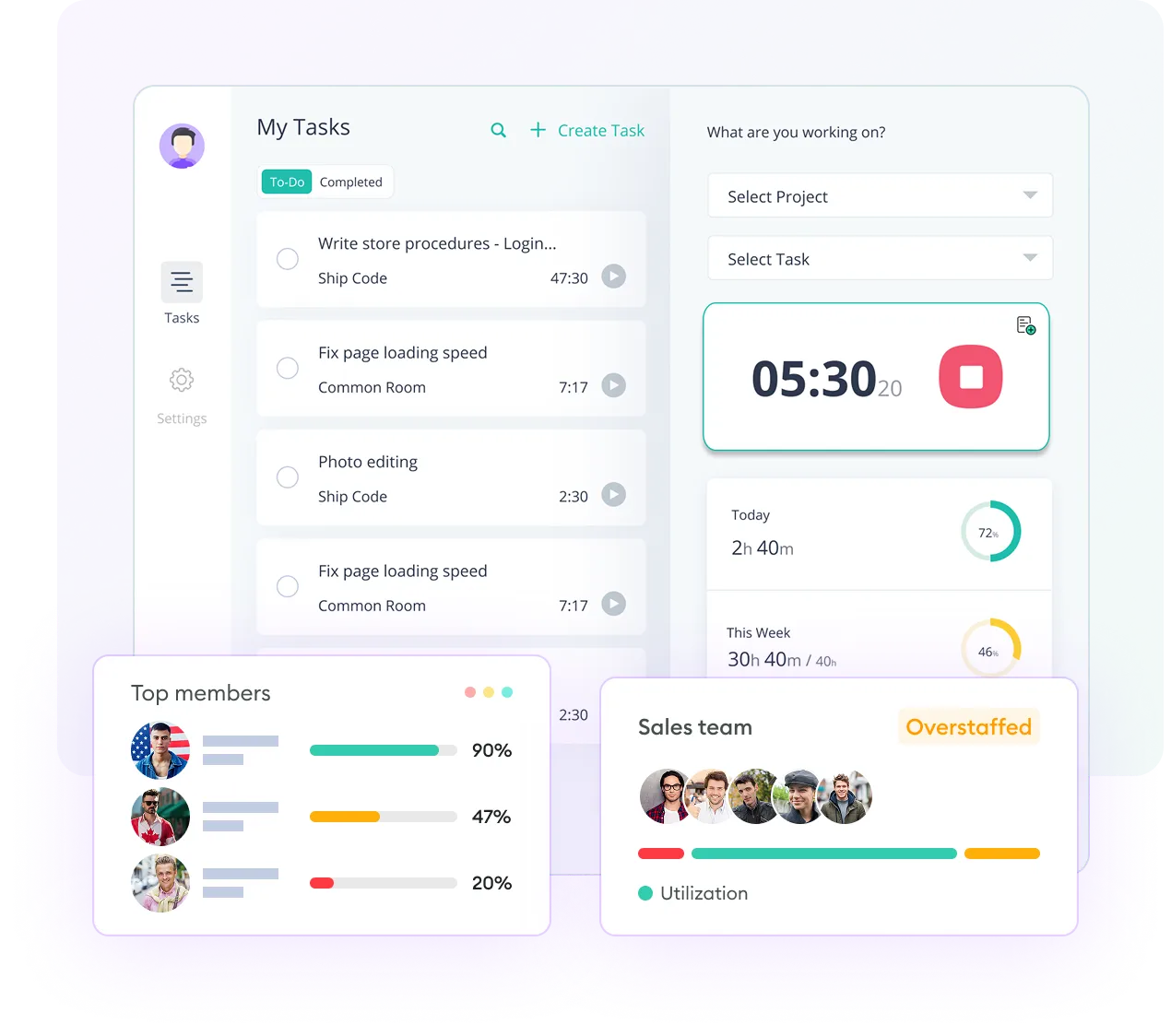
Staff pick a task and start the clock; the timesheet fills itself.
Screenshots, activity levels, app usage and GPS location all fall under Saudi Arabia's Personal Data Protection Law, enforced by SDAIA since September 2024.
Plan a Compliant RolloutA monitoring policy staff receive and acknowledge before anything is installed.
Time and projects first; screenshots only if a real problem needs them.
Hidden monitoring is the hardest position to defend. We will not set it up.
Self-hosting from around 100 users for data residency requirements.
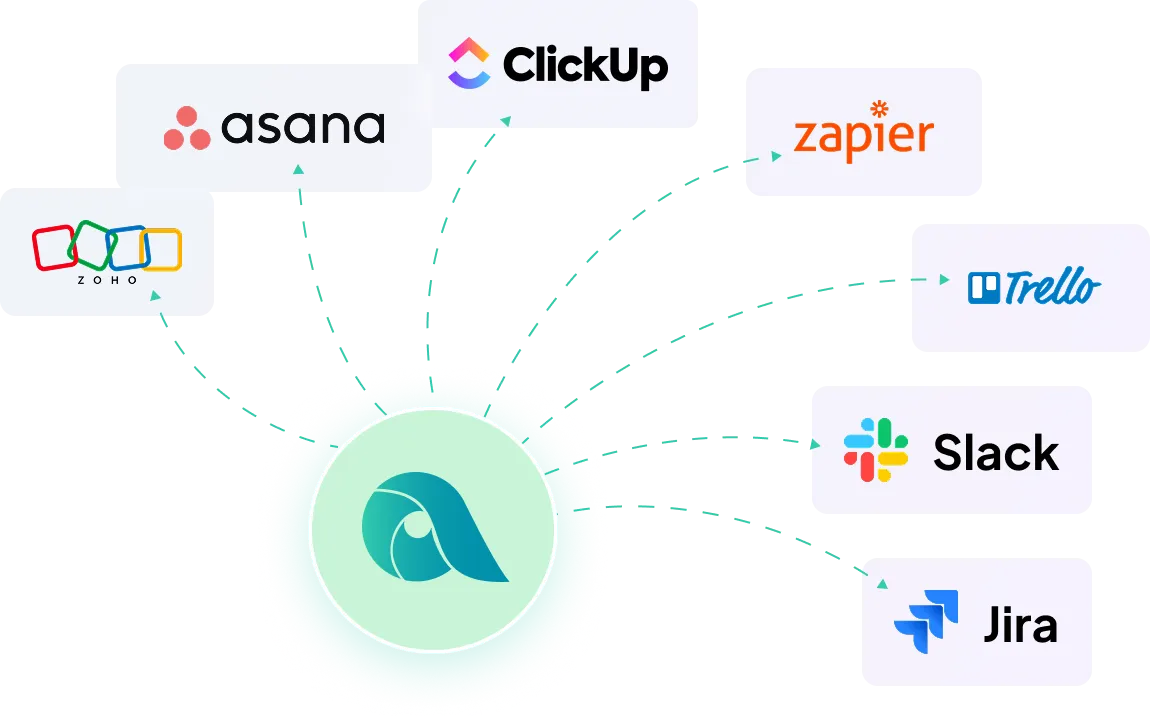
Start the timer from a Jira issue, an Asana task or a ClickUp card, and send the hours back to the project. Developers and project managers keep working where they are; the timesheet still fills itself.
Pick your industry to see what it usually needs switched on first.
Know which retainers make money and which quietly eat hours, and send clients reports they do not argue with.
Sprint and support hours from inside Jira, Asana or ClickUp, with a privacy-first setup developers accept.
Shift attendance and hours that stand up to a client audit, with client-ready reports.
Billable hours per engagement, kept apart from internal work, with timesheets that match the invoice.
Accurate billable time per matter and per client, with the record behind every line of a bill.
Design, site visits and project management against budgets watched while the job runs.
Most rollouts go wrong before the first app is installed: the wrong features switched on, or staff hearing about monitoring from a rumour. We start with the problem and the policy.
Payroll accuracy, project costing or client billing: each needs a different setup, so we start with what you want to fix.
Projects, clients, rates and roles, with only the features you need switched on and the rest left off.
The monitoring policy and the announcement your staff receive and acknowledge before go-live.
Apps on every device, a pilot team first, then the whole organisation once the pilot is clean.
Local support in Arabic and English from Dammam, with quotations and invoices in Saudi Riyals.
Desktop, mobile and browser apps that keep tracking offline and sync when the device reconnects.
Something we have not answered? Tell us your headcount and what you want to fix.
Yes, and for most organisations that is the right start. Time tracking, timesheets, projects, payroll and invoicing all work with screenshots switched off. Every feature you enable is personal data you must justify, secure and eventually delete, so turn on only what solves your problem.
Windows, macOS and Linux desktop apps, Android and iOS mobile apps, and a Chrome extension. Tracking continues offline and syncs when the device reconnects.
Yes, self-hosting is offered for larger deployments, from around 100 users. If you have data residency requirements or a policy against employee data leaving the Kingdom, raise it at scoping.
Monitoring for legitimate business purposes is common, but the data it produces falls under the Personal Data Protection Law. You need a documented basis, a policy staff have acknowledged, proportionate collection and a way to handle access requests. We are not lawyers; take advice on your own position before deploying.
The mobile app includes GPS location for site-based staff, which suits a mix of office and field work. For mostly field-based operations Apploye recommends FieldServicely, and it does not offer geofenced automatic clock-in. Tell us your split and we will advise.
Per user, depending on user count and plan. The Enterprise plan adds single sign-on, account provisioning, guided onboarding and self-hosting options. Blue Edge issues a written quotation in Saudi Riyals with local purchase order and invoicing terms.
Apploye is priced per user and quoted by user count and plan. We send a written quotation in Saudi Riyals, with our view on which features to leave switched off.
Prefer a quick chat? Message us on WhatsApp.