Shopping Cart



Cybersecurity for Hybrid Teams: A Practical Guide
Learn how cybersecurity for hybrid teams protects remote and office employees through secure access, endpoint security, Zero Trust, MFA, and best practices for modern workplaces.
By Blue Edge Team | Jul 23, 2026
Cybersecurity for Hybrid Teams: A Practical Guide
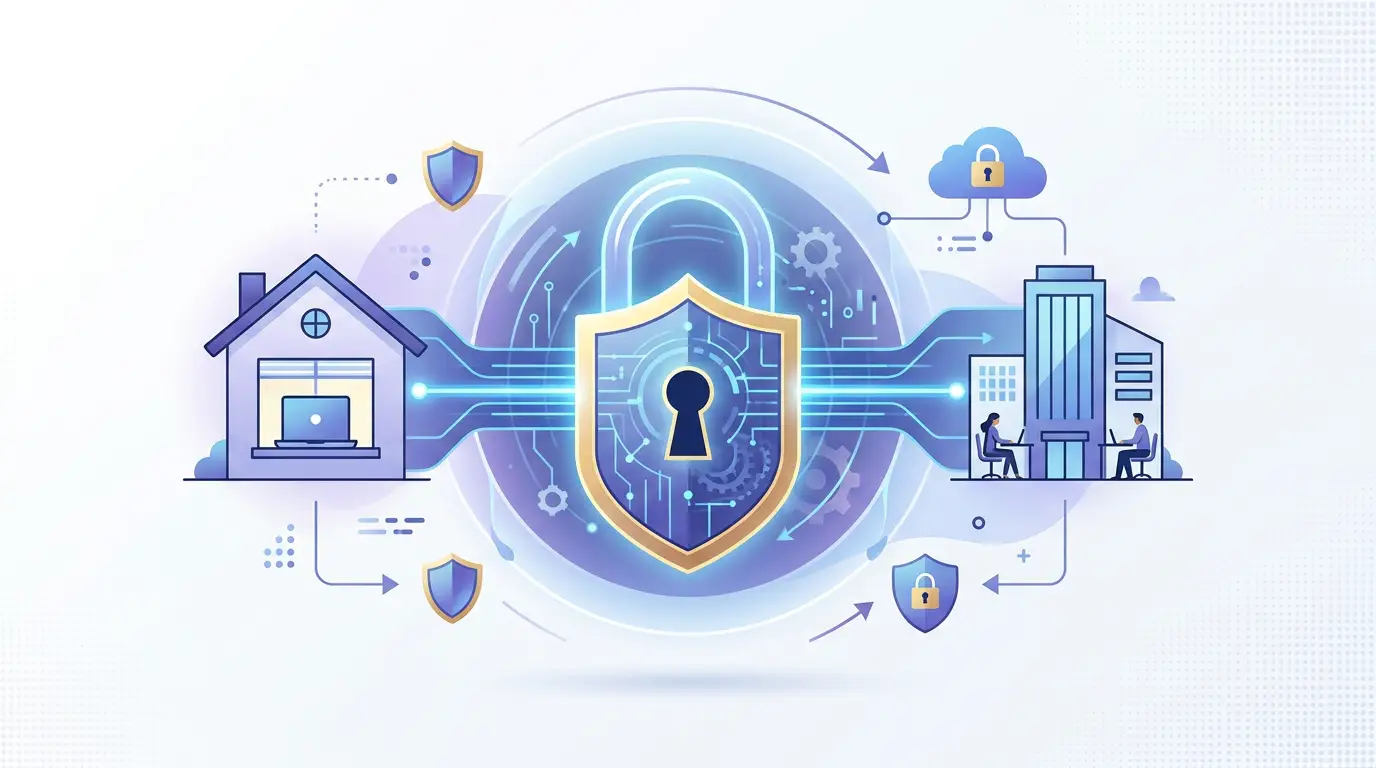
Hybrid teams face unique cybersecurity risks because employees access company data from multiple locations and devices. The most effective defenses include Zero Trust architecture, multi-factor authentication, endpoint protection, and employee security training. Organizations that address these four pillars significantly reduce their exposure to breaches.
Remote and hybrid work has permanently reshaped how organizations operate. Employees log in from home offices, coffee shops, co-working spaces, and corporate headquarters—often on the same day. This flexibility is productive, but it dramatically expands an organization's attack surface.
According to IBM's Cost of a Data Breach Report (2023), the average cost of a data breach reached $4.45 million—a 15% increase over three years. Remote work environments were a contributing factor in a significant share of those incidents. The takeaway is clear: securing a hybrid workforce requires a deliberate, structured approach rather than simply extending office-based security policies to remote settings.
This guide outlines the key threats hybrid teams face, the controls that matter most, and how to build a cybersecurity framework that supports flexible work without compromising protection.
What Are the Primary Cybersecurity Risks for Hybrid Teams?
Hybrid work introduces risks that traditional perimeter-based security was never designed to handle. Understanding these threats is the first step toward addressing them effectively.
Unsecured home networks: Unlike corporate networks monitored by IT teams, home routers are rarely updated and often use default credentials. Attackers can exploit these vulnerabilities to intercept data.
Personal device usage: Employees frequently use personal laptops or smartphones for work tasks. These devices may lack endpoint protection, encryption, or timely security updates.
Phishing and social engineering: Remote employees operate outside the informal safeguards of an office environment—they can't quickly verify a suspicious email with a colleague sitting nearby. Phishing attacks targeting remote workers increased by 61% between 2021 and 2022, according to SlashNext's State of Phishing report.
Unsanctioned applications: Employees seeking productivity tools may adopt applications that haven't been reviewed or approved by IT, creating what security teams call "shadow IT."
Weak authentication practices: Reused or weak passwords remain one of the most common entry points for attackers, particularly when employees manage multiple accounts across work and personal use.
How Does Zero Trust Architecture Apply to Hybrid Work Environments?
Zero Trust is a security model built on a simple principle: no user, device, or network should be trusted by default—regardless of location. Every access request must be verified continuously.
For hybrid teams, Zero Trust translates into three practical requirements:
- Identity verification at every access point, not just at initial login
- Least-privilege access, ensuring employees can only reach the data and systems their role requires
- Continuous monitoring of user behavior and device health to detect anomalies in real time
Adopting a Zero Trust framework doesn't require replacing existing infrastructure overnight. Organizations typically begin by enforcing strong identity controls and segmenting network access, then expand from there.
What Security Controls Should Every Hybrid Organization Implement?
The following controls form the foundation of a robust hybrid cybersecurity posture.
Multi-Factor Authentication (MFA)
MFA requires users to verify their identity through two or more factors—something they know (a password), something they have (a mobile device), or something they are (biometrics). According to Microsoft, MFA blocks over 99.9% of automated credential attacks. Deploying MFA across all business applications is one of the highest-impact steps an organization can take.
Endpoint Detection and Response (EDR)
EDR solutions continuously monitor endpoint devices—laptops, mobile phones, tablets—for suspicious activity. Unlike traditional antivirus software, EDR tools detect behavioral anomalies and respond in real time. This is especially critical when employees use devices outside the corporate network.
Virtual Private Networks (VPNs) and Secure Access Service Edge (SASE)
VPNs encrypt internet traffic between an employee's device and the corporate network. For larger organizations with complex environments, SASE frameworks combine network security functions—such as secure web gateways, firewalls, and Zero Trust network access—into a unified, cloud-delivered service.
Regular Patch Management
Unpatched software remains one of the most exploited attack vectors. Establishing automated patch management ensures that operating systems and applications on all endpoints—including remote devices—receive security updates promptly.
How Do Hybrid Work Security Tools Compare?
The table below summarizes key security tools and their primary use cases for hybrid environments.
| Tool/Control | Primary Function | Best Suited For |
|---|---|---|
| Multi-Factor Authentication | Identity verification | All organizations |
| Endpoint Detection & Response | Device-level threat monitoring | Organizations with distributed endpoints |
| VPN | Encrypted remote network access | Small to mid-sized teams |
| SASE | Cloud-delivered network security | Large, distributed enterprises |
| Security Awareness Training | Human risk reduction | All organizations |
| Zero Trust Network Access | Continuous access verification | Organizations with sensitive data |
Choose VPN if simplicity and cost matter most, and if your team is relatively small. Choose SASE if your organization manages complex, multi-cloud environments at scale.
Why Is Security Awareness Training Critical for Remote Employees?
Technology controls reduce risk significantly, but human error remains the leading cause of security incidents. Verizon's 2023 Data Breach Investigations Report found that 74% of all breaches involved a human element—including social engineering, errors, or misuse of credentials.
Security awareness training equips employees to recognize phishing attempts, handle sensitive data appropriately, and follow secure password practices. Effective programs include:
- Simulated phishing exercises to test and reinforce vigilance
- Role-based training tailored to the specific risks each employee faces
- Regular refreshers rather than annual one-time sessions
Organizations that conduct continuous security training report measurably lower click rates on phishing simulations and faster incident reporting.
Building a Cybersecurity Culture That Supports Hybrid Work
Sustainable security is not achieved through tools alone. It requires a culture in which employees understand their role in protecting organizational data and feel empowered to report suspicious activity without fear of blame.
Leaders should communicate security expectations clearly, make reporting mechanisms easy to access, and recognize employees who demonstrate good security practices. When security feels like a shared responsibility rather than an IT burden, organizations build resilience that extends beyond any single technical control.
Protect Your Hybrid Workforce—Starting Today
Hybrid work is here to stay. So is the threat landscape that comes with it. Organizations that approach remote security with a structured, layered strategy—combining Zero Trust principles, strong authentication, endpoint protection, and ongoing employee education—are significantly better positioned to prevent, detect, and respond to cyber incidents.
A comprehensive cybersecurity assessment is the logical first step. Identifying gaps in your current posture allows you to prioritize investments that will have the greatest impact on reducing risk across your hybrid environment.
Frequently Asked Questions
-
What is the biggest cybersecurity risk for hybrid teams?
The most significant risk is unsecured endpoints combined with weak authentication. Employees accessing company systems from personal or inadequately protected devices, without multi-factor authentication, create exploitable entry points. According to Microsoft, MFA alone blocks over 99.9% of automated credential attacks.
-
How does Zero Trust security work for remote employees?
Zero Trust requires every user and device to be verified before accessing any resource, regardless of location. For remote employees, this means continuous identity verification, device health checks, and access limited strictly to what each role requires—preventing lateral movement if credentials are compromised.
-
Is a VPN enough to secure hybrid work?
A VPN encrypts traffic between a remote device and the corporate network, but it does not provide comprehensive protection on its own. Organizations also need endpoint protection, MFA, and monitoring tools. Larger enterprises often adopt SASE frameworks, which integrate multiple security functions into a single cloud-delivered solution.
-
How often should employees receive cybersecurity training?
Security awareness training should be ongoing, not annual. Monthly or quarterly refreshers—combined with simulated phishing exercises—are more effective at changing behavior than a single yearly session. Verizon's 2023 Data Breach Investigations Report found that 74% of breaches involved a human element, underscoring the importance of continuous education.
-
What steps should a small business take first to secure a hybrid workforce?
Start with multi-factor authentication on all accounts, enforce a clear patch management policy for all devices used for work, and conduct a basic security awareness training session for all employees. These three actions address the most common attack vectors and deliver significant risk reduction with relatively low cost and complexity.