Shopping Cart



How to Choose the Right IP Phone for Your Office
Learn how to choose the right IP phone for your office by comparing features, VoIP compatibility, call quality, scalability, and business communication needs.
By Blue Edge Team | Jul 26, 2026
How to Choose the Right IP Phone for Your Office
Quick answer: Choosing the right IP phone depends on your business size, call volume, required features, and budget. Key factors include audio quality, protocol compatibility (SIP), display type, number of lines, and integration with your existing communication infrastructure. Prioritize scalability and vendor support for long-term value.
Selecting the right IP phone for your office is more than a purchasing decision—it directly shapes how your team communicates, collaborates, and serves customers every day. With dozens of models available across varying price points and feature sets, the process can feel overwhelming.
This guide cuts through the noise. Below, you will find the essential features to evaluate, a clear comparison of IP phone categories, and practical guidance to help you make a confident, informed decision for your office setup.
What Is an IP Phone and Why Does It Matter for Your Office?
An IP phone (Internet Protocol phone) transmits voice calls over a data network rather than traditional telephone lines. This technology—commonly referred to as VoIP (Voice over Internet Protocol)—delivers significant cost savings, greater flexibility, and seamless integration with modern business communication platforms.
For organizations operating across multiple locations or supporting remote teams, IP phones provide a unified communication experience that traditional telephony cannot match. They connect to your network infrastructure, support HD audio, and integrate with platforms such as Microsoft Teams, Cisco Unified Communications, and various cloud PBX systems.
What Key Features Should You Evaluate in an IP Phone?
Not all IP phones are built for the same environment. The following features should guide your evaluation:
- Audio Quality: Look for wideband audio (HD Voice) support, which delivers clearer, more natural conversations and reduces listener fatigue during long calls.
- Protocol Compatibility: Ensure the phone supports SIP (Session Initiation Protocol), the industry-standard protocol for VoIP communication. Some enterprise environments may also require proprietary protocols.
- Number of Lines and Extensions: Reception desks and call centers benefit from multi-line models, while individual workstations typically require only one or two lines.
- Display and Interface: Color touchscreen displays improve usability and speed up call management. Monochrome displays are sufficient for basic calling needs.
- Programmable Keys: Softkeys and dedicated function buttons allow users to access speed dials, call transfer, and conferencing features quickly.
- Headset and Bluetooth Support: For hands-free operation, confirm the phone supports EHS (Electronic Hookswitch) or Bluetooth connectivity.
- Power over Ethernet (PoE): PoE-compatible phones draw power directly from the network switch, eliminating the need for separate power adapters and simplifying deployment.
- Security Features: TLS (Transport Layer Security) and SRTP (Secure Real-time Transport Protocol) encryption protect voice communications from interception.
IP Phone Categories: Which Type Fits Your Business?
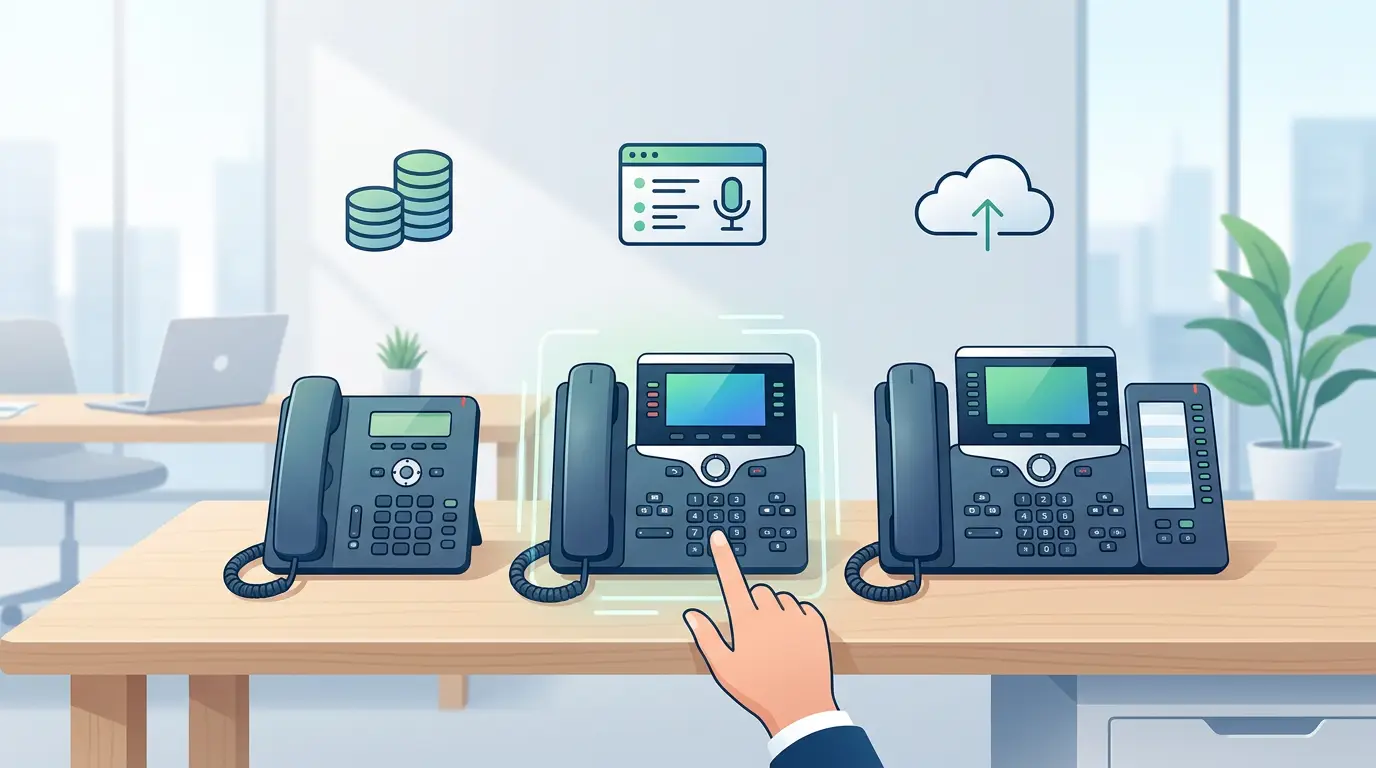
IP phones fall into distinct categories based on functionality and intended use. The table below outlines the primary options:
| Category | Best For | Key Characteristics |
|---|---|---|
| Entry-Level / Basic | Small offices, individual desks | 1–2 lines, monochrome display, essential call features |
| Mid-Range / Business | Teams and departments | 4–6 lines, color display, programmable keys, HD audio |
| Executive / Premium | Managers, executives | Large color touchscreen, Bluetooth, advanced conferencing |
| Conference Phones | Meeting rooms | 360° microphone pickup, multiple connectivity options |
| Wireless / DECT | Warehouses, mobile workers | Cordless operation, range-dependent coverage |
Choose an entry-level model if cost efficiency is the primary concern and staff handle low call volumes with straightforward tasks.
Choose a mid-range or premium model if your team manages high call volumes, requires call recording, or regularly conducts multi-party conferencing.
Choose a conference phone if your meeting rooms lack dedicated audio equipment and video conferencing integrations are required.
How Does Network Infrastructure Affect IP Phone Performance?
Hardware selection alone does not guarantee call quality. Your network environment plays an equally critical role.
Bandwidth: VoIP calls consume approximately 85–100 kbps per concurrent call (using the G.711 codec). Organizations with high call volumes must account for this in their bandwidth planning.
QoS (Quality of Service): Configure QoS settings on your network switches and routers to prioritize voice traffic. Without QoS, voice packets compete with data traffic, resulting in jitter, latency, and dropped calls.
VLAN Segmentation: Placing IP phones on a dedicated VLAN separates voice traffic from general data traffic, improving both performance and security.
PoE Switch Capacity: If deploying PoE-powered phones, verify that your network switches provide sufficient wattage to support the full number of connected devices.
What Are the Benefits of Upgrading to IP Phones?
Organizations that transition from legacy telephone systems to IP telephony report measurable operational improvements:
- Reduced Communication Costs: IP calls—particularly long-distance and international—cost significantly less than PSTN calls, as they travel over existing data infrastructure.
- Scalability: Adding new extensions requires configuration changes rather than physical wiring, making expansion fast and cost-effective.
- Unified Communications Integration: IP phones connect with CRM platforms, helpdesk software, and collaboration tools, enabling click-to-dial, call logging, and screen-pop features.
- Business Continuity: Cloud-hosted IP telephony systems allow staff to receive and make calls from any location, supporting remote and hybrid work models.
- Centralized Management: IT administrators can configure, update, and monitor all devices from a single management platform.
Making the Right Decision for Your Office
Before finalizing your selection, work through the following checklist:
- Define your user profiles — Identify which staff roles require basic, mid-range, or executive-grade phones.
- Audit your network — Confirm bandwidth capacity, QoS configuration, and PoE switch availability.
- Assess protocol compatibility — Match the phone's supported protocols to your PBX or hosted VoIP platform.
- Plan for growth — Select a vendor and product line that supports your projected headcount over the next three to five years.
- Evaluate vendor support — Choose a supplier that provides firmware updates, technical support, and warranty coverage.
Investing time in this evaluation process prevents costly replacements and ensures your communication infrastructure remains reliable as your business scales.
Ready to build a communication system that performs? Consult with a specialist to identify the IP phone solution best suited to your office environment, user requirements, and long-term objectives.
Frequently Asked Questions
-
What is the difference between a SIP phone and a VoIP phone?
SIP (Session Initiation Protocol) is the signaling protocol used to establish and manage VoIP calls. All SIP phones are VoIP phones, but not all VoIP phones use SIP—some use proprietary protocols. For maximum compatibility with third-party PBX systems, SIP-based phones are the recommended choice.
-
How many IP phone lines does a typical office need?
The appropriate number of lines depends on call volume and user roles. A general guideline is one line per active user, with additional lines for reception desks and shared workspaces. High-traffic environments such as call centers may require phones supporting 6 or more simultaneous lines.
-
Can IP phones work with an existing phone system?
IP phones can integrate with many existing PBX systems, provided the system supports SIP trunking or has been upgraded to an IP-compatible platform. A VoIP gateway device can bridge legacy analog systems with modern IP phones where direct compatibility is not available.
-
Do IP phones require a separate internet connection?
IP phones connect through your existing local area network (LAN) and share the same internet connection used by computers and other networked devices. A dedicated internet line is not required, but sufficient bandwidth and proper QoS configuration are essential to maintain call quality.
-
What is the typical lifespan of a business IP phone?
A quality business IP phone typically operates reliably for five to seven years under normal office conditions. Lifespan depends on build quality, usage intensity, and the availability of firmware updates from the manufacturer. Devices from established vendors generally offer longer support cycles and better long-term value.