Shopping Cart



Optimal Access Point Placement Guide for Offices, Hotels & Warehouses
Learn optimal access point placement for offices, hotels, and warehouses in Saudi Arabia to ensure strong Wi-Fi coverage, performance, and reliability.
By Blue Edge Team | May 01, 2026
Optimal Access Point Placement for Offices, Hotels & Warehouses
Reliable enterprise networking forms the foundation of modern business operations across Saudi Arabia. From bustling corporate headquarters in Riyadh to expansive logistics hubs in Jeddah, organizations depend on seamless connectivity to maintain productivity, ensure safety, and deliver exceptional guest experiences. However, achieving this level of performance requires more than simply purchasing high-end networking equipment. The physical installation and strategic positioning of your wireless infrastructure dictate the overall success of your communication systems.
Improper placement of networking equipment frequently leads to dead zones, slow connection speeds, and dropped signals. These issues disrupt daily operations and frustrate both employees and customers. Blue Edge for Communication and Technology (BEC) partners with clients to eliminate these connectivity barriers. We understand that every physical environment presents a unique set of challenges regarding signal propagation and network capacity.
A one-size-fits-all approach to wireless design inevitably falls short of professional standards. The architectural layout of a modern corporate space differs entirely from the concrete and steel structure of a logistics facility. Consequently, designing a robust wireless network demands a precise understanding of environmental variables, user density, and physical obstructions specific to each sector.
This comprehensive guide outlines the strategic methodologies required to optimize your wireless infrastructure. By applying these industry-proven principles to your offices, hotels, and warehouses, you will ensure maximum coverage, minimal interference, and optimal performance for all your connected electronic devices.
Strategic Access Point Placement for Modern Offices
Corporate environments demand high-capacity networks capable of supporting hundreds of devices simultaneously. Modern businesses require secure, flexible, and high-performance communication systems to support video conferencing, cloud computing, and collaborative digital workspaces.
Navigating Open-Plan Workspaces
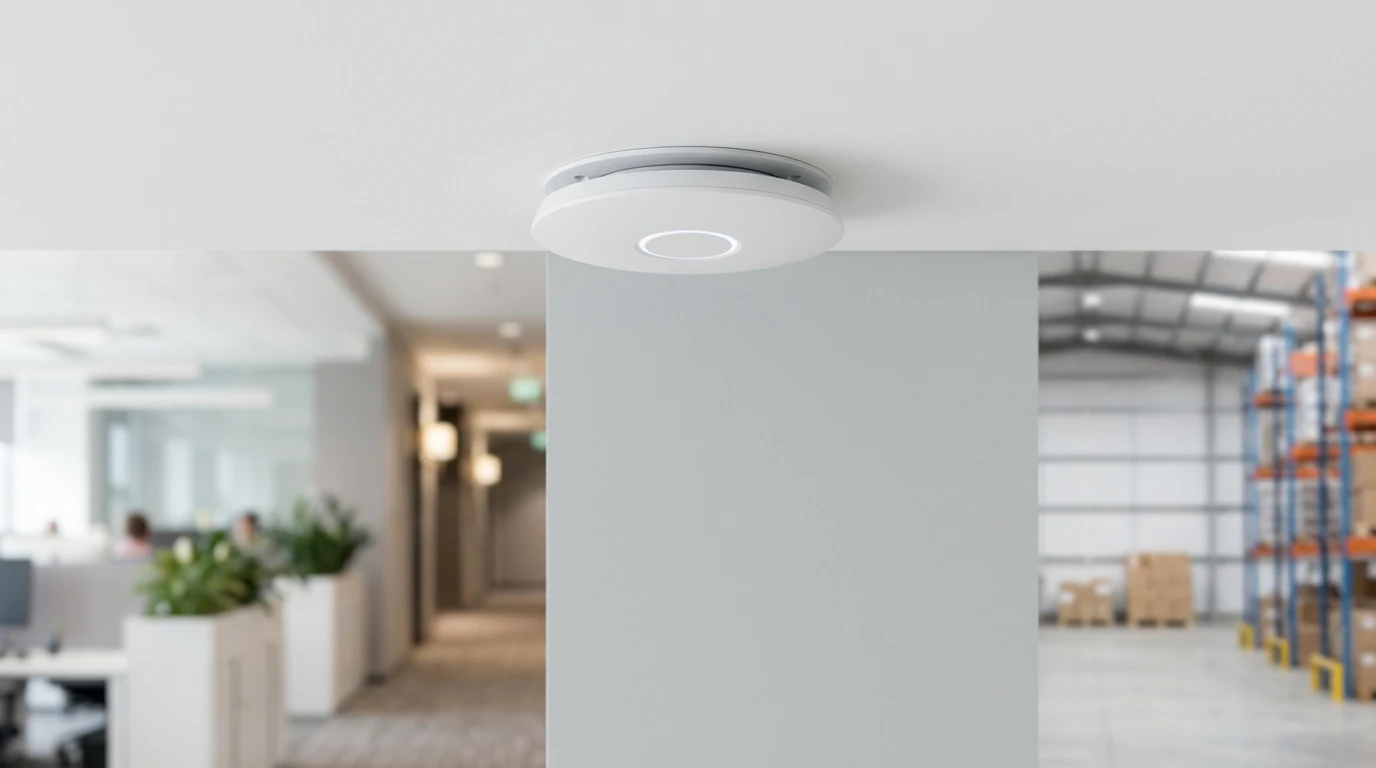
Open-plan offices generally offer excellent line-of-sight for wireless signals, but they present significant challenges regarding user density. When dozens of employees occupy a single open area, a single device can quickly become overwhelmed by the volume of traffic. To maintain optimal performance, deploy high-capacity access points in a staggered, honeycomb pattern across the ceiling. This overlapping design ensures that client devices can seamlessly roam from one coverage cell to another without dropping their connection. Maintain a distance of approximately 15 to 20 meters between devices, depending on the specific hardware capabilities and expected user count.
Securing Connectivity in Meeting Rooms
Conference rooms require specialized attention due to the high bandwidth demands of modern video conferencing solutions. Furthermore, meeting rooms often feature soundproofing materials, glass walls, and heavy doors that severely attenuate wireless signals from outside the room. Install a dedicated access point directly inside medium to large conference rooms. Position the device centrally on the ceiling to provide direct line-of-sight to laptops and presentation screens. This guarantees the dedicated bandwidth necessary for uninterrupted virtual meetings and rapid file sharing.
Mitigating Interference in Break Areas
Kitchens and employee break rooms contain appliances that directly interfere with wireless frequencies. Microwave ovens, in particular, operate on the 2.4 GHz spectrum and can completely disrupt Wi-Fi signals while in use. Position your networking equipment away from major appliances and utilize the 5 GHz or 6 GHz bands for corporate devices. Ensure that structural pillars or heavy architectural features do not block the signal path between the hallway and the seating areas.
Optimizing Wireless Coverage in Saudi Arabian Hotels
The hospitality industry relies heavily on exceptional Wi-Fi to ensure guest satisfaction. Whether accommodating international business travelers or vacationing families, hotels must provide ubiquitous, high-speed internet access across their entire property.
In-Room Placement Strategies
Historically, hotels installed networking equipment in hallways to broadcast signals into multiple guest rooms simultaneously. This approach frequently fails in modern hospitality environments. Thick concrete walls, heavy fire doors, and en-suite bathrooms containing piping and mirrors severely degrade wireless signals. The most effective solution for hospitality venues involves deploying wall-plate access points directly inside each guest room. This micro-cell architecture guarantees a strong, dedicated signal for every guest while minimizing co-channel interference from adjacent rooms.
Managing High-Density Lobbies and Conference Centers
Hotel lobbies and conference centers experience extreme fluctuations in user density. During peak check-in times or major corporate events, hundreds of guests may attempt to connect simultaneously. Deploy specialized high-density networking equipment in these areas, utilizing directional antennas to segment the space into manageable coverage zones. Mount these devices high on walls or ceilings to maintain a clear line-of-sight over large crowds, ensuring the equipment remains both functional and aesthetically unobtrusive.
Ensuring Seamless Outdoor and Poolside Coverage
Resorts and luxury hotels must extend their network to outdoor recreation areas. Saudi Arabia's extreme summer temperatures and occasional dust storms require specialized hardware. Utilize ruggedized, IP67-rated outdoor access points designed to withstand severe environmental conditions. Mount these devices on exterior walls, light poles, or dedicated structures, ensuring they provide overlapping coverage across pool decks and outdoor dining spaces without projecting the signal uselessly into open space.
Navigating Complex Warehouse Environments
Logistics hubs and warehouses present the most challenging environments for wireless network design. These massive facilities contain reflective surfaces, towering physical obstructions, and dynamic layouts that constantly alter signal propagation patterns.
Overcoming High Ceilings and Metal Racking
Standard omnidirectional antennas perform poorly in facilities with ceilings exceeding 10 meters. Furthermore, rows of metal storage racks filled with inventory create "canyons"; that trap and reflect Wi-Fi signals, causing severe multipath interference. Utilize directional antennas specifically designed to focus the wireless signal directly down the aisles. Mount the equipment precisely above the center of each aisle. Avoid placing devices directly over the metal racks, as the inventory will immediately block the signal from reaching the barcode scanners and tablet computers used by warehouse staff.
Supporting Automated Logistics Systems
Modern warehouses increasingly rely on automated guided vehicles (AGVs) and autonomous robotics to move inventory. These systems require continuous, uninterrupted connectivity to function safely and efficiently. Design your infrastructure for absolute redundancy and fast roaming. If a single piece of networking equipment fails, the adjacent devices must provide sufficient overlapping coverage to keep the automated systems online. Prioritize the 5 GHz band for critical robotics to avoid the congestion frequently found on the 2.4 GHz spectrum.
Accounting for Changing Inventory Levels
A warehouse that operates flawlessly when empty may suffer massive network failures when fully stocked. Pallets of liquid goods or dense materials absorb Wi-Fi signals much more aggressively than clothing or paper products. Conduct capacity planning based on a facility at maximum operational capacity. By partnering with world-leading brands to deliver innovative and reliable solutions, Blue Edge ensures your infrastructure possesses the necessary power to penetrate dense inventory and support your logistics operations during peak seasons.
Core Principles of Professional Network Installation
Regardless of your industry, several universal best practices govern the successful deployment of enterprise networking systems. Adhering to these principles prevents costly redesigns and ensures your technology investment yields maximum returns.
Conducting Predictive and Active Site Surveys
Never guess where to place your equipment. Always conduct a comprehensive wireless site survey before purchasing or installing hardware. Predictive modeling software allows engineers to input building floor plans and architectural materials to simulate signal propagation. Following the physical installation, an active site survey verifies that the real-world performance matches the predictive model. This scientific approach guarantees that every square meter of your facility receives adequate coverage. Our IT technical consultations service can guide you through this process from start to finish.
Implementing Structured Cabling Infrastructure
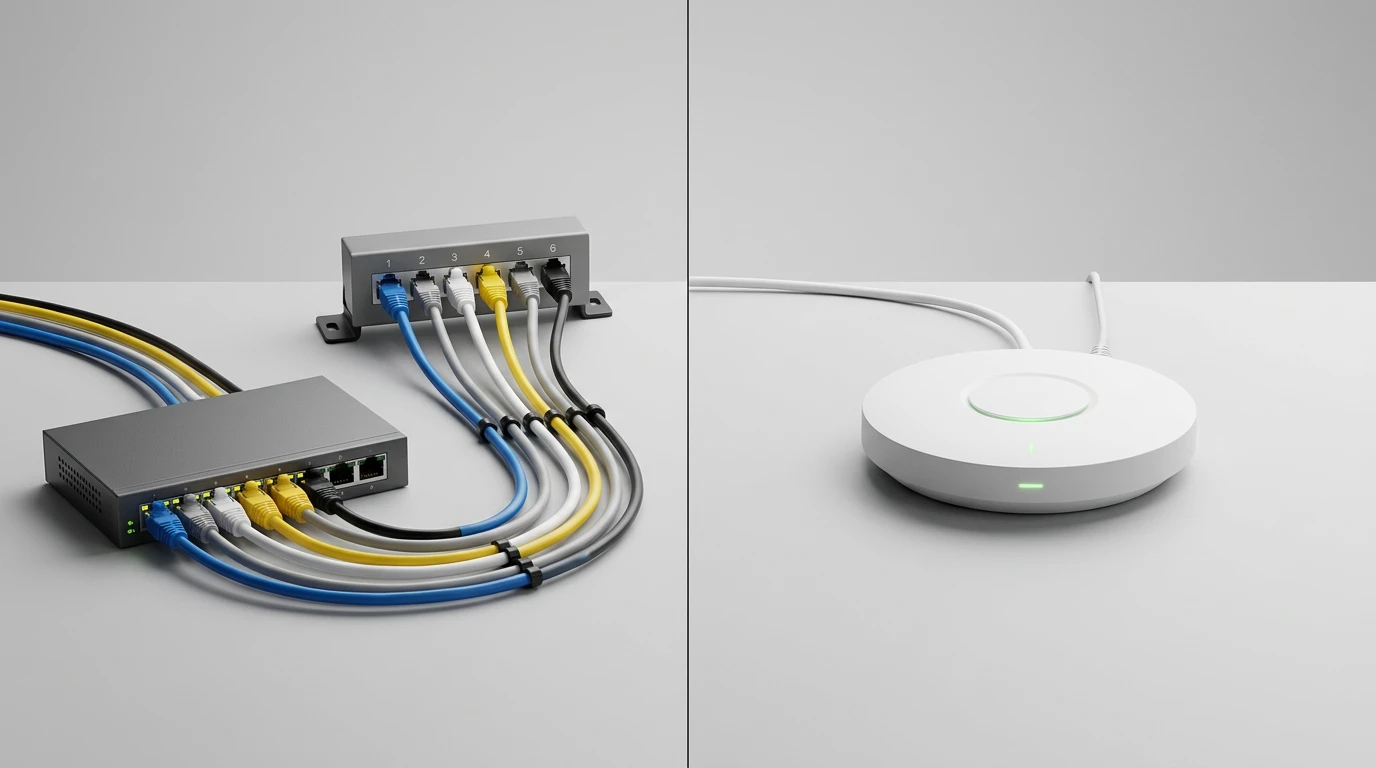
Your wireless network is only as reliable as the wired infrastructure supporting it. Access points require Power over Ethernet (PoE) delivered via high-quality data cables. Deploy Category 6A (Cat6A) structured cabling to support the Multi-Gigabit throughput required by modern Wi-Fi 6 and Wi-Fi 7 standards. Ensure all cable runs comply strictly with international standards, avoiding electrical conduits and fluorescent lighting fixtures that can introduce electromagnetic interference into the data lines.
Maintaining Optimal Mounting Orientations
Manufacturers design their equipment to broadcast signals in specific patterns. An access point designed for ceiling mounting will not perform correctly if mounted vertically on a wall. Always install the equipment in the exact orientation specified by the manufacturer. Use professional mounting brackets to secure the devices firmly, preventing vibration or accidental movement from altering the meticulously planned coverage zones. Our IT installation and configuration team ensures every device is deployed to manufacturer specifications.
Frequently Asked Questions
-
How many access points do I need for my office?
The exact number depends on your office layout, square footage, and user density. As a general baseline, plan for one standard access point for every 150 to 200 square meters of open office space, or one for every 25 to 35 active users. High-density areas, such as conference rooms, require dedicated units regardless of square footage. A professional site survey is required to determine the precise quantity.
-
Where should access points be placed in a hotel room?
In modern hospitality environments, install a wall-plate access point directly inside each guest room. Position the unit alongside other media connections, typically below the television or near the desk. This micro-cell approach guarantees strong, dedicated signals for guests and eliminates the connectivity issues caused by transmitting signals through thick hallway walls and bathroom plumbing.
-
How does warehouse racking affect Wi-Fi signals?
Metal warehouse racks and dense inventory act as massive physical barriers. They reflect, absorb, and scatter Wi-Fi signals, creating dead zones and severe interference. To counteract this, utilize access points with directional antennas mounted high above the center of the aisles. This focuses the signal straight down to the workers and barcode scanners, rather than wasting energy attempting to broadcast through solid metal and stored goods.
-
What is the recommended mounting height for access points?
For standard indoor office environments, the ideal ceiling mounting height is between 2.5 and 3.5 meters. If ceilings exceed 4 meters, standard omnidirectional antennas may struggle to deliver a strong signal to devices at floor level. In high-ceiling environments like warehouses, you must utilize specialized high-gain or directional antennas designed specifically for mounting at heights of 10 meters or more.
-
How often should a wireless site survey be conducted?
You must conduct a site survey during the initial design phase and immediately after installation to validate performance. Additionally, schedule a fresh survey whenever significant environmental changes occur. This includes office remodeling, changing the type of inventory stored in a warehouse, or experiencing a substantial increase in the number of employees or connected devices utilizing the network. Request technical support from our team to schedule your next survey.
Elevate Your Enterprise Network Infrastructure
Achieving robust, uninterrupted wireless connectivity requires meticulous planning, precise execution, and a deep understanding of radio frequency behavior. Whether you are managing a corporate office, a luxury hotel, or a sprawling warehouse, the physical placement of your networking equipment directly dictates the operational efficiency of your business.
Blue Edge for Communication and Technology (BEC) is dedicated to empowering our partners and clients across Saudi Arabia by delivering cutting-edge communication and technology solutions. Every product we offer is tested and proven to meet the highest industry standards, ensuring optimal performance and durability. We believe that secure, high-performance infrastructure is not merely a technical requirement, but a strategic asset that drives growth and operational excellence.
Do not allow poor network design to hinder your operational capabilities. Contact Blue Edge today to schedule a comprehensive assessment of your facility, and let our experts design a structured cabling and wireless network solution tailored precisely to your enterprise requirements.