Shopping Cart


- Articles
- Networking
- Cat6 vs Cat6A vs Cat8: Which Ethernet Cable Do You Need?
Cat6 vs Cat6A vs Cat8: Which Ethernet Cable Do You Need?
Compare Cat6, Cat6A, and Cat8 Ethernet cables to understand their speed, bandwidth, distance, shielding, and use cases, and choose the right cable for your business network.
By Blue Edge Team | Published Aug 24, 2026 | Updated Sep 23, 2026 | 6 min read
Quick answer
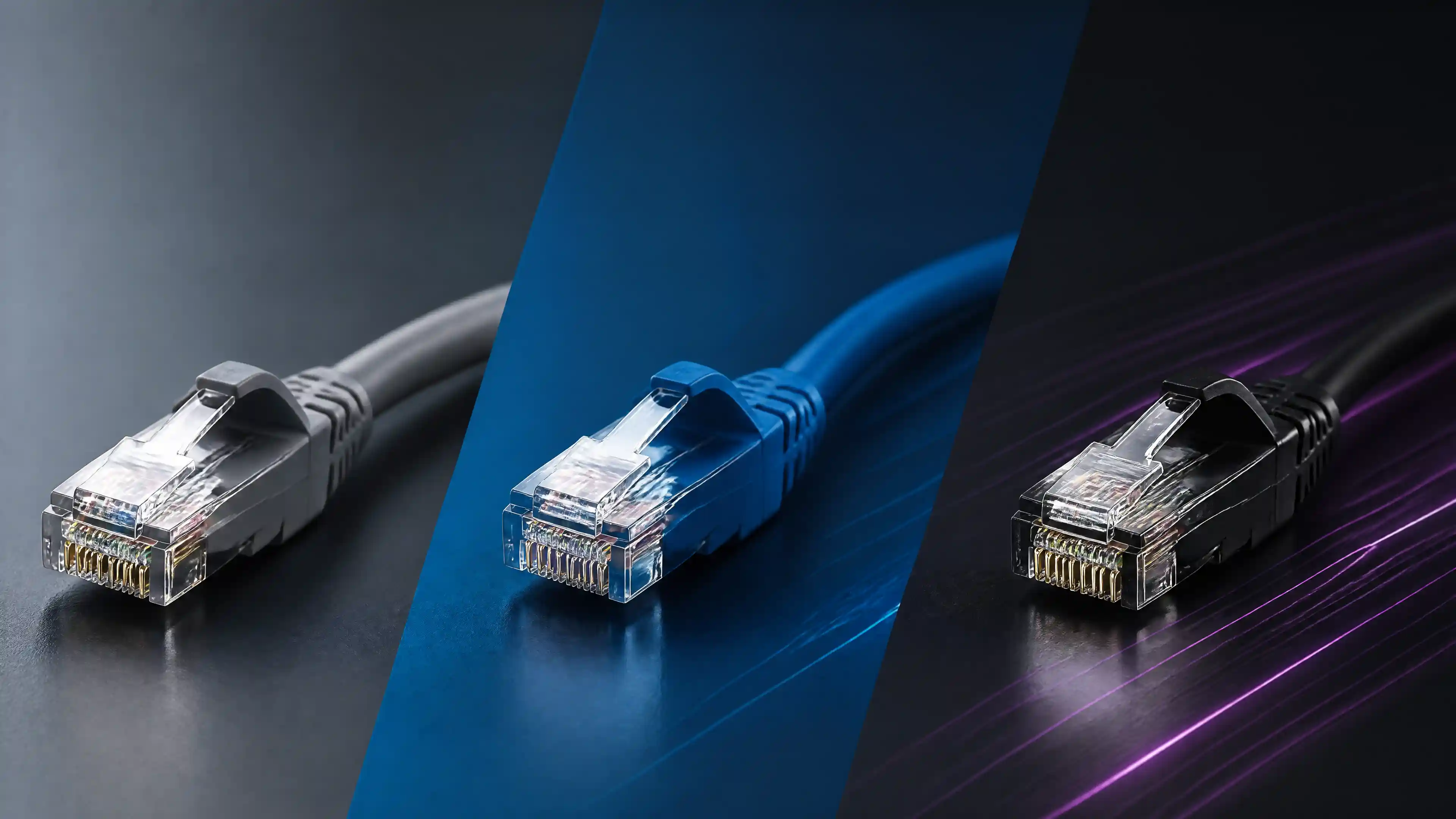
Cat6 suits most home and small office networks, handling speeds up to 1 Gbps at 100 meters. Cat6A doubles that to 10 Gbps at the same distance, making it the go-to for enterprise environments. Cat8 delivers up to 40 Gbps but is designed for short-range data center use—not general office cabling.
Choosing the wrong network cable is a costly mistake. Pull the wrong cable through a wall today, and you may be redoing the entire infrastructure in two years. With Cat6, Cat6A, and Cat8 all available at varying price points, the decision deserves more than a quick Google search.
This guide breaks down exactly what each cable type offers, where each one performs best, and which specification your next project actually needs—whether you're wiring a home office, a mid-sized business, or a high-density data center.
What Is the Difference Between Cat6, Cat6A, and Cat8?
Each cable generation represents a measurable leap in performance, shielding, and physical construction. Understanding these differences at a technical level helps you make a decision grounded in real-world requirements, not marketing language.
Cat6: Reliable Performance for Everyday Networking
Cat6 (Category 6) cable supports data transfer speeds of up to 1 Gbps at distances up to 100 meters, with a bandwidth capacity of 250 MHz. It meets the needs of most residential and small-to-medium business environments without significant infrastructure investment.
Cat6 cables are available in both unshielded (UTP) and shielded (STP) variants. The unshielded version is easier to install and terminate, while the shielded version offers improved resistance to electromagnetic interference (EMI)—useful in environments with heavy electrical equipment.
Best suited for: Home networks, small offices, retail environments, and budget-conscious deployments where 1 Gbps bandwidth is sufficient.
Cat6A: The Enterprise Standard for 10 Gbps Networks
Cat6A (Category 6 Augmented) was introduced to support 10 Gbps speeds at the full 100-meter run length, operating at a bandwidth of 500 MHz—double that of standard Cat6. This is the specification that most enterprise IT professionals default to for new structured cabling installations.
The augmented shielding in Cat6A cables significantly reduces alien crosstalk (AXT), which becomes a real problem when running multiple high-speed cables in close proximity. Cat6A cables are physically thicker and heavier than Cat6, which affects conduit fill calculations and installation labor.
Best suited for: Corporate offices, healthcare facilities, educational institutions, and any environment planning for long-term 10 Gbps network scalability.
Cat8: Maximum Speed for Short-Range, High-Density Environments
Cat8 cable supports speeds up to 25 Gbps (Cat8.1) or 40 Gbps (Cat8.2) with a bandwidth of 2,000 MHz. However, these speeds are only achievable at a maximum distance of 30 meters, which limits Cat8's practical use to rack-to-rack connections within data centers and server rooms.
Cat8 uses shielded twisted pair (S/FTP) construction and is backward compatible with RJ45 connectors (Cat8.1), meaning it can connect to existing switches and patch panels—though performance will be capped by the connected equipment.
Best suited for: Data centers, server rooms, high-performance computing environments, and top-of-rack switch connections.
Cat6 vs Cat6A vs Cat8: Feature Comparison
| Feature | Cat6 | Cat6A | Cat8 |
|---|---|---|---|
| Max Speed | 1 Gbps | 10 Gbps | 25–40 Gbps |
| Max Bandwidth | 250 MHz | 500 MHz | 2,000 MHz |
| Max Distance | 100 meters | 100 meters | 30 meters |
| Shielding | UTP or STP | F/UTP or S/FTP | S/FTP |
| Alien Crosstalk Resistance | Moderate | High | Very High |
| Cable Diameter | ~6 mm | ~8–9 mm | ~8–9 mm |
| Connector Type | RJ45 | RJ45 | RJ45 (Cat8.1) |
| Typical Use Case | Home / SMB | Enterprise | Data center |
| Relative Cost | Low | Medium | High |
| Installation Complexity | Low | Medium | Medium–High |
How to Choose the Right Cable for Your Project
When should you choose Cat6 over Cat6A?
Choose Cat6 when budget is a primary constraint and your network will not require speeds beyond 1 Gbps in the foreseeable future. For home networks, small retail setups, or temporary installations, Cat6 delivers reliable performance at the lowest cost per meter.
That said, if the cabling will be installed inside walls or above ceilings—where replacement is disruptive and expensive—consider the long-term cost before defaulting to Cat6.
When does Cat6A make more sense than Cat6?
Cat6A is the right choice when 10 Gbps capability matters now or within the next five to ten years. Given that structured cabling infrastructure typically remains in place for a decade or more, the incremental cost of upgrading from Cat6 to Cat6A during initial installation is almost always justified in commercial environments.
Cat6A is also the preferred option in high-density cable runs where alien crosstalk would otherwise degrade performance. Hospitals, universities, and multi-story office buildings consistently benefit from Cat6A deployments.
When is Cat8 the appropriate specification?
Cat8 is purpose-built for short, high-throughput connections within data centers. If your project involves interconnecting servers, storage arrays, or top-of-rack switches within a single rack or across adjacent racks, Cat8 delivers unmatched performance at those distances.
For anything beyond 30 meters, Cat8 does not offer a performance advantage over Cat6A and adds unnecessary cost.
What Are the Total Cost Differences Between Cat6, Cat6A, and Cat8?
Cost varies by region, supplier, and project scale, but the relative pricing structure is consistent across markets:
- Cat6 is the most affordable, both in material cost and installation labor due to its smaller diameter and easier termination.
- Cat6A typically costs 20–35% more per meter than Cat6, plus additional labor due to its larger diameter and stricter termination requirements.
- Cat8 commands a premium price over both Cat6 and Cat6A, and its short maximum run length means it is rarely used in volume across a full building—only in targeted, high-performance segments.
For large-scale commercial installations, the difference in material cost between Cat6 and Cat6A is often marginal relative to the total project cost, which includes conduit, labor, patch panels, and equipment. Investing in Cat6A from the outset avoids a complete cabling overhaul when network demands increase.
Making the Right Infrastructure Decision
Network cabling is not a component you replace every few years—it is foundational infrastructure that will serve your operations for a decade or more. Selecting the appropriate cable specification requires an honest assessment of your current bandwidth needs, your anticipated growth, and the physical environment in which the cable will operate.
For most businesses planning a new or upgraded structured cabling installation, Cat6A represents the optimal balance of performance, longevity, and cost. For data centers and server rooms requiring maximum throughput over short distances, Cat8 is the clear answer. Cat6 remains a practical choice for smaller, budget-sensitive environments where long-term scalability is not a priority.
If you are uncertain which specification is right for your facility, consulting a certified network infrastructure specialist before installation begins can save significant time and cost down the line.
Ready to build a network infrastructure that performs today and scales tomorrow? Contact our structured cabling team for a consultation tailored to your specific environment and requirements.
Frequently Asked Questions
-
Is Cat6A backward compatible with Cat6 equipment?
Yes. Cat6A is fully backward compatible with Cat6 and Cat5e equipment. When connected to older hardware, performance will default to the lower specification—but the cable itself will not cause any compatibility issues.
-
Can Cat8 cable be used for a home network?
Cat8 can be used in a home network, but it offers no practical benefit for residential use. Consumer networking equipment does not yet support the speeds Cat8 is designed for, and its 30-meter maximum distance limits its utility in home environments. Cat6 or Cat6A is the appropriate choice for home installations.
-
What is the maximum distance for Cat6A at 10 Gbps?
Cat6A supports 10 Gbps data transfer at distances of up to 100 meters—the same maximum run length as Cat6 at 1 Gbps. This full-distance 10 Gbps capability is one of Cat6A's defining advantages over standard Cat6.
-
Does the type of shielding affect performance in office environments?
Yes. In environments with significant electromagnetic interference—such as manufacturing floors, hospitals with medical imaging equipment, or buildings with dense electrical infrastructure—shielded cable (F/UTP or S/FTP) provides measurably better signal integrity than unshielded alternatives.
-
How do I know if my existing cabling needs to be upgraded?
If your current infrastructure is Cat5e or older Cat6 and you are experiencing network bottlenecks, planning to deploy 10 Gbps switches, or expanding your facility, a structured cabling assessment is recommended. A certified infrastructure specialist can test existing cable runs and advise on whether an upgrade is necessary or whether targeted improvements are sufficient.
About Blue Edge
Blue Edge Company is a value-added technology distributor based in Dammam, Saudi Arabia, supplying interactive displays, smart building systems, networking infrastructure and IT security software to businesses and residential projects across the Kingdom, with installation and technical support.
Learn more about Blue Edge →Published 24 August 2026 • Last updated 23 September 2026 • This article is reviewed when standards, regulations or product guidance change.