Shopping Cart


- Articles
- Enterprise Communication
- Interactive Screens vs Normal Screens: Which Does Each Room Need?
Interactive Screens vs Normal Screens: Which Does Each Room Need?
Interactive or normal screen? A room-by-room guide for Saudi offices and schools, with screen sizes by seat distance and the mistakes that cost most.
By Blue Edge Team | Published Sep 29, 2026 | Updated Oct 03, 2026 | 11 min read
Quick answer
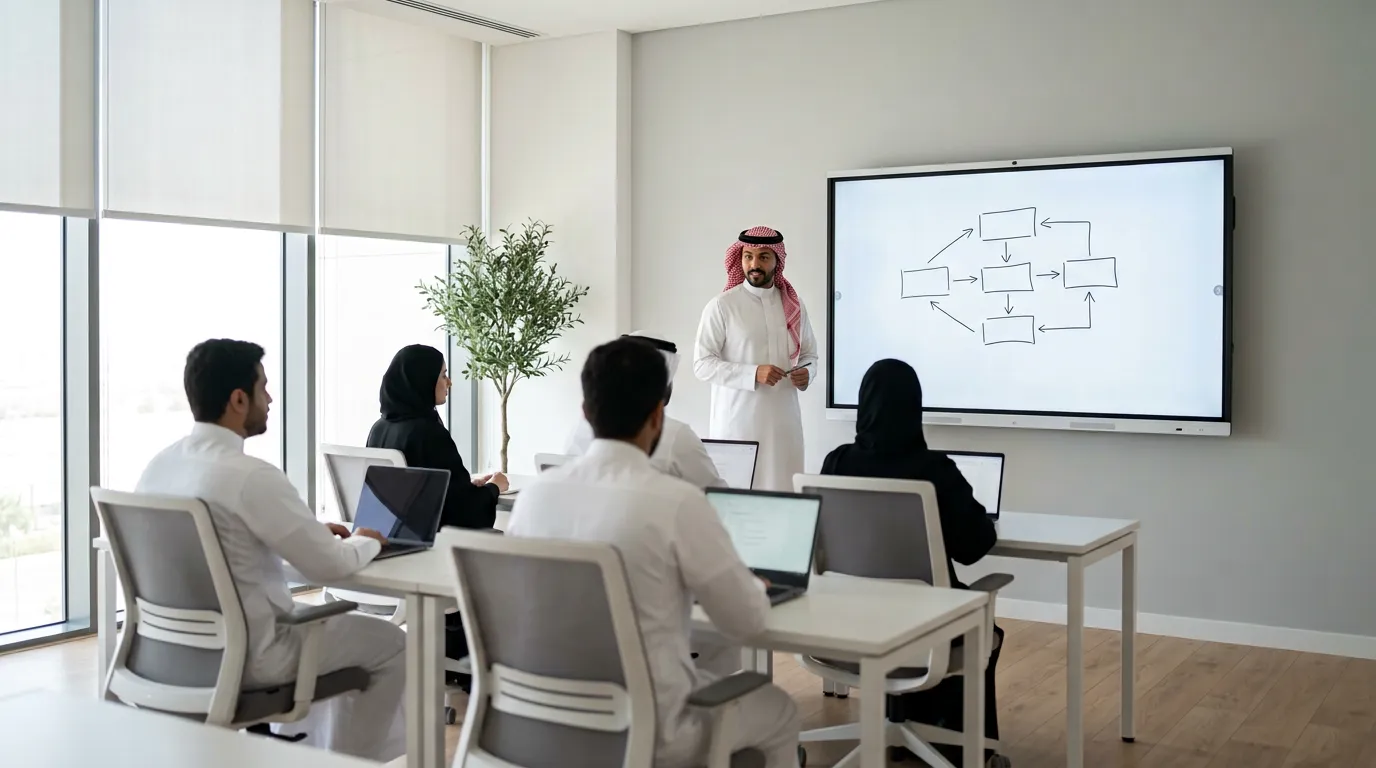
Fit an interactive screen where people stand at the screen and work on the content, such as training rooms and classrooms, and a normal non-touch display where people only watch, such as huddle rooms, boardrooms and reception. An interactive panel carries its own computer and whiteboard app; a normal display shows only what another device sends it.
It is easy to get the screen decision wrong in both directions. Some organisations put an interactive panel in every meeting room and end up with expensive touchscreens that only mirror a laptop. Others fit consumer TVs throughout, and trainers drift back to marker boards.
The right choice depends on what people do in each room. A screen that someone walks up to, writes on and saves from earns its touch layer; one that eight people watch from their chairs does not. If you are replacing a marker board rather than a TV, our comparison of interactive displays and traditional whiteboards covers that decision.
This guide explains what separates the two types and recommends one for each common room in Saudi offices, schools and training centres. It also shows how to size a screen from the farthest seat and which mistakes cost most to undo.
What Is the Difference Between an Interactive Screen and a Normal Screen?
An interactive screen is a large touch display with its own computer, whiteboard software and pens, so people can write on it and control it by hand; a normal screen has no touch layer and shows whatever a laptop, media player or video bar sends it. Three types end up in Saudi meeting rooms and classrooms:
- Interactive flat panel (IFP): a touch display with a built-in computer, usually Android, a whiteboard app, wireless screen sharing and, on meeting-room models, video conferencing. Many add an OPS slot for a plug-in Windows PC module.
- Commercial display: a non-touch screen built for business use, typically rated for longer daily operation, with control and scheduling features. It needs a laptop, room PC, media player or video bar to show anything.
- Consumer TV: the cheapest screen per inch, built for home viewing. Its features, warranty and service terms are usually written for a living room, not a busy meeting room.
Is a smart TV the same as an interactive screen?
No. A smart TV runs apps and accepts casting from a phone, but it has no touch layer, whiteboard or pen input, so nobody can annotate a slide at the screen or save what was written.
What does an interactive screen add in practice?
It turns the screen into the workspace rather than a window onto someone's laptop. Dahua's current DHI-LPH86-MC470-P-S2, for example, runs Android 14, takes 32 touch points under Android and 50 under Windows, and supports 10 simultaneous writing points. Notes are saved and shared instead of photographed, and an OPS module adds Windows for desktop software.
How Do You Choose Between an Interactive and a Normal Screen?
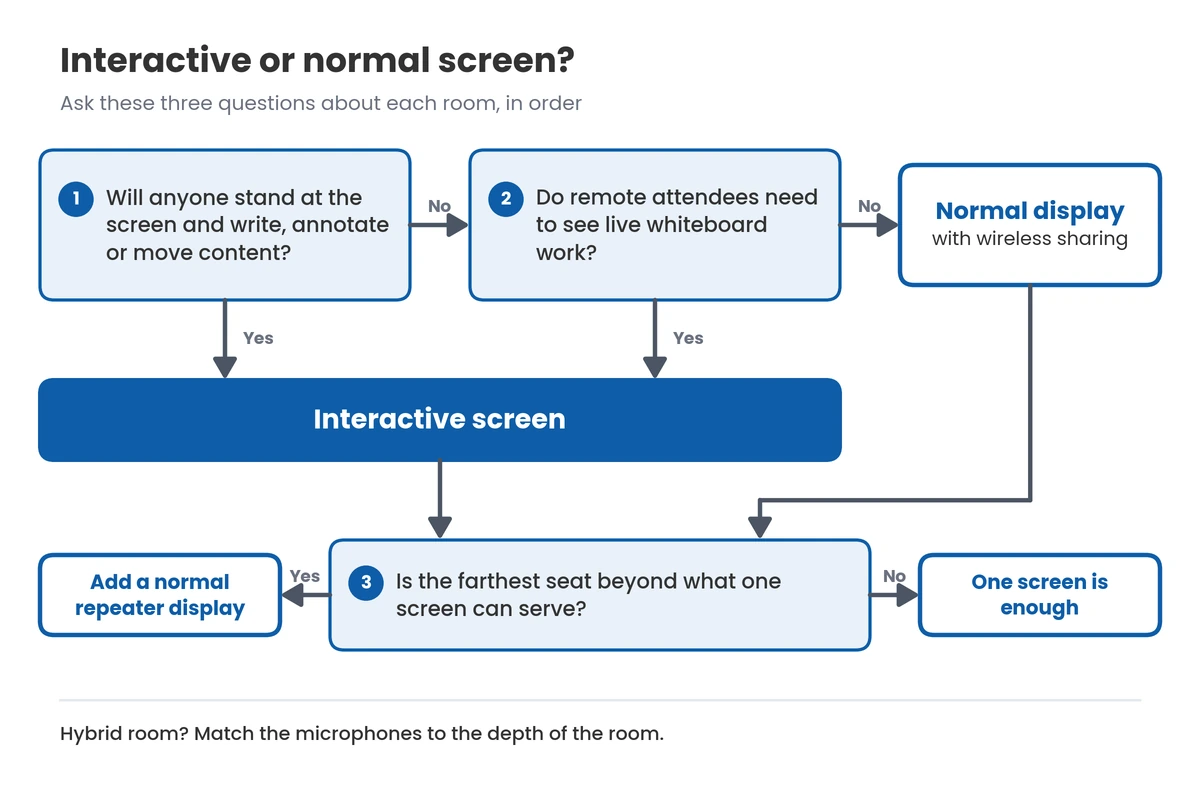
Decide room by room with three questions: will anyone work at the screen, how far away is the farthest seat, and does the room host hybrid calls? The first settles most rooms; the other two decide size and extras.
Will anyone stand at the screen and change what is on it?
If yes, choose interactive; if people stay seated while one person drives from a laptop, choose a normal display. Touch only helps within arm's reach, so a panel earns its cost when a trainer annotates slides, a team rearranges a plan or pupils come up to solve a problem.
How far away is the farthest seat?
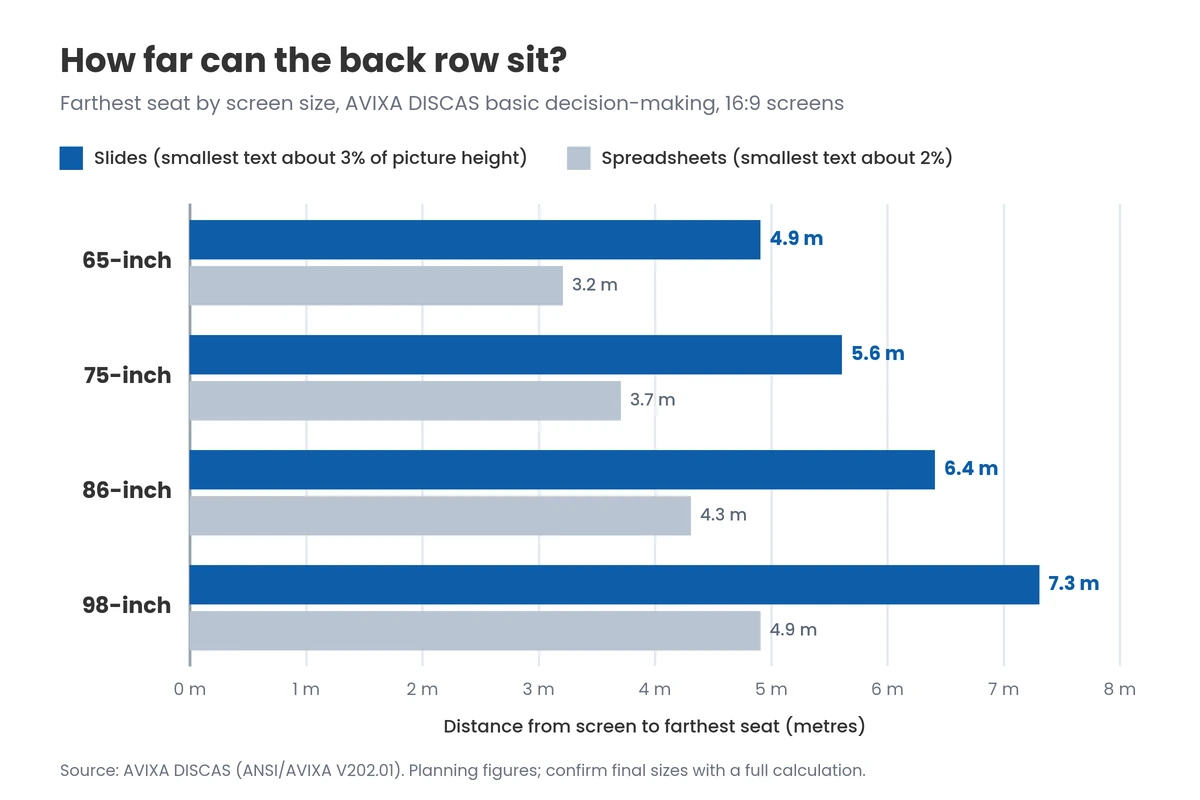
Measure it: the farthest seat, not the wall, decides the screen size. AVIXA's DISCAS standard (ANSI/AVIXA V202.01) links image size to the farthest viewer: for everyday slides, where the smallest text is about 3% of the picture height, its basic decision-making formula allows a farthest seat of six times the image height. For 16:9 screens that works out to roughly:
- 65-inch: farthest seat about 4.9 m
- 75-inch: about 5.6 m
- 86-inch: about 6.4 m
- 98-inch: about 7.3 m
For spreadsheets and dashboards, where text is nearer 2% of the picture height, cut those distances by a third. A room deeper than one screen can serve needs a second, repeater display rather than a bigger panel.
Does the room host hybrid calls?
If it does, budget for video and audio as carefully as for the screen. A normal display needs a separate video bar, while a meeting-room interactive panel usually builds conferencing in and shares its whiteboard straight into the call; our video conferencing guide for Saudi meeting rooms covers the options.
Check the rated pickup range against the room's depth. Dahua specifies the 16-microphone array on the 86-inch MC470-P for 8 to 12 metres, which suits a typical meeting room; in a deeper boardroom, a DHI-PKC-WM1A omnidirectional microphone on the table adds 6 m of all-round pickup and can be cascaded with a second unit.
Which Screen Does Each Room Need?
Most buildings need both types: interactive screens where people work at the screen and normal displays where they watch. The table matches common rooms in Saudi offices, schools and training centres to the right screen.
| Room | How the screen is used | Screen it needs | Why | Worth adding |
|---|---|---|---|---|
| Huddle room (2–4 people) | Quick calls, one shared laptop | Normal display | Nobody walks up to write | Wireless sharing, compact video bar |
| Meeting room (4–8 people) | Document reviews, hybrid calls | Normal, or interactive if the team edits together | Touch pays only if someone uses it | Video bar, table microphone |
| Project or team room | Planning, stand-ups, sketching | Interactive | The screen is the shared workspace | Spare pens, shared folder for saved boards |
| Training room | Trainer annotates, trainees follow | Interactive at the front | Annotated sessions are saved and shared | Repeater display in deep rooms |
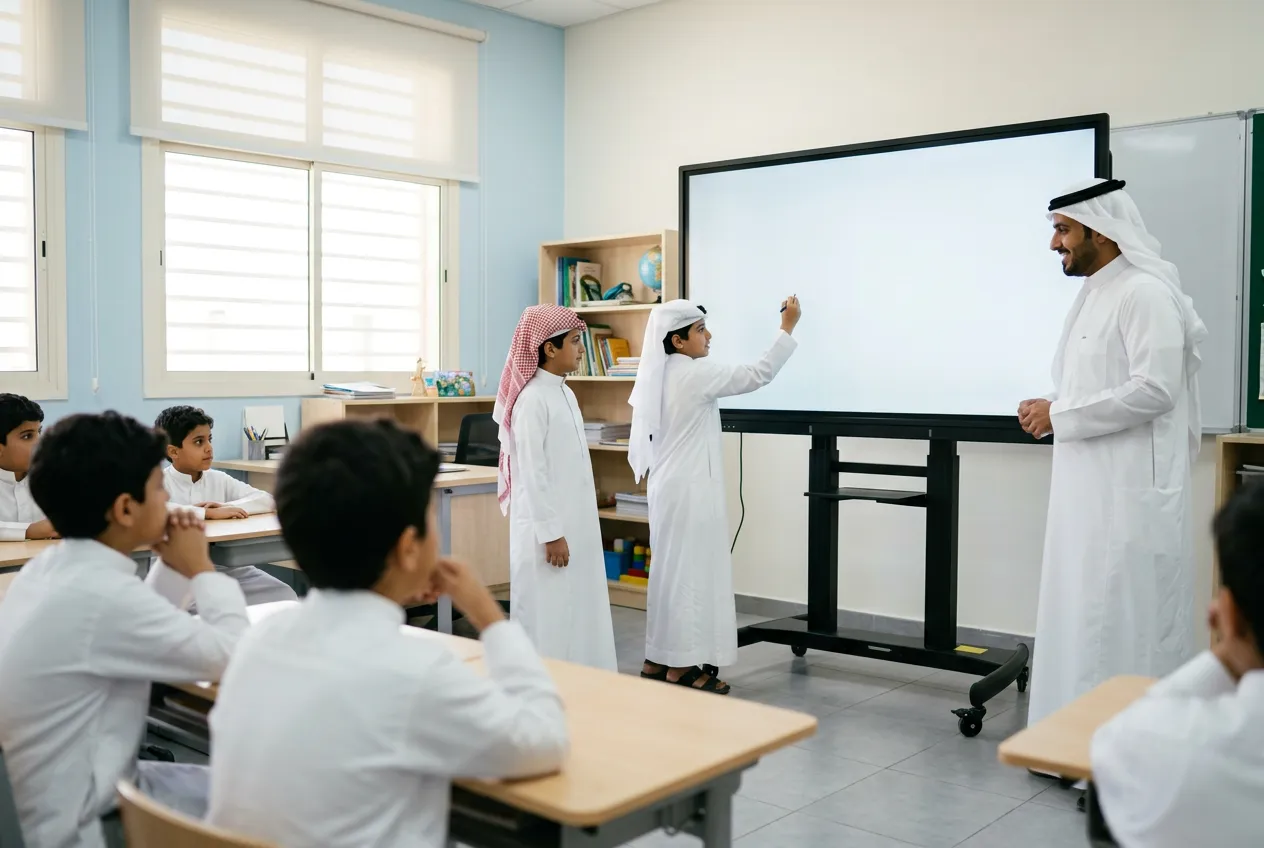
| Classroom | Teacher and pupils write on the board | Interactive, education model | Several pupils can write at once | Mobile stand for shared use |
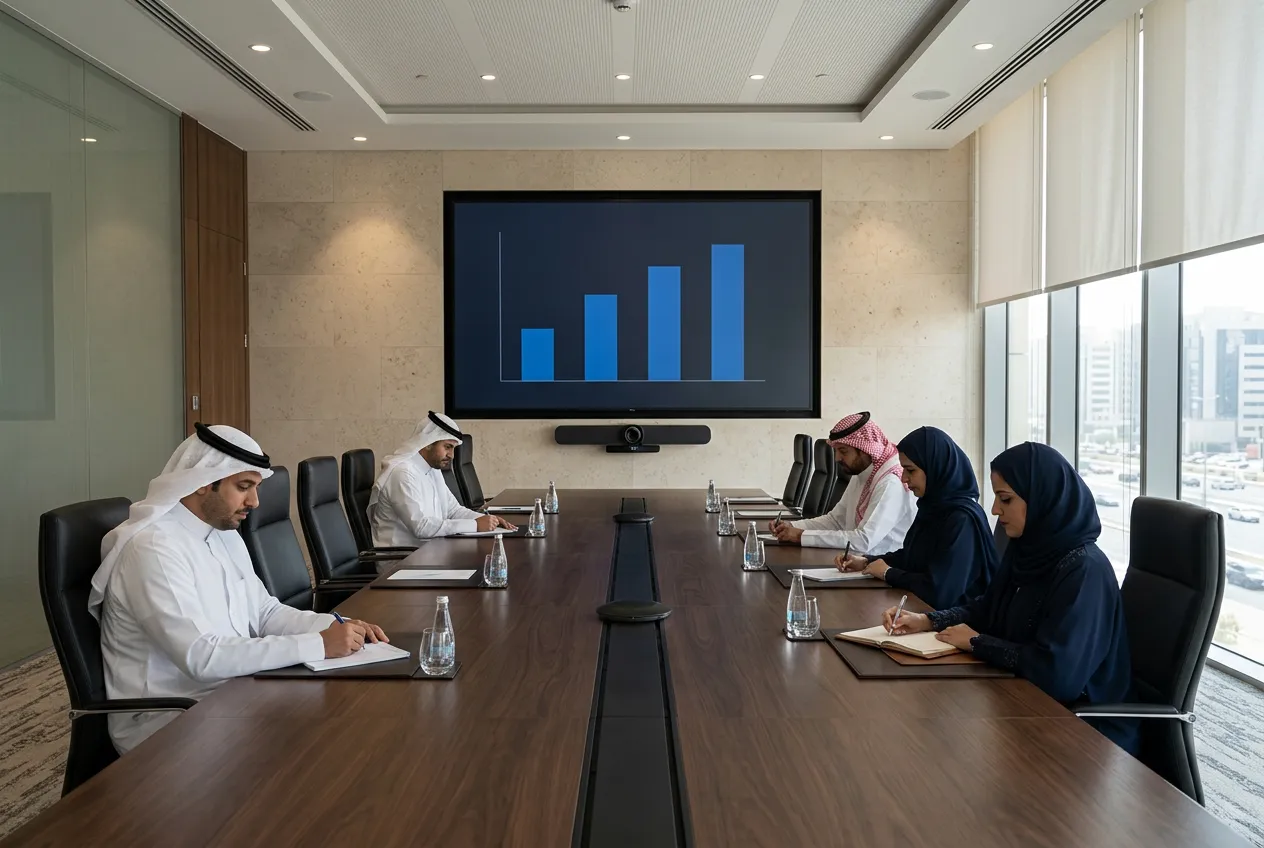
| Boardroom | Presentations and board calls | Large normal display | Seats are far away and nobody walks up | Video bar, ceiling or table microphones |
| Executive office | Calls and document review from the desk | Normal display | Viewed from the desk, rarely touched | Wireless sharing, video bar |
| Reception or lobby | Welcome content and announcements | Normal commercial display | Passive viewing over long hours | Signage player, brightness to suit glazing |
Key takeaway
For most Saudi offices the answer is a mix, with interactive panels in project rooms, training rooms and classrooms and non-touch displays in huddle rooms, boardrooms, offices and reception. Spend on touch where someone will use it every day, and put the savings into correct sizes, video bars and microphones elsewhere.
What if a room needs both?
Use two screens or a shared panel rather than compromise on one. In a deep training room, put the interactive panel at the front and a normal repeater display partway back for the rear rows. For a boardroom that holds occasional workshops, wheel in an interactive panel on a Dahua PKC-MS1A mobile stand when needed, so one panel serves several rooms.
What Do Saudi Offices and Schools Need to Consider?
Four local factors matter more than any feature list: heat and glazing, Arabic content, the rules that apply once a screen joins the network, and where warranty service comes from. Miss one and a sound specification becomes a poor purchase.
How do heat and glazing affect a screen?
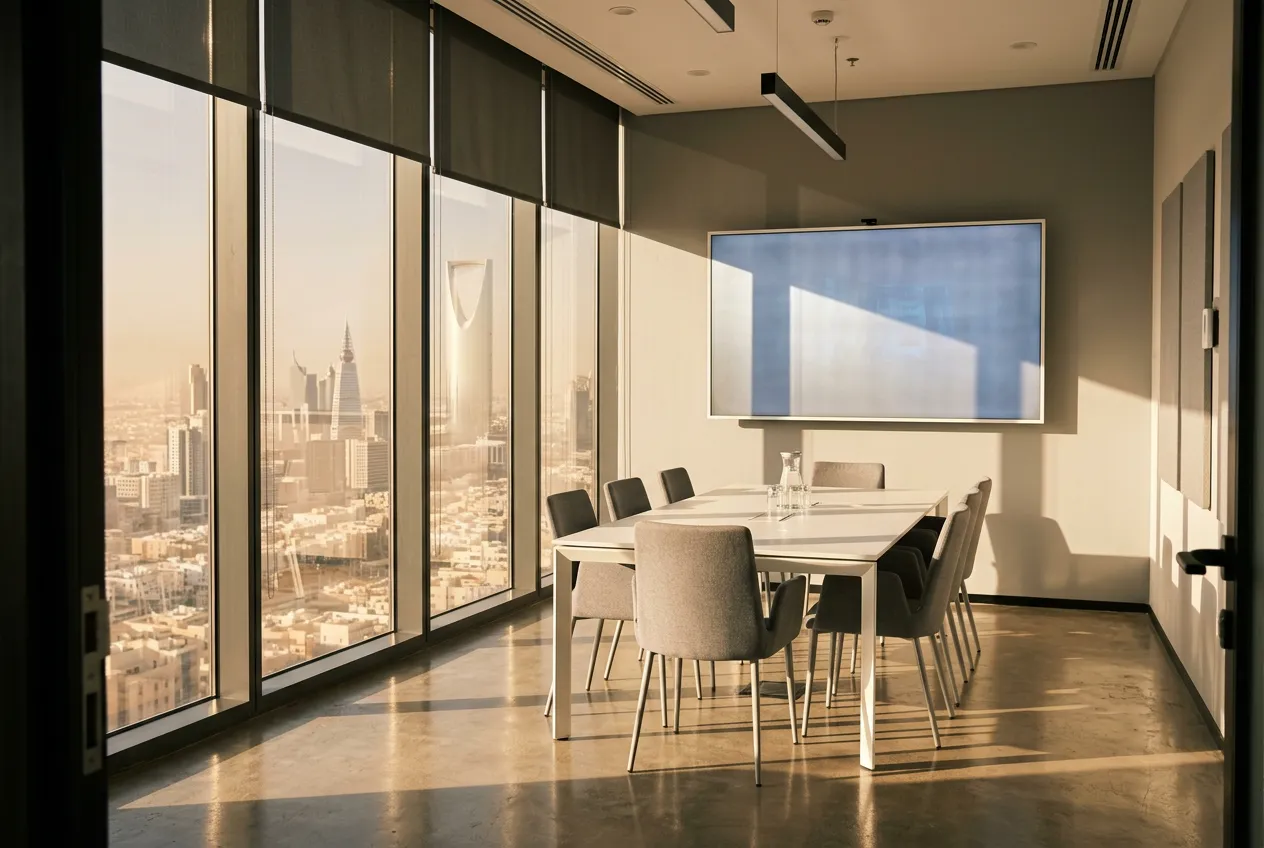
They decide where the screen can go and what it must withstand. Dahua lists an operating range of 0 °C to 40 °C for the MC470-P, which a room left without air conditioning over a summer weekend, or a wall in afternoon sun behind glass, can exceed. Dahua rates the 86-inch model at 450 cd/m², a brightness meant for indoor rooms, so place panels side-on to windows, fit blinds and keep vents free of dust.
Will the screen handle Arabic?
Test it with your own bilingual content before you buy, because support varies by model and software version. Check that the whiteboard app, on-screen keyboard and handwriting recognition accept Arabic, that mixed Arabic and English lines keep the right direction, and that Arabic file names survive sharing.
What rules apply once the screen is on the network?
Two sets of rules can apply: the PDPL to anything the panel records, and the NCA's Essential Cybersecurity Controls to organisations within their scope. Under the PDPL, recordings that identify people are personal data, so recorded meetings and lessons need a clear purpose, a retention period and controlled access, as our guide to Saudi Arabia's PDPL explains. Government and critical-infrastructure entities covered by the controls should add panels to their asset inventory and patching routine; everyone should put them on a separate network segment and change the default password.
What should warranty and support cover in the Kingdom?
It should cover local repair, spare parts and response times under a warranty honoured in Saudi Arabia. Large panels are too heavy and fragile to ship abroad, so confirm who repairs them locally, how fast, and whether pens, remotes and OPS modules are stocked here. Grey imports may carry no local warranty.
Blue Edge is a value-added technology distributor based in Dammam and the authorised distributor in Saudi Arabia for Dahua Technology's interactive displays and meeting-room accessories, supplying projects across the Kingdom. The range covers Dahua interactive displays in the Business Series (MC480, MC470-P and MC470-C lines) and the Education Series (ST470-L-S2 line), Dahua microphones, mobile stands and OPS modules, and Huawei eKit IdeaHub interactive screens. Blue Edge also provides structured cabling and networking and IT installation and configuration for the rooms the screens go into.
What Are the Most Common Meeting Room Screen Mistakes?
The costliest mistakes come from buying one type of screen for every room instead of matching screens to how rooms are used. Here they are, worst first:
- Buying interactive panels for every room. In huddle rooms, boardrooms and offices the touch layer, whiteboard software and built-in computer go unused, so you pay the interactive premium on screens that serve as monitors.
- Fitting consumer TVs in training rooms and classrooms. Nothing written in a session is captured, and the TV is eventually replaced by the interactive panel the room needed, so you buy twice.
- Sizing the screen to the wall, not the back row. If the rear rows cannot read, the fix is a second display plus new cabling in a finished room.
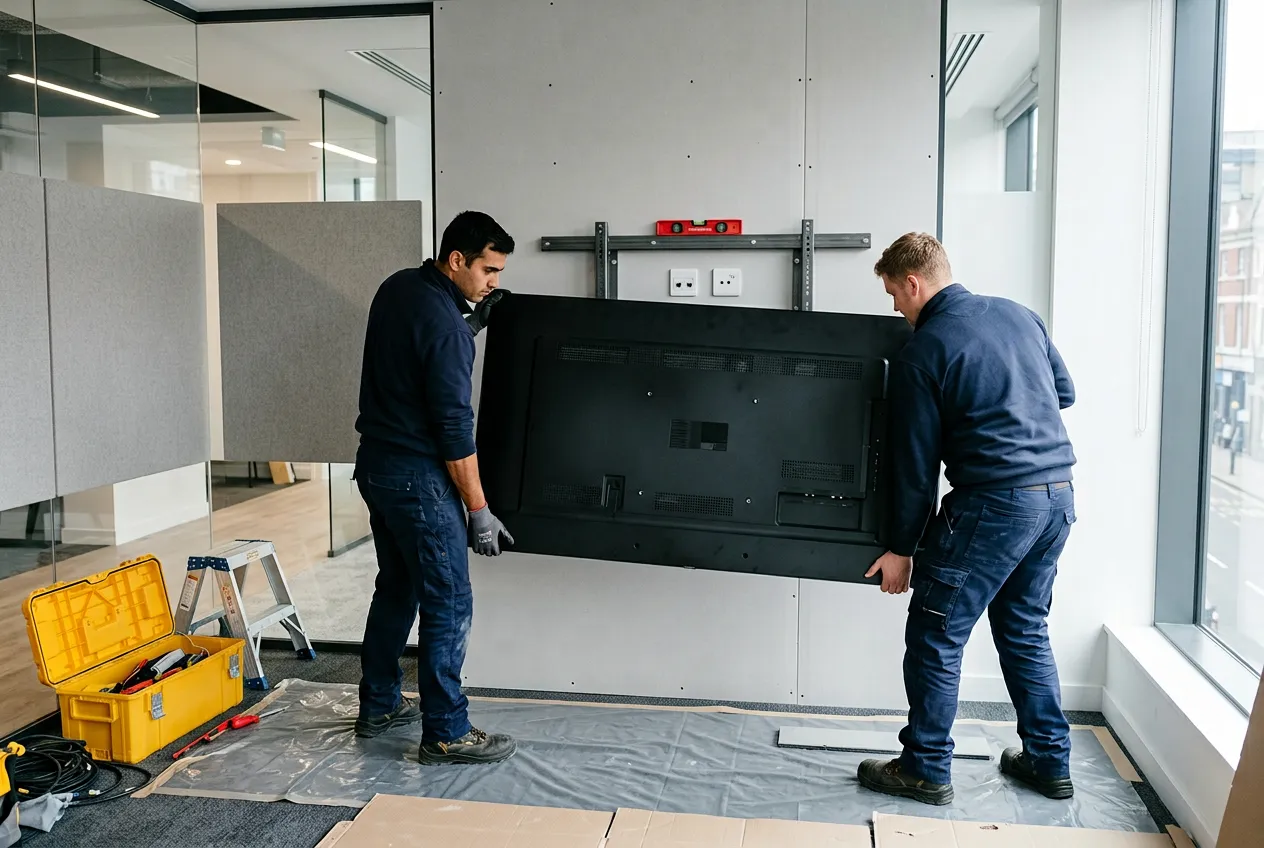
- Mounting without checking the wall or the reach. An 86-inch Dahua MC470-P weighs 73 kg, so an unreinforced plasterboard wall means rework, and a panel hung too high leaves presenters unable to reach its top edge.
- Forgetting the data point and power behind the screen. A panel on Wi-Fi alone casts, updates and joins calls less reliably, and a wired point added after the walls close costs far more.
- Ignoring how guests will connect. If visitors cannot cast to a locked-down network and there is no cable or dongle at the table, every external meeting starts late while someone hunts for an adapter.
Walk Every Room Before You Order a Screen
Start with a room list, not a product list. For each room, note who uses it, how often, whether anyone writes or presents at the screen, and whether remote people join; that alone settles interactive or normal for most rooms.
Then measure. Record the distance from the screen wall to the farthest seat, check the wall construction, mark the data and power points, and look at the windows at the busiest time of day.
Finally, trial before you roll out. Put one interactive panel in a training or project room for a few weeks, test Arabic content, guest casting and a hybrid call with its real users, then order the rest.
Frequently Asked Questions
-
Can I turn a normal TV into an interactive screen?
Yes, with an add-on infrared touch frame, but it is rarely a good trade for a room used every day. The frame sits in front of the TV glass, so pen tip and ink do not line up exactly, you still need whiteboard software and a computer, and the TV's warranty may not cover the change.
-
Do interactive screens work with Microsoft Teams and Zoom?
Yes, although Windows is more dependable than the panel's built-in Android system. Some meeting apps run on Android, depending on vendor support, but an OPS slot takes a plug-in Windows PC module, such as Dahua's SP-PI5C82IS with Windows 11 Pro activated, which runs the full desktop versions and can be managed like any other Windows device.
-
How much electricity does an interactive display use?
Dahua lists 425 W basic and 500 W maximum for the 86-inch MC470-P, and 0.5 W or less in standby. The saving comes from scheduling: a panel that switches off after work and sleeps when the room is empty uses a fraction of the energy of one left on around the clock.
-
Does an interactive display need an internet connection?
Not for the basics: whiteboard writing, showing a laptop over HDMI or USB-C and playing local files all work offline. Cloud saving, updates and video calls need internet access, and wireless casting needs at least a local network, which some panels create with their own hotspot. A wired data point remains the most dependable option.
-
How long does an interactive display last?
Dahua rates the LCD panel in the MC470-P for at least 50,000 hours, which is more than 19 years at 10 hours a day, five days a week. In practice software support is more likely to end first, so plan upgrades around the operating system; an OPS module can be swapped without replacing the panel.
Sources & References
- Dahua Technology — LPH86-MC470-P
- Dahua Technology — PKC-WM1A
- Dahua Technology — Business Series
- Dahua Technology — Education Series
- AVIXA — Learn More About Display Size
- AVIXA — Decision Making Calculations
- SDAIA — Regulations and Policies
- NCA — Essential Cybersecurity Controls (ECC-2:2024)
Planning screens for several rooms?
Blue Edge supplies Dahua interactive displays and meeting-room accessories and Huawei eKit IdeaHub screens, with structured cabling and installation for the rooms around them.
Call or WhatsApp +966 53 9855 188, contact the Blue Edge team, or browse the Dahua interactive display range for Saudi Arabia.
About Blue Edge
Blue Edge Company is a value-added technology distributor based in Dammam, Saudi Arabia, supplying interactive displays, smart building systems, networking infrastructure and IT security software to businesses and residential projects across the Kingdom, with installation and technical support.
Learn more about Blue Edge →Published 29 September 2026 • Last updated 3 October 2026 • This article is reviewed when standards, regulations or product guidance change.