Shopping Cart



Digital Signage for Lobbies, Retail and Corporate Buildings
Digital signage specified properly: nits for daylight lobbies, commercial vs consumer panels, HDBaseT limits, Arabic rendering and Saudi heat factors.
By Blue Edge Team | Sep 03, 2026
Digital Signage for Lobbies, Retail and Corporate Buildings
Quick answer: A digital signage system is a network of displays whose content is scheduled and updated remotely from a central content management system. Four components make it work: the display, a media player, the content management system and the network connecting them. The most common specification failure is brightness, because a standard 350-nit panel is unreadable in a daylit lobby.
Digital signage fails in two predictable ways. The screen is too dim to read against the daylight pouring through a glass lobby, or the content stopped changing three months after handover and nobody has updated it since.
Both are avoidable, and neither is fixed by buying a bigger screen. The first is a hardware specification problem, settled before purchase. The second is an ownership problem, settled before the project starts.
This guide covers how to specify the display properly, when a screen needs to be a panel and when it needs to be direct-view LED, whether the media player belongs inside the display, the network and cabling limits that constrain where screens can go, and the Arabic and climate factors that a generic international specification will miss.
What Is a Digital Signage System?
A digital signage system is a network of displays whose content is scheduled, updated and monitored remotely from a central content management system, rather than each screen playing fixed local media. The defining characteristic is central control: one person changes a message once and every relevant screen updates.
Four components make up any deployment:
- The display, which may be a commercial LCD panel, a direct-view LED wall or an interactive touch screen
- The media player, either built into the display as a system-on-chip or supplied as a separate device
- The content management system, which holds the media library, builds playlists and schedules what plays where and when
- The network, which delivers content to players and reports their status back
A properly specified system also gives you remote visibility. You should be able to see from a dashboard which screens are online, what each one is currently playing, and which one has been showing a black screen since Tuesday.
How Do You Specify the Right Display?
Display specification decides whether the installation works, and three parameters matter far more than screen size.
Can you use a normal television for digital signage?
No, not for any installation that runs longer than a few hours a day. Consumer televisions are rated for roughly six to eight hours of daily use, while commercial signage displays are rated for 16 or 24 hours. A consumer panel run continuously fails early, and the warranty excludes commercial use, so the replacement cost lands on the operator.
Three further differences matter. Consumer televisions are not rated for portrait orientation, and mounting one vertically traps heat and shortens its life. They lack the RS-232 and network control interfaces needed to power screens on and off centrally. And their brightness is designed for a dim living room, not a building lobby.
How many nits does a display need?
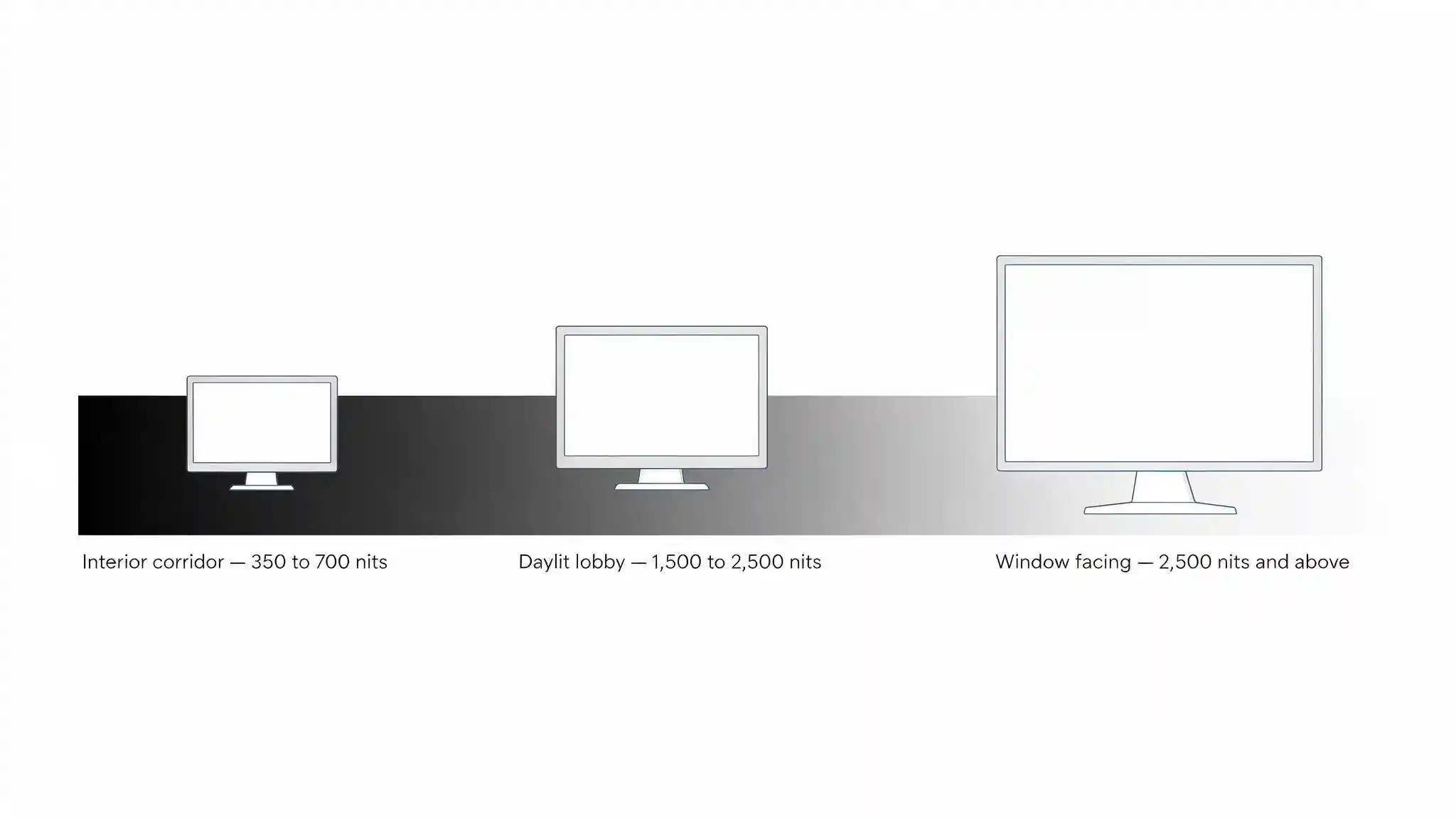
Brightness is measured in nits, also written as candelas per square metre, and the requirement is set by the ambient light falling on the screen rather than by screen size. Use these ranges as a starting point:
- Consumer television: roughly 250 to 350 nits, suitable for controlled interior lighting only
- Standard commercial display: roughly 350 to 700 nits, appropriate for corridors, meeting rooms and interior retail away from windows
- High-brightness display: roughly 1,500 to 2,500 nits, needed for daylit lobbies, atria and window-facing positions
- Window and outdoor display: 2,500 nits and above, with 5,000 nits common for direct sunlight
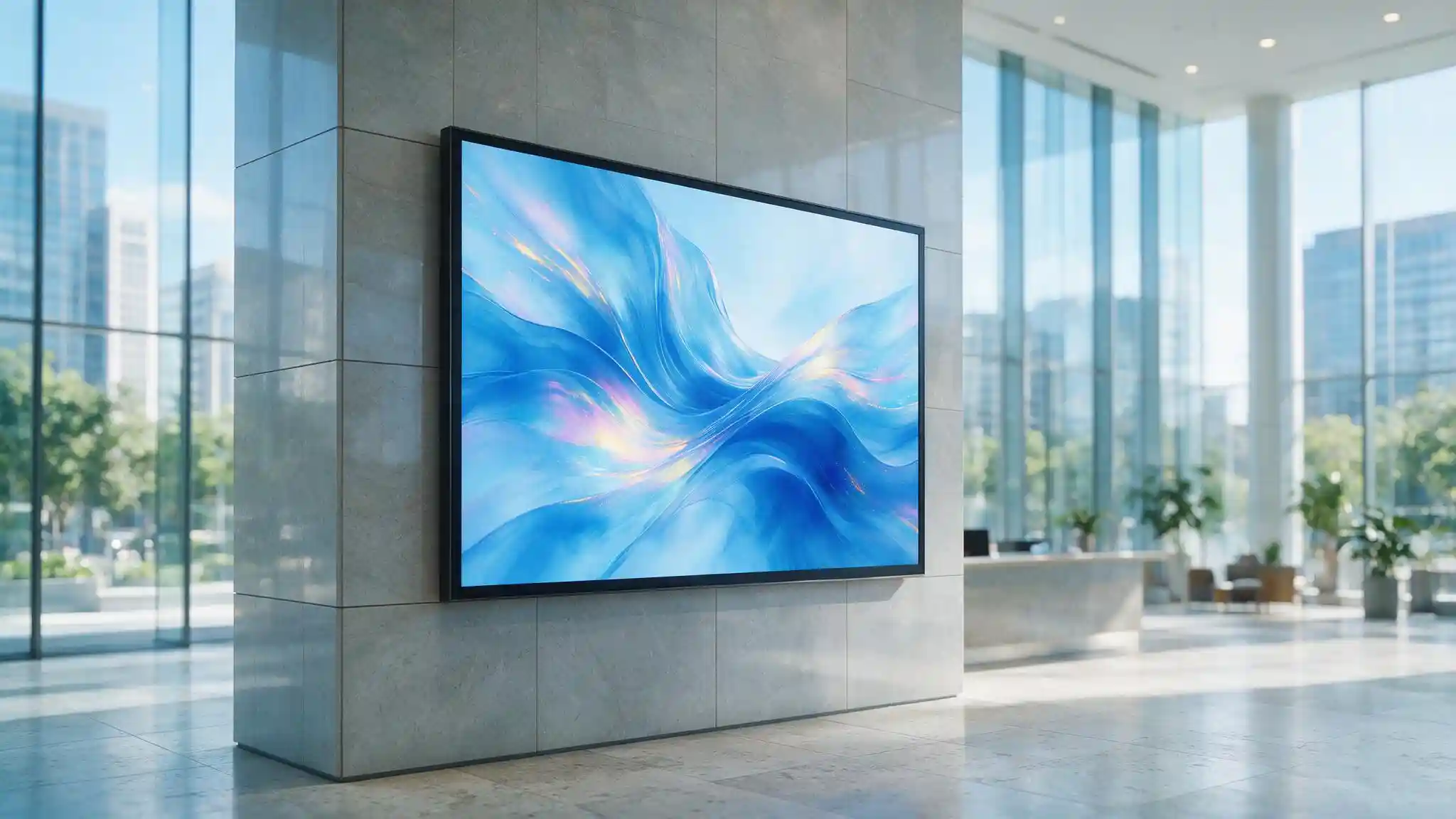
A glass-fronted lobby in Riyadh, Jeddah or Khobar is a high-brightness environment for most of the day. Specifying a standard 350-nit panel there produces a screen nobody can read, and no amount of content design fixes it.
What else belongs in the specification?
Confirm the operating hours rating, either 16/7 or 24/7, against the actual schedule. Confirm portrait orientation support if the screen is mounted vertically. Specify an anti-glare or low-haze coating for any screen facing a window. And check the panel's maximum operating temperature against the position, which matters more in the Gulf than most datasheets assume.
LCD Panel or Direct-View LED: Which Suits the Space?
The table below compares the three display classes that appear in commercial projects.
| Criterion | Consumer television | Commercial LCD display | Direct-view LED |
|---|---|---|---|
| Rated operating hours | About 6 to 8 hours daily | 16 or 24 hours daily | 24 hours daily |
| Typical brightness | 250 to 350 nits | 350 to 700 nits, high-brightness models to 2,500 | 800 to 5,000 nits and above |
| Portrait orientation | Not rated | Supported on rated models | Fully flexible |
| Remote power and control | Limited or none | RS-232, LAN, scheduled on and off | Full control system |
| Warranty for commercial use | Excluded | Included, typically 3 years | Included, varies by product |
| Practical maximum size | Around 85 inches | Around 98 inches, larger as a video wall | Effectively unlimited, built to size |
| Bezel between screens | Wide | Narrow on video wall models | None, seamless |
| Minimum viewing distance | Close | Close | Set by pixel pitch |
| Best suited for | Domestic use only | Lobbies, corridors, retail, meeting rooms, wayfinding | Large feature walls, atria, exteriors, auditoriums |
Key takeaway: A commercial LCD display covers the large majority of lobby, retail and corporate applications, and the specification decision within that class comes down to brightness and operating hours rather than resolution. Direct-view LED becomes the right answer once the required image is larger than a single panel can deliver seamlessly, or once the screen must survive direct sunlight. Consumer televisions have no place in a commercial installation, because the warranty excludes the use and the panel is not built for the duty cycle.
Pixel pitch governs direct-view LED selection. Pitch is the distance in millimetres between adjacent LEDs, and a practical rule is that the minimum comfortable viewing distance in metres approximates the pixel pitch in millimetres. A P2.5 wall reads cleanly from about two and a half metres, while a P10 exterior wall needs roughly ten. Specifying a fine pitch for a screen nobody stands near wastes budget, and specifying a coarse pitch for a reception desk wall produces a visibly blocky image.
Should the Media Player Be Built In or External?
The media player runs the content, and the choice is between a system-on-chip inside the display, an external player, or a pluggable module.
System-on-chip. The player is built into the display, which removes a device, a cable and a power outlet. It suits simple looping content and straightforward playlists. The limitation is that the processor and its operating system are tied to the display's lifecycle, so software support ends when the manufacturer stops updating that model.
External media player. A separate small computer feeding the display over HDMI. More processing headroom for video walls, live data and demanding layouts, and it can be replaced independently when it ages. The cost is another device to mount, power and manage.
Open Pluggable Specification module. An OPS module is a standardised slot-in computer that sits inside a compatible display, combining the tidiness of a built-in player with the upgradeability of an external one. When the processing needs to improve, the module is swapped and the panel stays.
For lobby and retail loops, a system-on-chip is usually sufficient. For video walls, interactive wayfinding and anything driven by live data, choose an external player or an OPS module. Interactive touch installations in particular benefit from the extra processing, and the same principle applies to the interactive touch screens used in meeting and training spaces.
What Network and Cabling Does Digital Signage Need?
Digital signage uses far less bandwidth than most people expect, and is constrained far more by cable distance than by network capacity.
Bandwidth is bursty, not continuous. Most content management systems download media to the player's local storage and play it from there, so the network carries a burst during a content update and almost nothing afterwards. The exception is live content such as streamed television, news feeds or real-time dashboards, which do consume continuous bandwidth and should be sized separately.
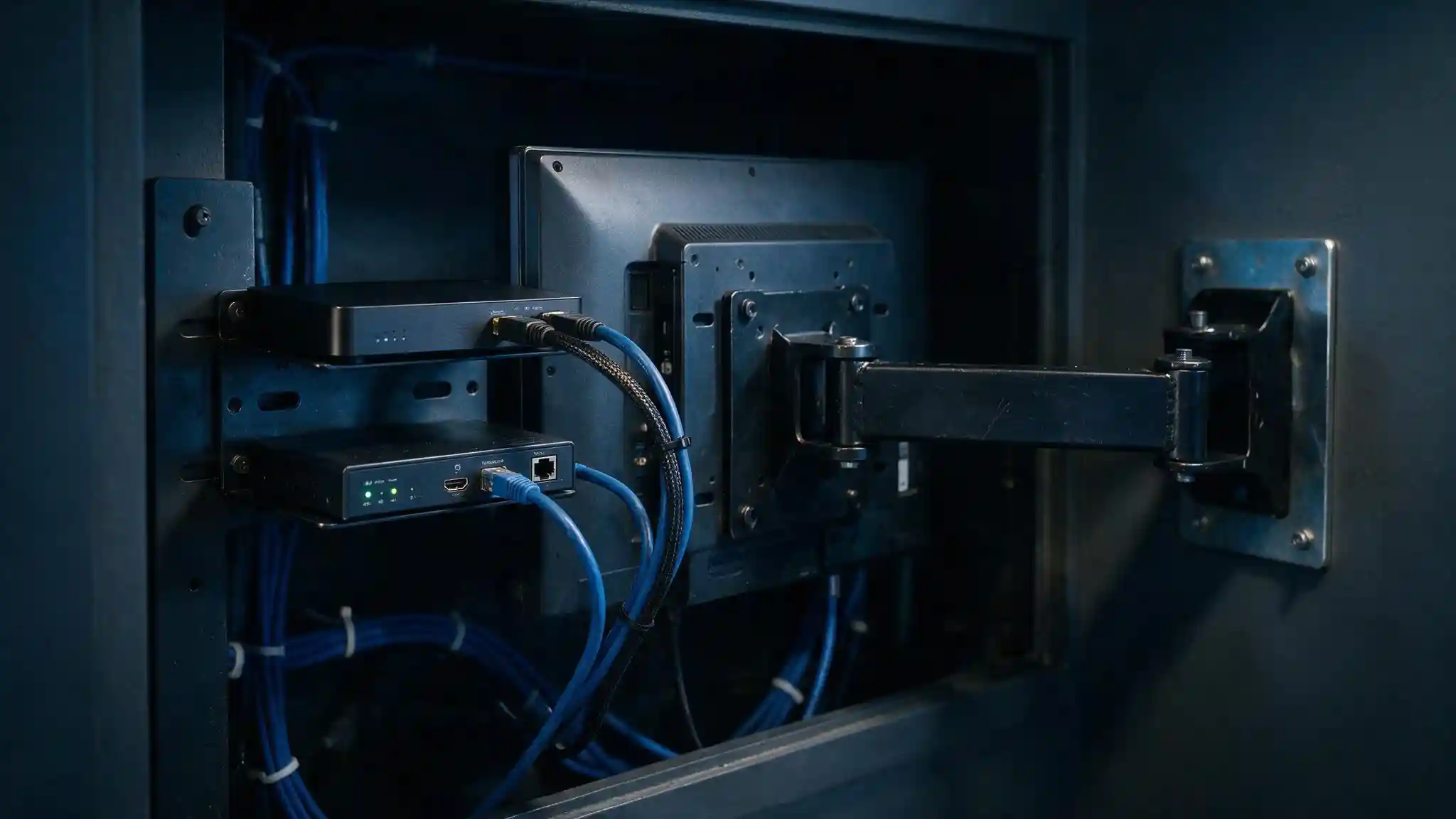
HDMI has a practical distance limit. Passive HDMI cable becomes unreliable at 4K beyond roughly 15 metres, which is shorter than many lobby installations need. Two solutions work: HDBaseT extenders that carry video, audio and control over a single Cat6 run up to about 100 metres, or fibre extenders for longer distances. Plan this at design stage, because the fix after the ceiling closes is expensive. The relevant cabling considerations are covered in Cat6 and Cat6A selection and fibre versus copper.
Signage players are computers on your network. They run an operating system, they are frequently forgotten in patching cycles, and a compromised player controls what the building displays to every visitor. Put signage on its own VLAN, keep it off the corporate and guest networks, and include the players in the asset inventory. The reasoning is the same as for any other segmented operational network.
Schedule power rather than leaving screens on. Displays that switch off outside operating hours last longer and cost less to run, and the same scheduling logic that drives smart lighting savings applies here. Use the display's network or RS-232 control, and confirm at commissioning that the schedule actually works rather than assuming it.
Some smaller displays and most external players can be powered over the network, so size any Power over Ethernet switch on total wattage rather than port count.
What Should Each Building Type Show?
Content strategy differs by building, and the most common failure is a single generic loop played everywhere.
Lobbies and reception. Wayfinding and floor directories, visitor welcome messaging, building notices, meeting and event schedules, and transport or weather information. A lobby screen answers the question a visitor has in the first ten seconds, which is where to go.
Retail. Promotions and pricing, dayparting so morning and evening content differ, queue and counter calling, and menu boards where pricing changes frequently. Retail is where the ability to update every branch simultaneously delivers most of the value.
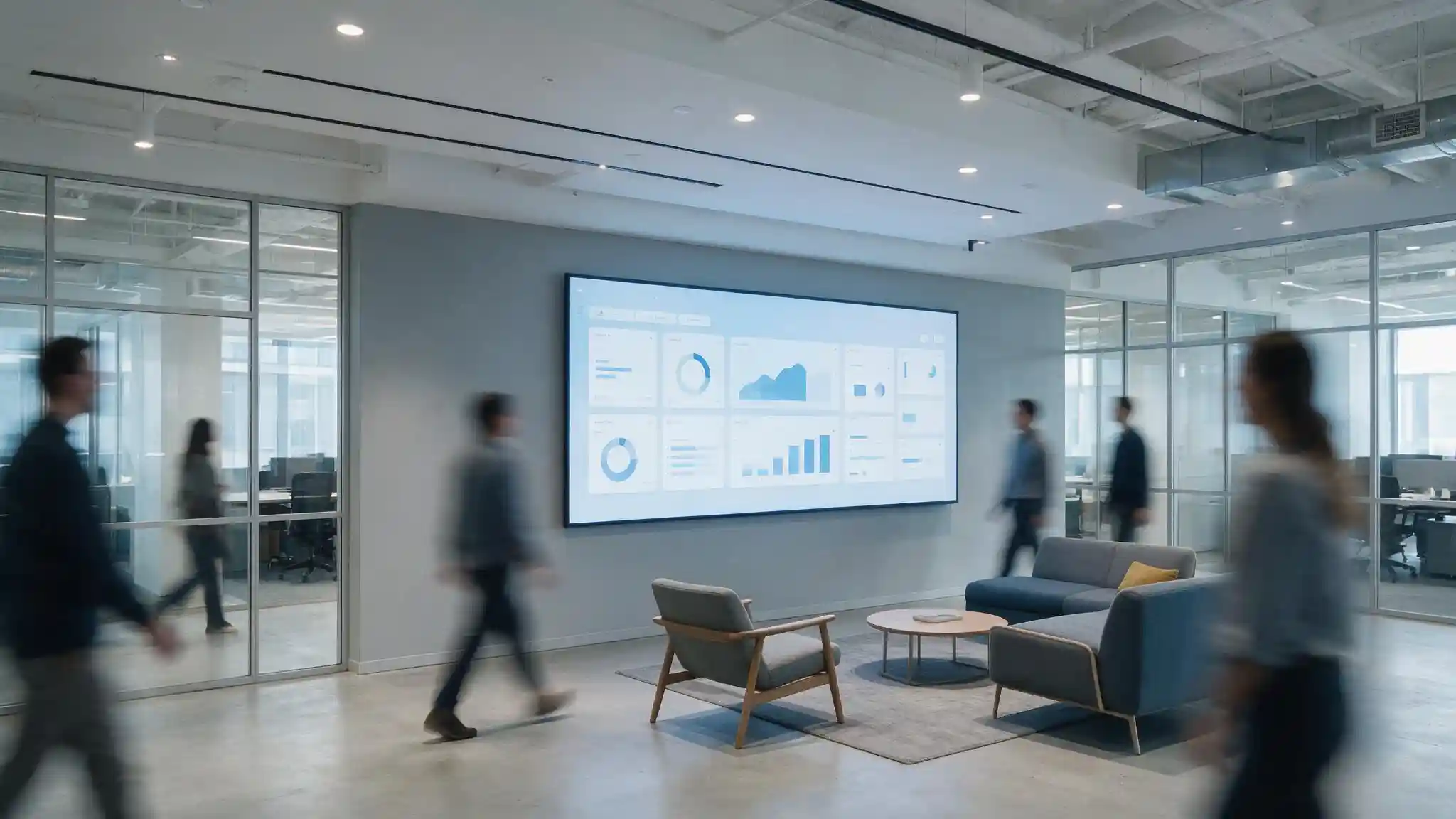
Corporate floors. Internal communications, safety and incident messaging, operational dashboards, and meeting room booking panels outside each room. Corporate screens work best when they carry live data rather than static slides, because live data is inherently current.
Emergency messaging across all three. Signage integrated with the fire alarm or mass notification system can override normal content with evacuation instructions and directions. This supplements the statutory alarm and evacuation systems rather than replacing them, and the arrangement must be agreed with the Civil Defence consultant.
The organisational requirement matters more than any of this. Name a content owner and a review schedule before installation. A screen with no owner shows the same loop for a year, and it stops being read within a week.
What Do Saudi Deployments Need to Get Right?
Three factors shape digital signage in Saudi Arabia that international specifications routinely miss.
Arabic rendering must be tested, not assumed. Arabic is written right to left and its letters change shape according to position within a word. Content management systems built for Latin scripts frequently render Arabic with letters disconnected, reversed or in the wrong order, and mixed Arabic and English lines break in ways that only appear on screen. Before purchasing any platform, ask for a live demonstration using your own Arabic copy, including a bilingual layout and Arabic numerals, and check it on the actual display rather than a laptop. This test takes ten minutes and prevents a platform-level mistake that cannot be fixed afterwards.
Plan the bilingual approach at the same time. Either split the screen into Arabic and English zones, or alternate languages on a timer, and design layouts so neither language is squeezed into space that suits the other.
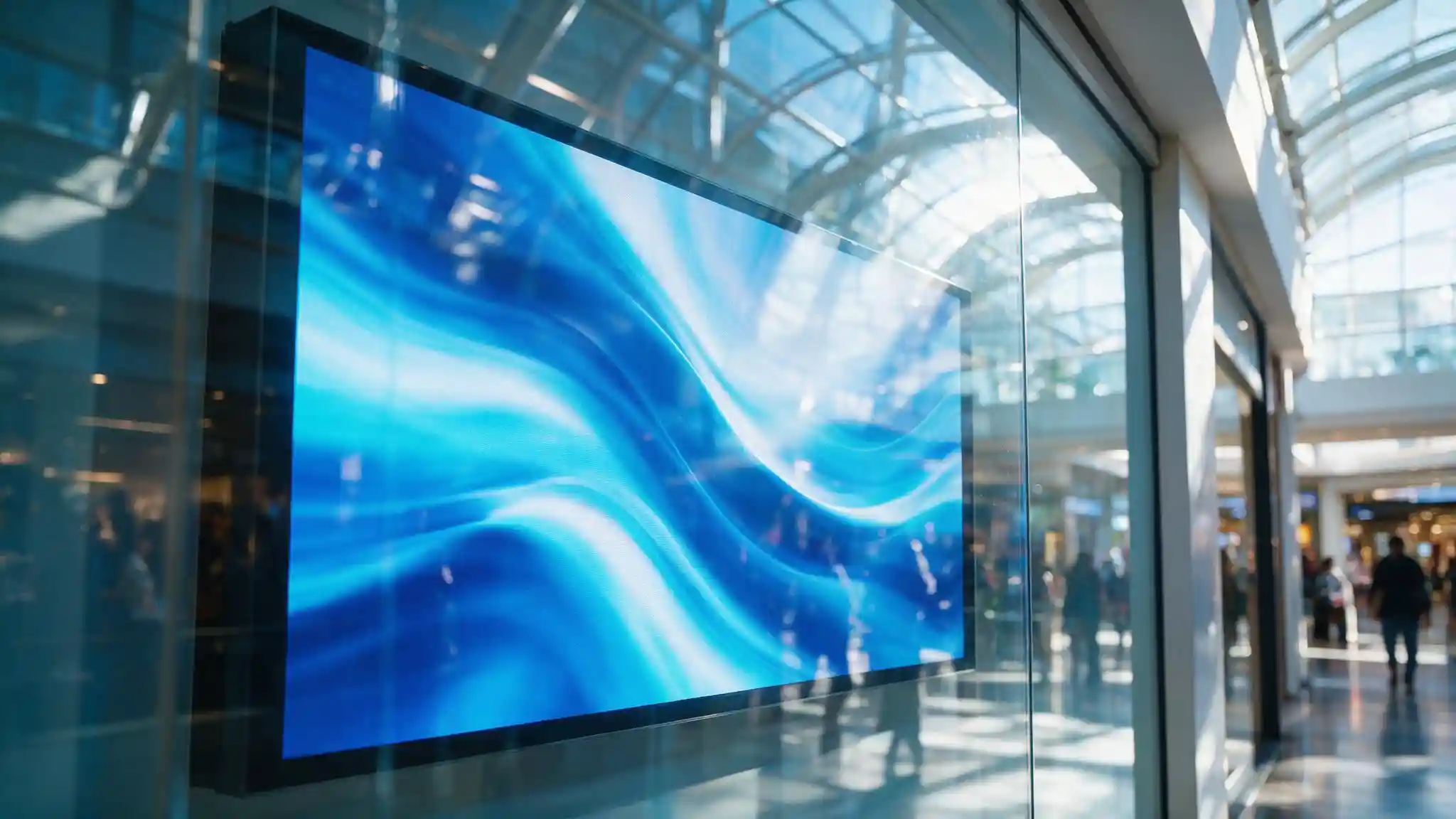
Heat behind glass is a real failure mode. A display positioned behind a glass shopfront or facing a curtain wall in a Gulf summer can exceed its rated operating temperature, and LCD panels exposed to sustained heat and direct sun can develop permanent dark patches. Specify high-brightness models rated for elevated ambient temperatures, provide ventilation or active cooling behind the screen, and avoid positions in prolonged direct sun unless the display is explicitly designed for them. The wider environmental design approach is set out in design for extreme desert climates.
Audience-measurement cameras need careful handling. Retail signage is increasingly sold with cameras that count viewers and estimate demographics. Any camera capturing images of identifiable people brings the installation within the scope of the Law of the Use of Security Surveillance Cameras administered by the Ministry of Interior, including approval and signage obligations, and produces personal data under the Personal Data Protection Law (PDPL) administered by the Saudi Data and Artificial Intelligence Authority. If audience measurement is genuinely needed, require on-device anonymous counting with no image retention and no transmission of images, and document what is collected. Where it is not needed, leave it out.
Signage players also sit within the National Cybersecurity Authority's Essential Cybersecurity Controls (ECC) as connected assets, which means inventory, patching and access control apply.
Blue Edge, a technology distributor based in Dammam, Saudi Arabia, supplies Dahua interactive screens and smart displays through its smart display solutions and interactive display solutions offering, alongside the structured cabling and networking and IT installation and configuration services these deployments require.
What Are the Most Common Digital Signage Mistakes?
Six mistakes account for most disappointing signage installations.
Installing consumer televisions. The duty cycle exceeds the design, the warranty excludes the use, and the panels are replaced within two years at full cost.
Under-specifying brightness. A 350-nit panel in a daylit lobby is unreadable, and the problem is discovered after installation when it can only be fixed by replacing the screen.
Mounting a landscape-only panel in portrait. Heat builds where the design did not anticipate it, and the warranty does not cover the orientation.
Running HDMI too far. The picture drops out intermittently, the fault is blamed on the player, and the actual cause is a passive cable well beyond its reliable length.
Buying a CMS without testing Arabic. Broken letter joining and reversed text appear only once real content goes up, and by then the platform is purchased.
Appointing no content owner. The most common failure of all. Screens show the same loop indefinitely, visitors stop looking at them, and the investment produces nothing.
Specify the Screen for the Light It Sits In
Digital signage rewards specification discipline more than budget. Measure or estimate the ambient light at each screen position and choose brightness accordingly. Confirm the operating hours and orientation ratings. Check the cable distance before committing to a mounting position. Test Arabic rendering on the real display before buying the platform.
Then solve the part that is not technical. Decide who owns the content, how often it changes, and what each screen is supposed to make a person do. A screen with a clear purpose and a named owner stays useful for years. A screen with neither becomes expensive wall decoration within a month.
Plan the network alongside the screens. VLAN separation, cable routes, extender selection and power scheduling determine whether the system runs reliably, and none of them can be corrected cheaply once the ceilings are closed.
Planning a digital signage project? Blue Edge supplies commercial displays and the network infrastructure behind them across Saudi Arabia. Call +966 53 9855 188 or contact our team to discuss your site. Learn more about smart display solutions in KSA.
Frequently Asked Questions
-
Can I use a normal TV for digital signage?
Not for commercial use. Consumer televisions are rated for roughly six to eight hours of daily operation, while commercial displays are rated for 16 or 24 hours, and consumer warranties explicitly exclude commercial installation. Consumer panels also lack portrait orientation ratings and the RS-232 or network control needed to schedule screens on and off. The saving on purchase is usually lost within two years on replacement.
-
How many nits does a digital signage display need?
It depends on the ambient light at that specific position. Interior corridors and meeting rooms are served by 350 to 700 nits. Daylit lobbies, atria and window-facing positions need roughly 1,500 to 2,500 nits. Screens facing direct sunlight or mounted outdoors need 2,500 nits and above, commonly 5,000. Assess each position separately rather than applying one specification across a building.
-
What pixel pitch do I need for an LED video wall?
A practical rule is that the minimum comfortable viewing distance in metres approximates the pixel pitch in millimetres. A P2.5 wall reads cleanly from about two and a half metres, suiting a reception area, while a P10 wall suits a building facade viewed from across a street. Finer pitch costs significantly more, so match the pitch to where people actually stand rather than buying the finest available.
-
How much bandwidth does digital signage use?
Less than most people assume. Content management systems typically download media to local storage on the player and play it from there, so the network carries a burst during content updates and very little between them. Live content such as streamed video, news feeds or real-time dashboards is the exception and consumes continuous bandwidth, so size that separately and put signage on its own VLAN.
-
Does digital signage software handle Arabic properly?
Not all of it does. Arabic is written right to left and letters change shape by position, and platforms built for Latin scripts often render it with disconnected or reversed characters, particularly in mixed Arabic and English layouts. Request a live demonstration using your own Arabic copy, including a bilingual layout, and view it on the actual display before purchasing. This check takes minutes and avoids a platform decision that cannot be undone.